
跳转到主内容
加入维修社区 - 创建账户

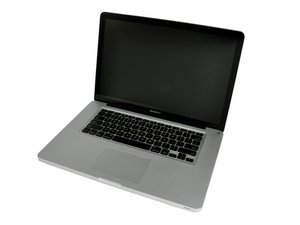
Released April 2010 / 2.4, 2.53 GHz Core i5 or 2.66 GHz Core i7 Processors

Drive won't fit in the enclosure you sold me.

There are four metal tabs that resemble screws that stick out on the sides of the drive. I am unable to insert the drive into the enclosure you sold me. I know I have the correct model of my MacBook Pro but the drive clearly doesn't fit. Can these tabs be removed in order to fit the enclosure or do I need to get a different one?

Update (06/27/25)

See the tabs circled in red.

Block Image
已回答! 显示答案 我也有这个问题

这是一个好问题吗?

得分 0
3条评论

Can you post a few pics so we can see what you are facing,

完成的

See the tabs circled in red.

完成的

@danj I think the photo is attached, I'm not sure how to get it to post though.

完成的

添加一条评论

1个答案

已选择的解决方案

Ok, got it! These are the mounting pins (threaded screw) that the bracket holds the drive in place which you can see in Step 7 in this guide and the other side slides into the holes provided.

Then jump to Step 11 which points to the four mounting pins in this guide MacBook Pro 15" 一体化机 2010中期硬盘更换 you'll need a Torx T6 screwdriver to remove them.

这个答案有帮助吗?

得分 2

2条评论:

Got them out, and it works! Thank you!

完成的

@christophe38981 - If you're good, please accept the answer, thanks!

完成的

添加一条评论

添加你的答案

Christopher J 将永远感激不已
浏览统计数据:

过去 24 小时: 0

过去 7 天: 2

过去 30 天: 3

总计 65
