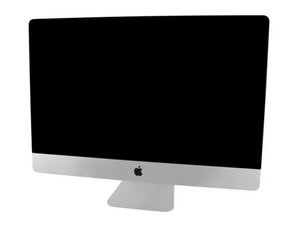

Removing the LCD cable from the back iMac display


I recently damaged the LCD data cable that connects to the Logic Board of my iMac 27" Late 2013. I bought a replacement from iFixit, but I'm having trouble removing the damaged LCD cable from the back of the display. It seems to be tightly secured, and loosening the screws next to where the cables are attached hasn't helped.
Before I risk damaging the display, I'm seeking advice on how to properly remove the cable from its socket on the back of the iMac 27" Late 2013 display. I've researched online but couldn't find specific instructions for this part of the process. There are comprehensive guides on taking the computer apart, but they seem to skip over this detail. Does anyone have experience or tips on removing the cable without damaging the socket?

 35
35  338
338  974
974 
