
 1
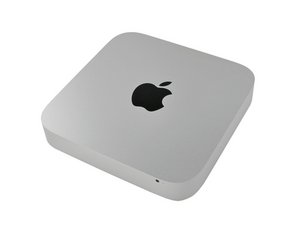
1 Three beeps at startup after disk upgrade on a Mini Server
After upgrading the two disks, my mini server won't boot : I have 3 beeps at startup apparently indicating a memory problem. This is not solved by replacing the memory modules by two others.
I've then replaced back the disks by the original ones: the mini boots perfectly with either sets of memory modules.
Is there anything to be done to prepare the disks before installation?
Has anyone experienced that?
Any ideas?

 77
77  360
360 
1条评论
What are the makes and models of the new hard drives?
由 mayer 完成的