
跳转到主内容
加入维修社区 - 创建账户

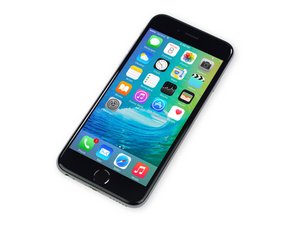
苹果官方于2015年9月25日正式发售iPhone6S A1688/A1633机型。 此机型的修理方式与先前几代差不多, 需要螺丝起子及撬棍工具。 同时也适用GSM or CDMA/16, 64 or 128 GB/ 银色, 金色, 深空灰色, 玫瑰金色等机型。

Home button does not work even after replacement

This is not your common “home button doesn’t work after screen replacement”. No, unfortunately my problem is a bit more mysterious.

I’ve got an iPhone 6S with a faulty home button. I’ve replaced it with a replica part, knowing that touch-ID will not work, but alas, even the replacement button does not work.

My guess is the screen needs to be replaced as that is the part that signals the button data to the motherboard.

My question is: can the problem be anything else than the screen?

已回答! 显示答案 我也有这个问题

这是一个好问题吗?

得分 0
添加一条评论

1个答案

已选择的解决方案

It can be connection to the motherboard. Take a magnifying glass and check the connector for any damage. Then clean the connector with a soft brush. If that doesn't work my guess is a defective screen. I have had this happen a couple of times. It's rare but it does happen. Hopefully the part has a warranty. I would also check the connector on the home button and screen connection before trying another screen. If that doesn't fix it you could have knocked off a resistor on the motherboard by the connector but I highly doubt it. MAKE SURE YOU UNHOOK THE BATTERY WHILE TAKING OFF AND HOOKING UP THE SCREEN. You can cause a short and why take a chance.

这个答案有帮助吗?

得分 1
添加一条评论

添加你的答案

Sam 将永远感激不已
浏览统计数据:

过去 24 小时: 0

过去 7 天: 1

过去 30 天: 1

总计 61