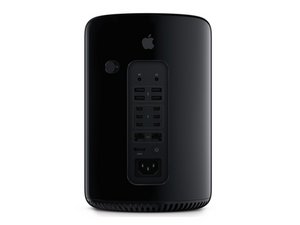

OWC SSD shows as external drive under Startup Manager
I’ve installed a new 1TB OWC Aura Pro X2 SSD in my 2013 Mac Pro - I’m running Catalina and formatted the SSD with APFS. It’s working pretty well aside from some odd issues. When I boot with the option key to run Bootcamp I will often get a chime and then nothing at all, just a blank screen. I then have to force a shutdown and try again. Usually on the second or third try I’m presented with the Startup Manager screen which shows two external disks - one is “Aura Pro X2” and the other is “EFI Boot”. Obviously these are both on the internal SSD and usually are labeled as “MacOS” and “Bootcamp” or similar. So I get the feeling something is not quite right. Has anyone had this issue with their OWC SSDs?

 3.7千
3.7千  1.1千
1.1千  2.6千
2.6千 