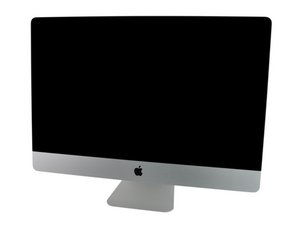

HDD to SSD replacement with normal fan speeds
This is not a question just a guide to fix the fan “issue”
I have just replaced my stock HDD with an Kingston SSD 240gb.
I used the ifixit guide as you can find it here on the site.
I’ve replaced the HDD with the SSD and connected a LCD temp sensor (bought from ebay for around 5$. See picture attached) to the HDD temp sensor input on the logicboard. Used some electrotape to secure the sensor on the SSD.
Fans run idl around 1250 to 1300 rpm. So very decent and not loud at all.
Speed of the SDD read/write is around 250/250 so way better than the old HDD.
Since there wasnt any guide on this and maybe someone wants to upgrade their old machine for cheap and without any software solutions to control the fan i’d share it here.
I can confirm that this works for both 27 inch late 2009 and 21.5 inch mid 2010 models.


 3.7千
3.7千  1.1千
1.1千  2.6千
2.6千 
1条评论
Maikie - Sadly, this will just get lost here in answers. You can create a guide your self! Here's the steps https://www.ifixit.com/Guide/new Take the plunge! The water isn't too deep or cold ;-}
由 DanJ 完成的