
 1
1 External DVD player issue
Hi All
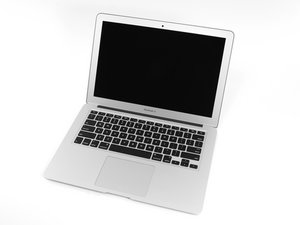
I have an odd problem with my external DVD drive I’m using on my Macbook Air
The mac is reading the presence of a disc but it refuses to play it or read it.
I thought it was the drive, but when I plugged it into my PC it works fine. 100% OK,
Any ideas?
I’m running the latest Mac OS - Mojave

 1.1千
1.1千  2.6千
2.6千 
4条评论
@ayyon777 are you using a USB SuperDrive made by Apple?
由 [deleted] 完成的
Hi Aaron
No it's a 'generic' drive. It's used to work fine. Last used it in the summer and worked OK, suddenly just stopped
the actual message that appears on screen is -
'The Disk you inserted was not readable by this computer'
But it says this with every disk! And when I plug into my PC is fine, no problems
由 David 完成的
@ayyon777 It would be nice to have the make and model number of your drive...
由 [deleted] 完成的
There is nothing on the casing to say who it's made by. It looks exactly like the superdrive but it's a clone. had it for about 5 years always worked fine.
由 David 完成的