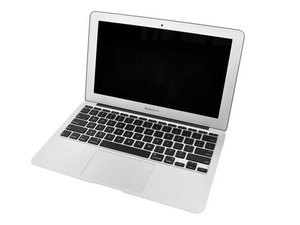

How do I fix the flashing folder error?
I have opened the back to try and access the hard drive as I believe that something may be wrong with the connection between the hard drive and the CPU.
I’m now officially stuck, can’t find the hard drive in the back of the laptop. I can locate the drive chip, not quite sure if that has anything to do with the fishing folder error.
Fairly new to this sort of DIY, help would be much appreciated.

 3.7千
3.7千  1.1千
1.1千  2.6千
2.6千 