
 2
2  1
1 Cannot find diagnostic LEDs.
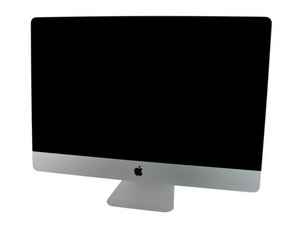
I am working on a system for a friend. They have had this system for some time. They went to turn it on a few months ago and it would not power on. No fans not even a screen flicker.
I have tied all options to troubleshoot all accept looking at Diagnostic LEDs which I have not been able to locate. The only Apple tech Manual I could find is for iMac (27-inch, Mid 2010). I could not find one for Mid 2011.
Looking at the manual and following the location guide I have not been able to find the LEDs I have looked at logic board, while mounted, and cannot see them through the vents. When I plug in the power cord, which I have checked and has correct voltage coming to system, I can not see any green lights. This could indicate the PSU is bad, but would like to know if Diagnostics LEDs are in the same location as iMac (27-inch, Mid 2010).

 2.6千
2.6千 
