
 2
2 Power won't boot; magsafe cable green and no immediate damage
My laptop normally gets a cat walking across it every few days but hasn't taken any big damage, water or otherwise.
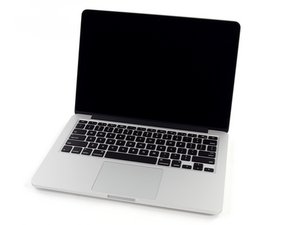
After it ran for about three days uninterrupted while charging, I closed my macbook and walked away without powering down. I attempted to open it and power it up near 20hrs later and not only had the computer shut off while charging, but it refuses to power on even for the SMC reset.
Is it possible that despite the magsafe light turning green, the laptop isn't charging? Nothing happened while the laptop was closed; other than the humidity in the room, nothing could have disturbed it. I cannot find the proper tool to unscrew the back and check on it, and wont have a new cable to test until Friday, but I also can't afford to send it off to Apple...
Update (01/17/2017)
Okay update: today I received pentalobe screwdrivers in the mail and opened the laptop and dusted it out, hoping that would help. The computer didn't turn on after a thorough cleaning so I left it open and charging in another room for an hour assuming the logic board to be dead and figuring I may as well make sure the battery is fully charged again before taking it in. I walked back into the room to fiddle with something else and while my back was turned the computer booted by itself.
I really have no idea what's going on with it but it's turned on for now..

 54
54  62
62 

5条评论
My model doesn't seem to have the button that turns the indicator on, somehow? And it won't react to the charge cord.
由 Luciano Perez 完成的
What model number is on the bottom of the laptop? A1278 is an example for the 13" mid-2012 laptop.
由 Seji the veggie 完成的
The model number is A1502
由 Luciano Perez 完成的
Interesting.....let us know if anything changes
由 Andrew 完成的
Please go here to help find your exact machine. There are nine A1502 models: http://www.everymac.com/ultimate-mac-loo...
由 mayer 完成的