
 2
2  2
2 Replacing MacBook Pro Hard Drive with SSD
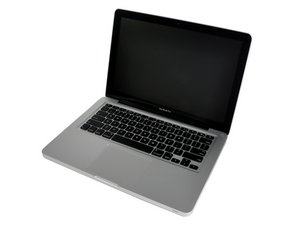
After seeing your tutorial, I've decided to install an SSD drive on my MacBook Pro, and move the old hard drive into the Optical Drive location (thanks!).
After I mirror the hard drive onto the SSD, I'm concerned that the system software and application software will not work, since the SSD will now be the startup drive. What I'm HOPING is that the software detects something else on the computer (other than the hard drive) in order to recognize it and work. That would make this irrelevant (I think). I've searched to find an answer, but can't find anything definitive.
So the question is:
Do I need to deactivate/reactivate (or uninstall/reinstall) my software (adobe CS, Microsoft Office for Mac, Mac OS 10.7.5, etc.)? Or should it work seamlessly?
Thanks.

 2.6千
2.6千 

2条评论
First tell us you exact machine model, then which make and model of SSD you plan to install. Next any current issues you may be having and what system you are running and is your software legal.
由 mayer 完成的
I have a 15" MacBook Pro, Late 2011. I have a Samsung SSD 850 EVO, and I bought your (iFixit's) Unibody Laptop Drive Enclosure to house it.
I am running Mac OS X Lion 10.7.5 (I'd rather not update right now if avoidable). All of my software is legal. Serial numbers and purchase receipts in hand. No current issues with the computer. I just want to speed it up. Last week I installed/upgraded the RAM from 4GB to 8GB, which made a significant increase in speed.
由 kevin fitzgerald 完成的