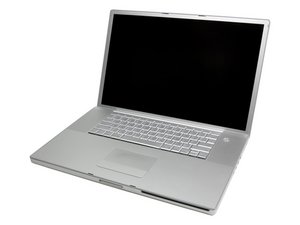

run away program won't let me open other programs
Is there a system restore on a PowerBook G4 17'' 1.5

声誉积分: 79
 3
3
 1
1
Try starting in Safe Mode and remove the "runaway app".
To start up into Safe Mode (to Safe Boot), do this:
1. Be sure the computer is shut down.
2. Press the power button.
3. Immediately after you hear the startup tone, hold the Shift key. The Shift key should be held as soon as possible after the startup tone but not before.
4. Release the Shift key when you see the gray Apple icon and the progress indicator (looks like a spinning gear).
During startup in Mac OS X v10.4 or later, you will see "Safe Boot" on the login window, which appears even if you normally log in automatically.
During startup in Mac OS X v10.2 through v10.3.9, you will see "Safe Boot" on the Mac OS X startup screen.
To leave Safe Mode in any version of Mac OS X, restart the computer normally, without holding any keys during startup.
这个答案有帮助吗?
+ very good
过去 24 小时: 0
过去 7 天: 0
过去 30 天: 1
总计 551
