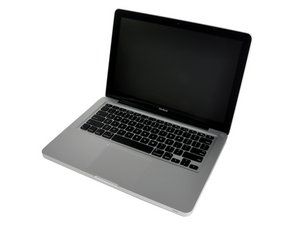

Doesn't start don't boot up
When I press the power bottom it turns the display on but never gets to start won't came the lock screen

声誉积分: 4.8千
 17
17
 18
18
 6
6
Following on mayer's questions: Have you tried booting from an install DVD or external drive? You can boot from alternate drives by holding down the Option key when you power up; if the computer can boot at all, it will display all bootable volumes (internal hard drive, DVDs, flash drives, external hard drives) as icons on the screen. You can then select a drive and boot from there.
If you have Lion or Mountain Lion installed, the system installer created a hidden recovery partition which will appear using that same technique. If it appears, you can boot from the recovery partition and use Disk Utility to try to repair your normal boot partition.
这个答案有帮助吗?
过去 24 小时: 0
过去 7 天: 0
过去 30 天: 1
总计 188

2条评论
Any sounds? Is the screen white? Anything discernible on the screen? Is there a history on the machine?
由 mayer 完成的
Is this an EFI screen/user lock? Do you see a locked padlock on the screen?
由 originalmachead 完成的