
 3
3  10
10 Power button not working, computer cannot be completely off
Hi there,
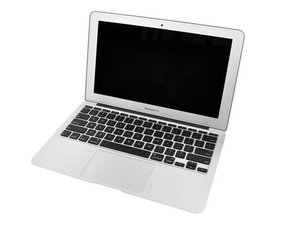
I accidentally knocked a glass of water over and some of the droplets from that hit my keyboard. I dried it off immediately and continued to use my MBA like normal. Ten minutes later the keyboard and trackpad completely stopped working, with the exception of the power button.
So I turned it off and on and finally did the 'Shift + Control + Alt + Power Button" combination while the computer was off, which worked and recovered the keyboard and trackpad functionality, though full functionality came back in pieces. Now every button is fully functional, though sometimes when pressing delete it backspaces excessively.
At first the processor was operating at 300% capacity which of course made the computer extremely slow, but that calmed down as well.
Now the only problems are as follows:
- Computer sporadically becomes slow / fan runs excessively
- Power button does not work, so I shut down through the Apple Icon menu.
- The power button does seem to work when the computer is completely shut down, as pressing it will wake it up. The shut down options just don't show up anymore when the computer is on.
Any ideas?

 2.6千
2.6千 