此翻译由机器生成,尚未经过人工审核。 会说这种语言吗? 查看评论。
简介
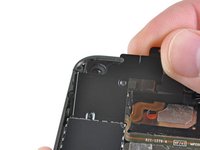
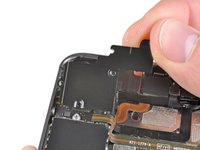
使用本指南更换电源按钮的电子部件,以及连接的环境光传感器和接近传感器。
你所需要的
-
-
-
-
-
-
-
按照以下顺序,断开逻辑板顶部附近的五根排线:
-
耳机插孔/音量按钮排线
-
电源按钮排线
-
前置摄像头排线
-
触摸数字化层排线
-
显示屏排线
-
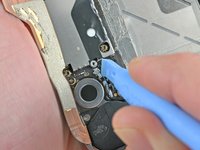
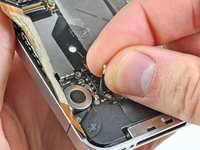
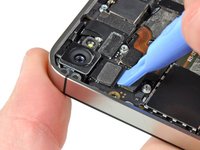
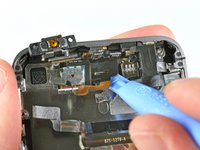
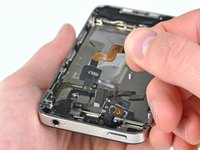
要断开这些排线,请使用开启工具的边缘,轻轻将它们的连接器撬起,从逻辑板上的插孔中取出。
-
-
-
-

 询问修复机器人


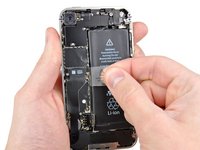
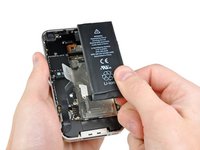


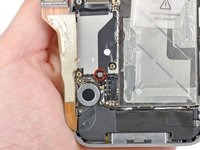
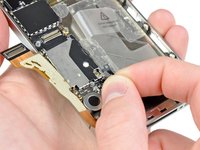










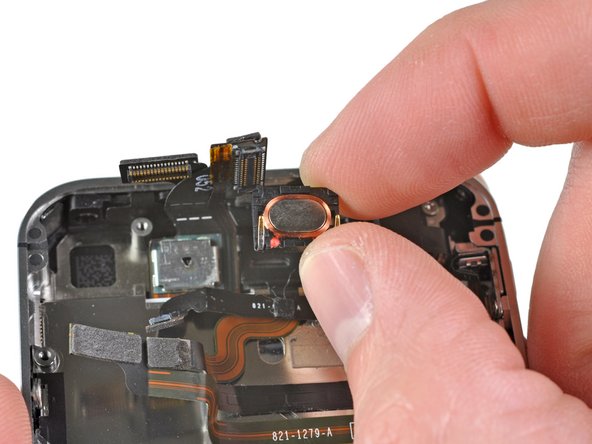
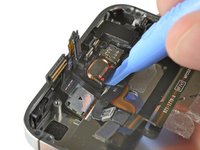
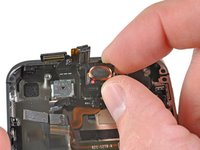

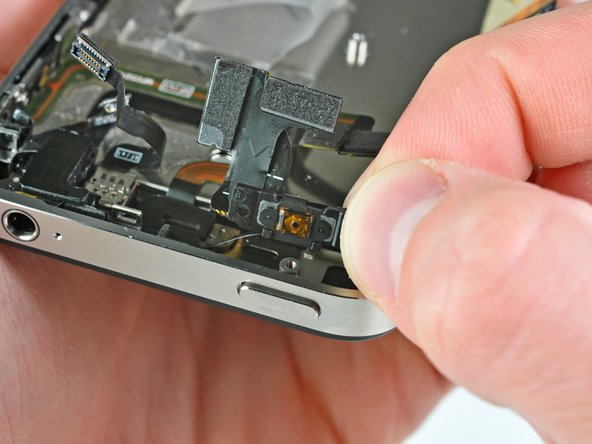
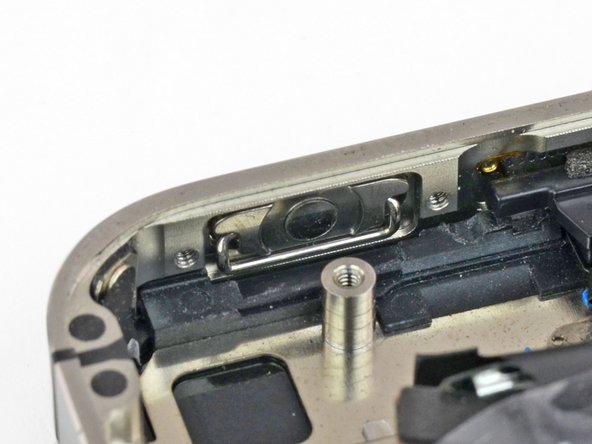
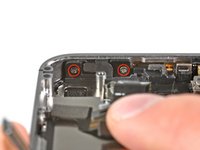
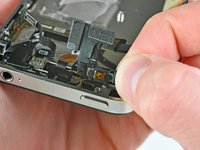
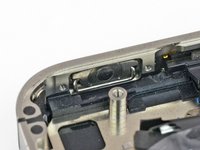



要重新组装设备,请按相反顺序执行这些说明。
84等其他人完成本指南。

3指南评论
My power button quit working. I bought the cable assembly and replaced it per these instructions. Everything seemed to work at first but later I noticed my phone kept trying to shut itself off. Any ideas what is causing this? It only seems to occur after I use the power button. It is almost as if it is getting stuck down.
Please remove your screen first, before replacing power button or sensor cable. I advise you to not dare attempt to remove those Step 25 screws (power button cable bracket ) while screen is mounted.
It is too risky! Display's ribbon cable interferes with driver access to these screws. While driving these screws, I unknowingly broke my display cable. It is actually a delicate circuit, not just a simple flexible ribbon. If I knew just how delicate is display cable, then I would not have ventured to perform this replacement. (In my case, only proximity sensor was not working; power and and ambient light sensor were both functioning. In my case, it was not worth breaking a pricy screen for sake of a cheap sensor.)
With a broken screen cable, iPhone endlessly repeats a diagnostic sound or vibration.
iPhone endlessly repeats the "power supply accepted" sound or vibration
