跳转到主内容

iPhone 16 Pro Taptic Engine Installation

仅作为前提条件
本指南仅提供前提条件!本指南是另一个程序的一部分,不能单独使用。

你所需要的

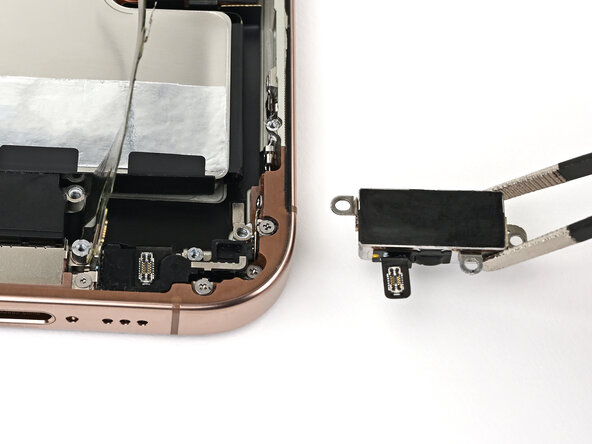
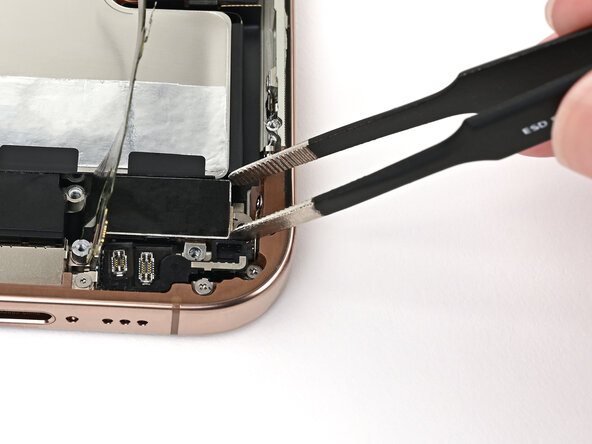
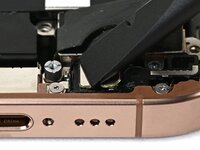
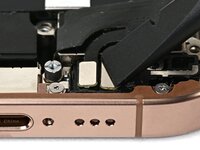
  1. iPhone 16 Pro Taptic Engine Installation, Install the Taptic Engine: 步骤 1 中的图像 1,2 iPhone 16 Pro Taptic Engine Installation, Install the Taptic Engine: 步骤 1 中的图像 2,2
    • Use blunt-nose tweezers or your fingers to align the Taptic Engine with its screw posts and place it in the frame.

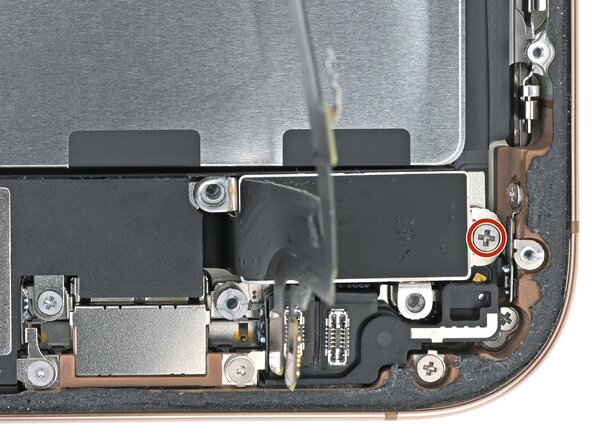
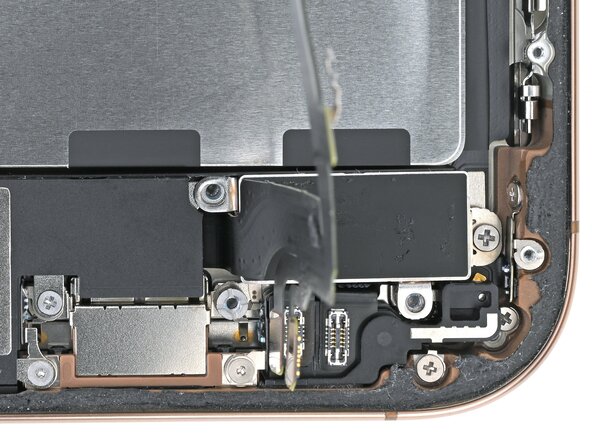
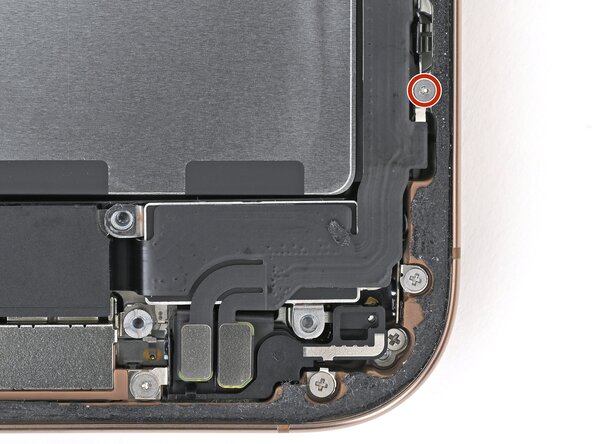
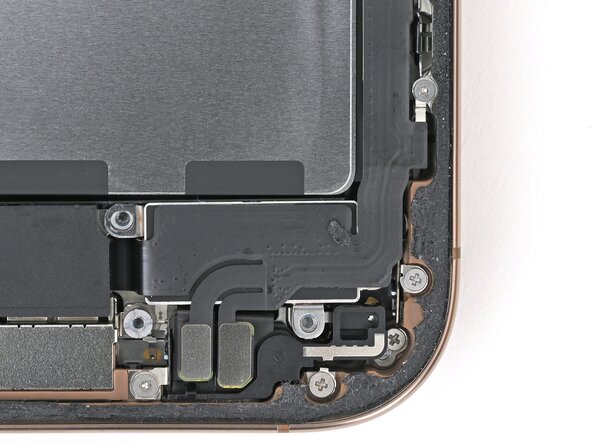
  2. iPhone 16 Pro Taptic Engine Installation: 步骤 2 中的图像 1,2 iPhone 16 Pro Taptic Engine Installation: 步骤 2 中的图像 2,2
    • Use a Phillips screwdriver to install the 1.9 mm‑long screw securing the Taptic Engine, located on its right edge.

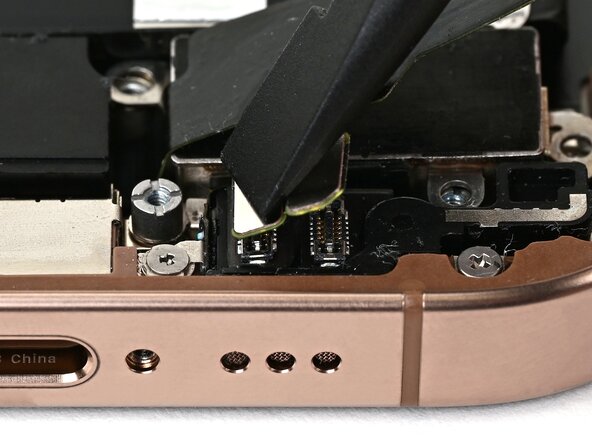
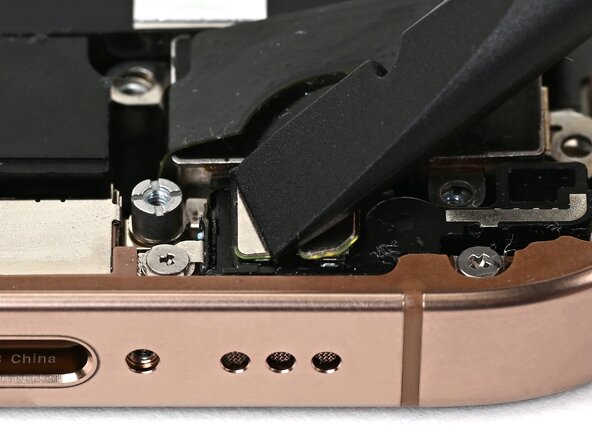
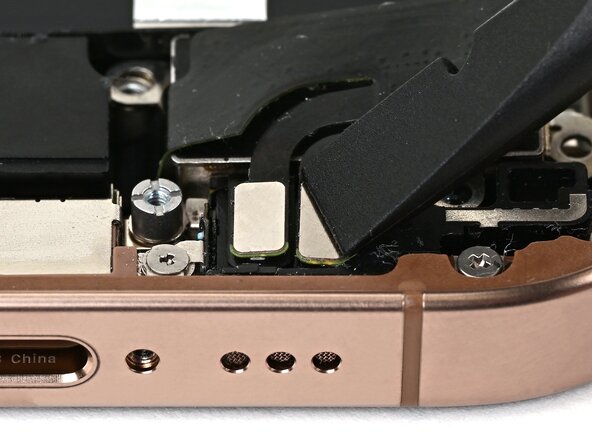
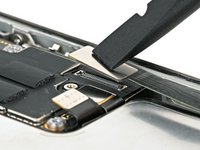
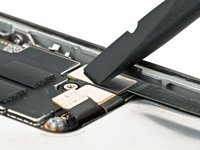
  3. iPhone 16 Pro Taptic Engine Installation, Connect the lower assembly cable: 步骤 3 中的图像 1,3 iPhone 16 Pro Taptic Engine Installation, Connect the lower assembly cable: 步骤 3 中的图像 2,3 iPhone 16 Pro Taptic Engine Installation, Connect the lower assembly cable: 步骤 3 中的图像 3,3
    • Use your finger or a spudger to connect the two lower assembly press connectors.

    • These press connectors can be tricky. Align each connector over its socket and press down—first on one side, then the other—until it clicks into place. Don't try to force them. If you're having trouble, reposition them and try again.

  4. iPhone 16 Pro Taptic Engine Installation: 步骤 4 中的图像 1,2 iPhone 16 Pro Taptic Engine Installation: 步骤 4 中的图像 2,2
    • Use a tri-point Y000 screwdriver to install the 1.0 mm‑long screw securing the lower assembly cable.

  5. iPhone 16 Pro Taptic Engine Installation: 步骤 5 中的图像 1,2 iPhone 16 Pro Taptic Engine Installation: 步骤 5 中的图像 2,2
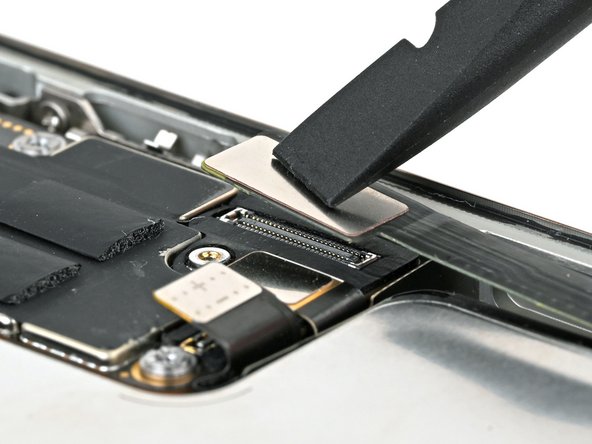
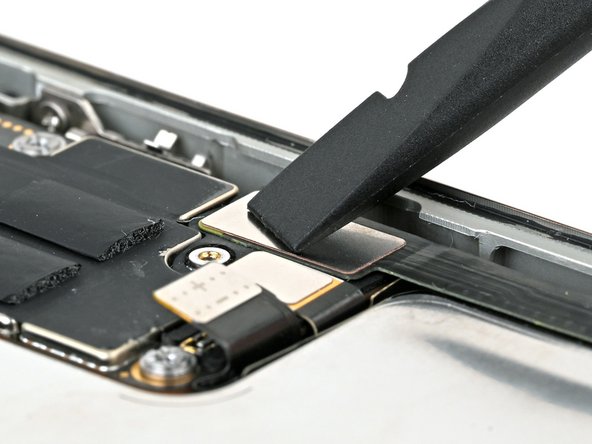
    • Use your finger or a spudger to connect the lower assembly cable press connector, located in the bottom-right corner of the logic board.

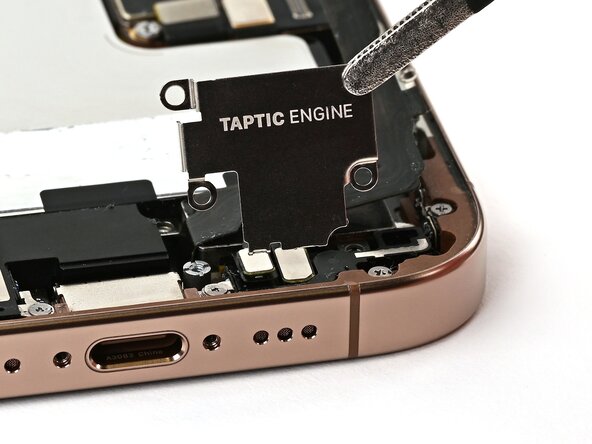
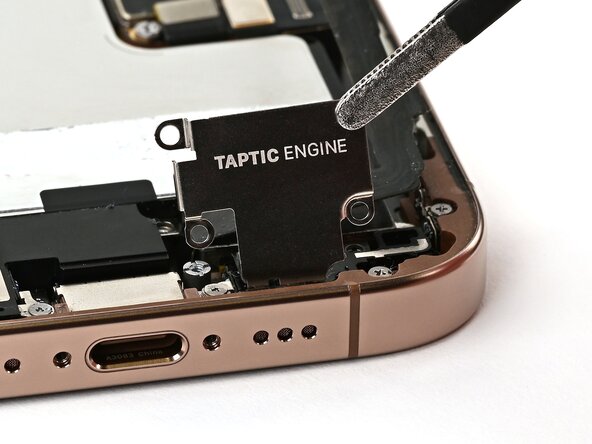
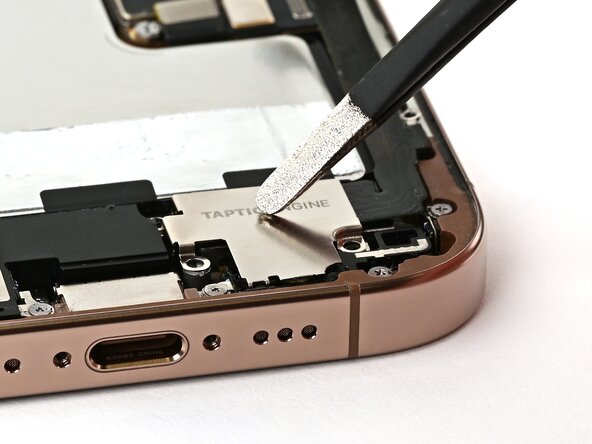
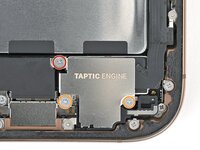
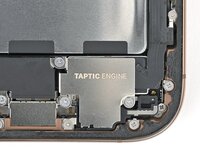
  6. iPhone 16 Pro Taptic Engine Installation, Install the Taptic Engine cover: 步骤 6 中的图像 1,3 iPhone 16 Pro Taptic Engine Installation, Install the Taptic Engine cover: 步骤 6 中的图像 2,3 iPhone 16 Pro Taptic Engine Installation, Install the Taptic Engine cover: 步骤 6 中的图像 3,3
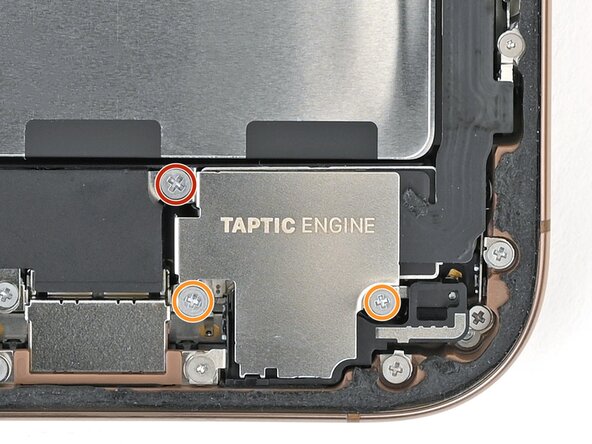
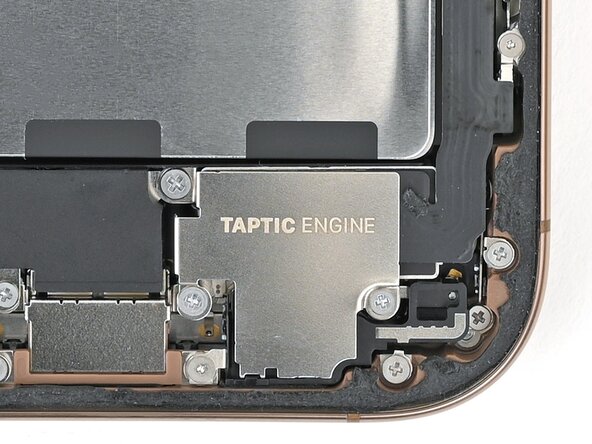
  7. iPhone 16 Pro Taptic Engine Installation: 步骤 7 中的图像 1,2 iPhone 16 Pro Taptic Engine Installation: 步骤 7 中的图像 2,2
    • Use a Phillips screwdriver to install the three screws securing the Taptic Engine cover:

    • One 3.0 mm‑long screw

    • Two 1.7 mm‑long screws

终点

Nick Schultz

于03/24/24注册

38,114 声望

创作了226篇指南

团队

iFixit iFixit 的会员

Staff

123 名成员

创作了23,818篇指南

0指南评论

添加评论

浏览统计数据:

过去 24 小时: 0

过去 7 天: 0

过去 30 天: 3

总计 42