简介
This guide covers the removal and replacement of a defective microphone on the Xbox Wireless Headset. This repair requires use of a soldering iron.
Be careful when soldering as the iron gets very hot and can burn you.
Use an iron rest, do not just lay it on your work surface, that can lead to damage to you, your device and more.
Fumes produced are toxic so work in a well-ventilated area or use an extractor fan if available.
你所需要的
-
-
Remove the left ear pad from the headset. On this type ear pad you can grasp the pad itself and pull away from the center, then lift it slightly, this disengages the soft, flexible plastic of the pad from the rigid plastic it is held under that keeps it in place.
-
The pad may then pull off easily, or you may need to hold it with the thumb and forefinger of your other hand to keep it from slipping back into place while, moving an inch or so away from where you are holding it you repeat the action of pulling it outward and lifting one or more times until it is freed.
-
As an analogy; until a photo can be added for clarification, think of it like a button. The 'button' is the part of the earphone we are removing the pad from. The back of the ear-pad has a 'button-hole' held under the 'button' like your shirt. It's elastic enough that we can pull it like this to 'unbutton' it.
-
-
-
-
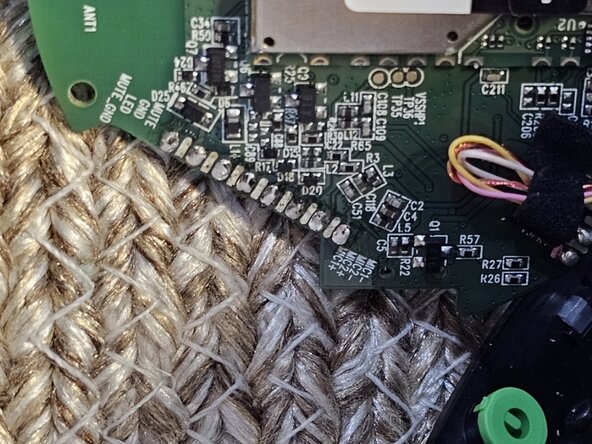
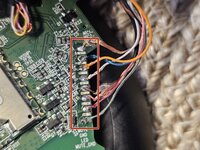
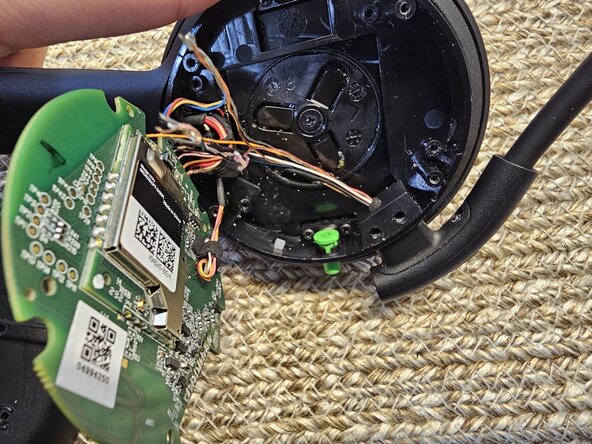
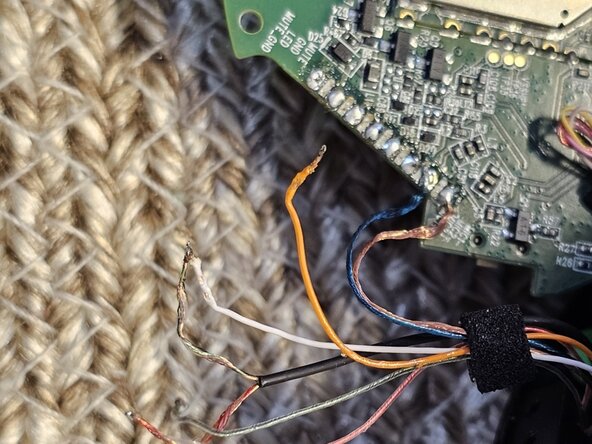
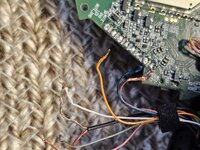
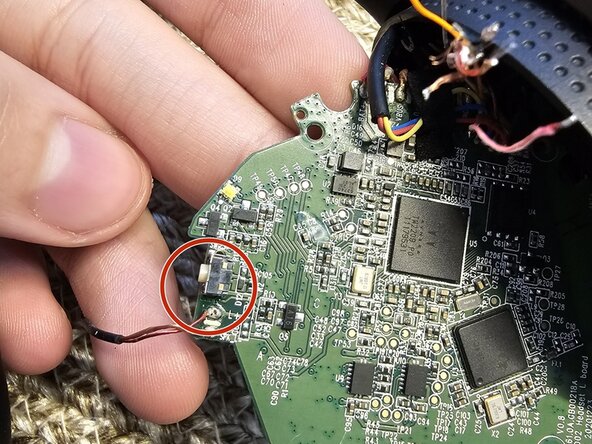
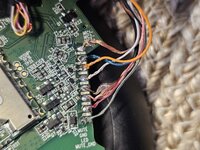
Before proceeding farther take a good, clear photo of the PCB where the wires are all connected (Red Rectangle) Or carefully note down which wires go where. You will need this to complete the repair and reassemble the device.
-
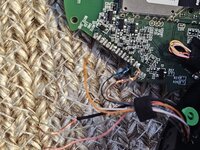
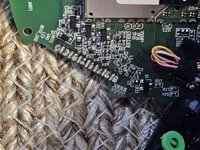
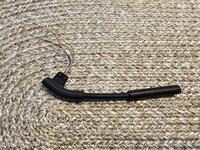
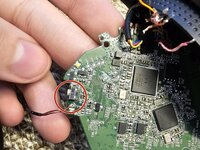
Once you are prepared to replace them properly, remove the wires: Use a soldering iron to desolder each wire of the microphone.
-

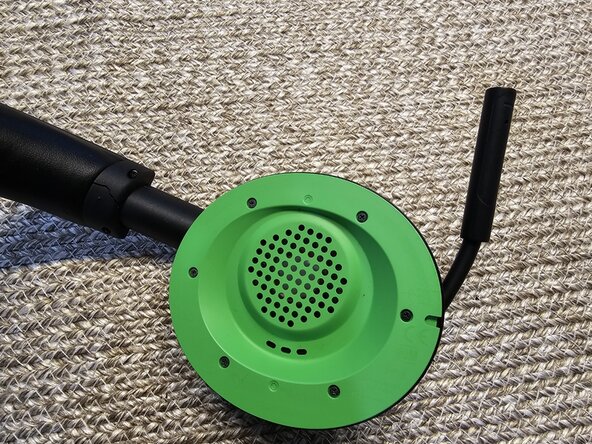


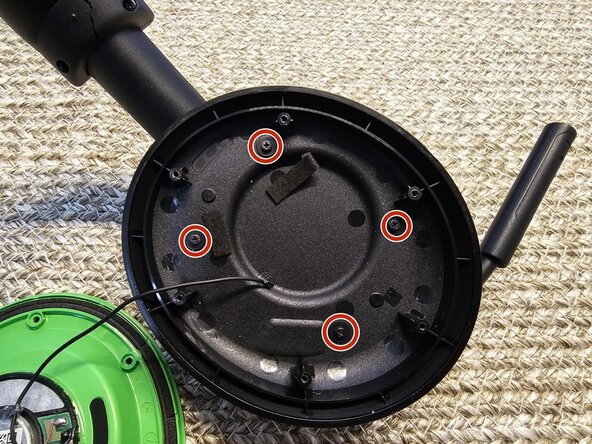
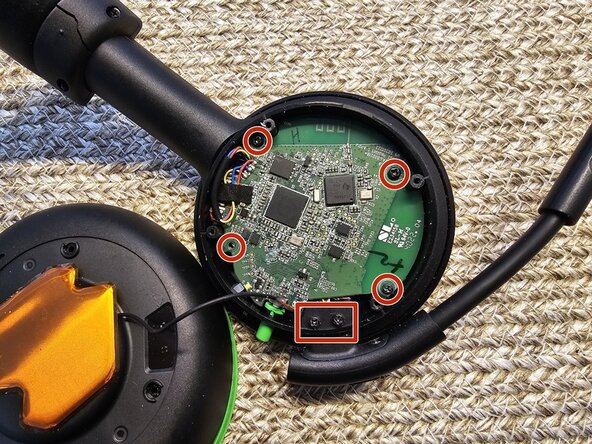


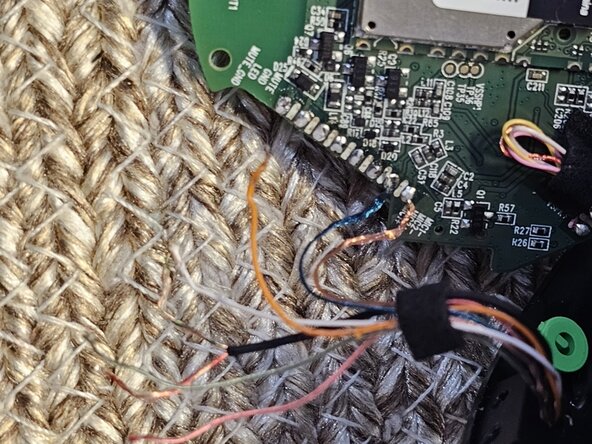


To reassemble your device, follow these instructions in reverse order. Take your e-waste to an R2 or e-Stewards certified recycler.


团队

Duquesne University, Team 4-5, Luchini Spring 2025 Duquesne University, Team 4-5, Luchini Spring 2025 的会员
DUQ-LUCHINI-S25S4G5
1 名成员
创作了2篇指南
3指南评论
Where can I buy a replacement microphone for the Xbox headset?
Same question here, I couldn't find one on eBay
I am also looking for a replacement microphone for our XBox headphones. Mine looks the same as pictured in this article but only has a 2 wire set up.
