简介
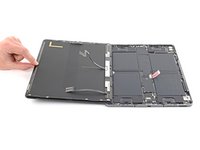
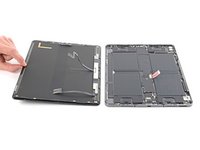
Use this guide to remove the screen in your iPad Pro 12.9" 5th Gen.
For your safety, discharge the battery below 25% before disassembling your iPad. This reduces the risk of fire if the battery is accidentally damaged during the repair. If your battery is swollen, take appropriate precautions.
你所需要的
-
-
Use a Phillips screwdriver to remove the seven screws securing the top and bottom display brackets:
-
Four 1.1 mm-long screws
-
Two 2.0 mm-long screws
-
One 1.0 mm-long screw
-
-
在这个步骤中使用的工具:Tweezers$4.99
-
Use tweezers, or your fingers, to remove the top and bottom display brackets.
-
-
-
-
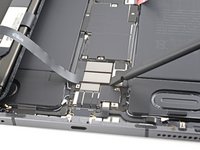
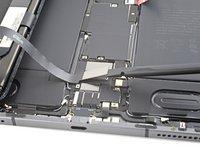
Use a spudger to pry up and disconnect the two bottom display cable press connectors.
-
-
-
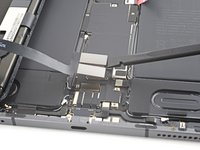
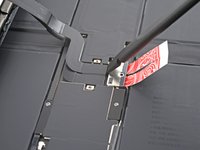
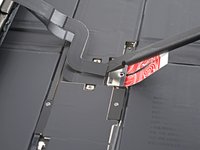
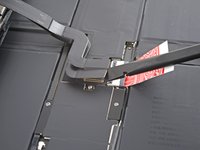
Use a spudger to pry up and disconnect the two top display cable press connectors.
-






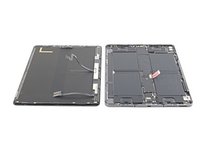
To reassemble your device, follow these instructions in reverse order.
Take your e-waste to an R2 or e-Stewards certified recycler.
Repair didn’t go as planned? Try some basic troubleshooting, or ask our iPad 12.9" 5th Generation Answers community for help.



