跳转到主内容

SCUF Reflex Joystick Replacement

你所需要的

  1. SCUF Reflex Joystick Replacement, Remove the middle trim: 步骤 1 中的图像 1,1
    • Insert an opening pick underneath the middle trim at the bottom-right corner of the controller to release the clips.

    • Loosen the rest of the clips and take the middle trim out.

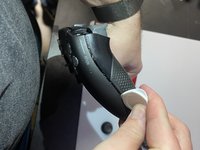
  2. SCUF Reflex Joystick Replacement, Remove L1 and R1: 步骤 2 中的图像 1,3 SCUF Reflex Joystick Replacement, Remove L1 and R1: 步骤 2 中的图像 2,3 SCUF Reflex Joystick Replacement, Remove L1 and R1: 步骤 2 中的图像 3,3
    • Use a tool to pop the R1 and L1 buttons off of the controller.

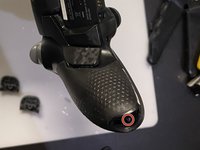
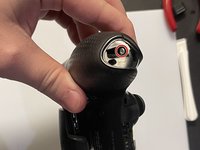
  3. SCUF Reflex Joystick Replacement, Unscrew the grips: 步骤 3 中的图像 1,2 SCUF Reflex Joystick Replacement, Unscrew the grips: 步骤 3 中的图像 2,2
    • Unscrew and remove the screw from the bottom of each grip.

  4. SCUF Reflex Joystick Replacement, Unscrew behind L1 and R1: 步骤 4 中的图像 1,1
    • Unscrew the screws behind the L1 and R1 buttons.

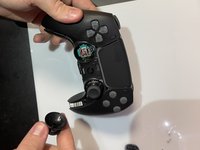
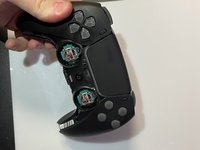
  5. SCUF Reflex Joystick Replacement, Pull the joysticks off: 步骤 5 中的图像 1,2 SCUF Reflex Joystick Replacement, Pull the joysticks off: 步骤 5 中的图像 2,2
    • Pull the joysticks off of the controller.

  6. SCUF Reflex Joystick Replacement, Pull the scuff buttons off: 步骤 6 中的图像 1,1
    • Pull the scuff buttons off the back of the controller by sliding them down.

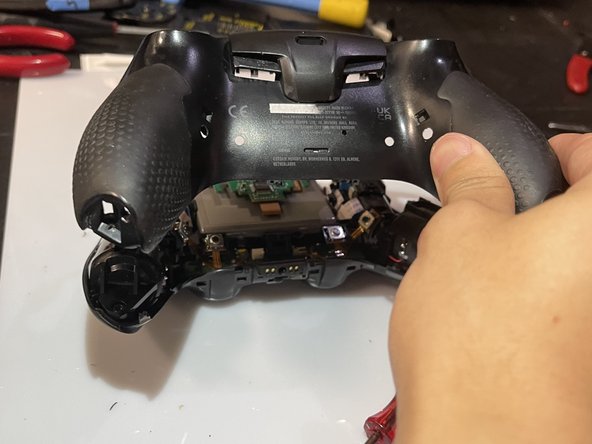
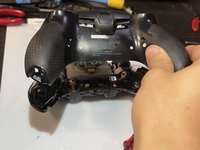
  7. SCUF Reflex Joystick Replacement, Remove the rear case: 步骤 7 中的图像 1,2 SCUF Reflex Joystick Replacement, Remove the rear case: 步骤 7 中的图像 2,2
    • Slide the prying tool down the edge of the rear casing of the controller to remove the rear case.

    • Be sure to deal with all the clips!

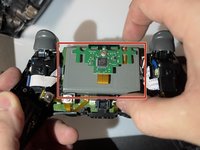
  8. SCUF Reflex Joystick Replacement, Slide the battery out: 步骤 8 中的图像 1,2 SCUF Reflex Joystick Replacement, Slide the battery out: 步骤 8 中的图像 2,2
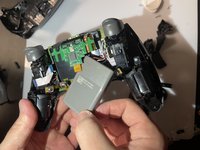
    • Slide the battery out of the controller. It's grey and held in by a couple of wires, so be careful not to damage them.

  9. SCUF Reflex Joystick Replacement, Unplug the battery: 步骤 9 中的图像 1,1
    • Unplug the battery to finish removing the battery from the controller.

  10. SCUF Reflex Joystick Replacement, Take the battery bracket out: 步骤 10 中的图像 1,2 SCUF Reflex Joystick Replacement, Take the battery bracket out: 步骤 10 中的图像 2,2
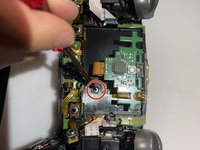
    • Unscrew the screw on the back of the controller to remove the battery bracket.

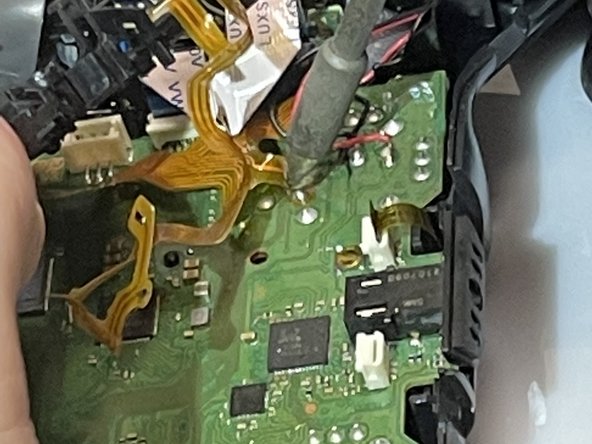
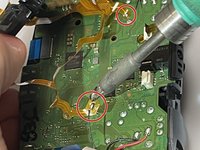
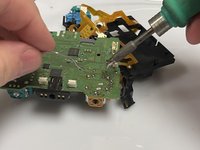
  11. SCUF Reflex Joystick Replacement, Desolder the ribbon cables: 步骤 11 中的图像 1,2 SCUF Reflex Joystick Replacement, Desolder the ribbon cables: 步骤 11 中的图像 2,2
    • Use a soldering iron to desolder the ribbon cables on the motherboard.

  12. SCUF Reflex Joystick Replacement: 步骤 12 中的图像 1,1
    • Unplug these four cables from the motherboard.

  13. SCUF Reflex Joystick Replacement: 步骤 13 中的图像 1,1
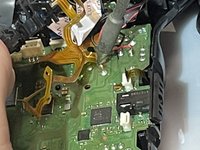
    • Use the soldering iron to desolder the black and red wires off of the motherboard.

  14. SCUF Reflex Joystick Replacement: 步骤 14 中的图像 1,1
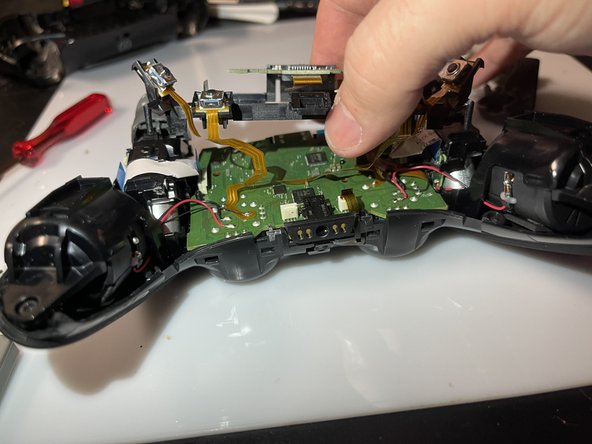
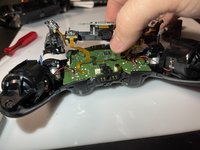
    • Remove the motherboard and the battery bracket from the controller to expose the joystick component.

  15. SCUF Reflex Joystick Replacement: 步骤 15 中的图像 1,1
    在这个步骤中使用的工具:
    Desoldering Pump
    $3.99
    • Use the soldering iron and the desoldering pump to desolder the 14 connections for the component.

  16. SCUF Reflex Joystick Replacement: 步骤 16 中的图像 1,1
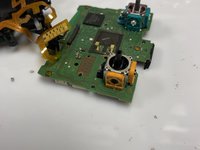
    • Remove the component from the motherboard.

  17. SCUF Reflex Joystick Replacement: 步骤 17 中的图像 1,2 SCUF Reflex Joystick Replacement: 步骤 17 中的图像 2,2
    • Put the new component on the motherboard.

    • Use the soldering iron to connect the new component to the motherboard.

结论

To reassemble your device, follow these instructions in reverse order.

4等其他人完成本指南。

Tri Truong

于02/13/23注册

435 声望

创作了2篇指南

1指南评论

Hi! Wich replacement component do you use?

Antonis Lambropoulos - 回复

添加评论

浏览统计数据:

过去 24 小时: 31

过去 7 天: 179

过去 30 天: 768

总计 15,878