
Polaroid PTAB7XC Screen Replacement

最后更新于 2024年5月7日
浏览量: 981
浏览统计数据:
- 过去24小时
- 3
- 过去 7 天:
- 13
- 过去 30 天:
- 65
- 总计
- 981
评论: 0
暂时还没有人对本指南发表评论。你想做第一个评论的人吗?
Go to guide comments已完成: 1 2
1 人已将本指南标记为“已完成”。你会是下一个完成的人吗?
2 人已将本指南标记为“已完成”。包括你——干的漂亮!
收藏: 1 2
1 人收藏(并订阅)了本指南。你会是下一个吗?
2 人收藏(并订阅)了本指南——这其中包括你!
你所需要的
工具


-
-
-
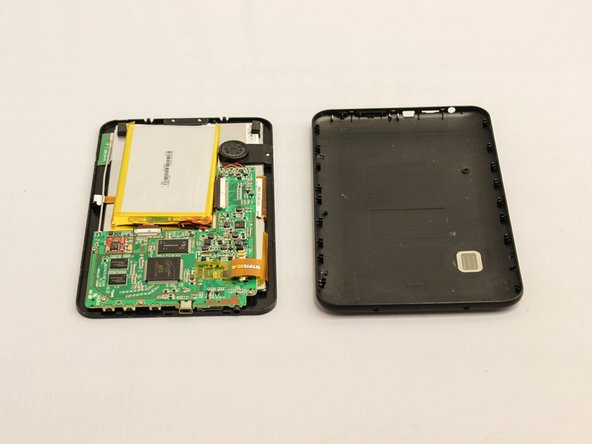
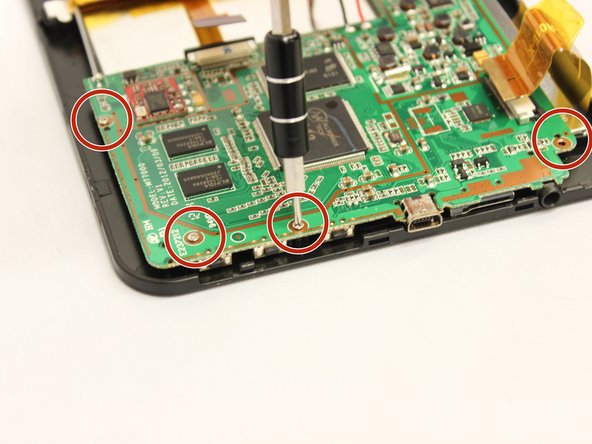
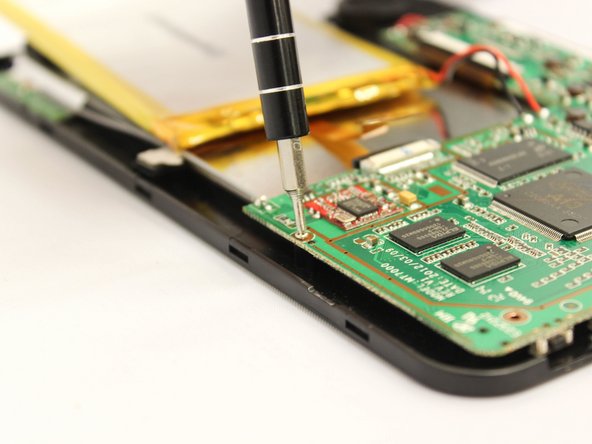
Remove the two 7 mm screws on the top of the device using a J00 Phillips screwdriver and by turning the screws counterclockwise.
 询问修复机器人
-
-
在这个步骤中使用的工具:Plastic Cards$2.99
-
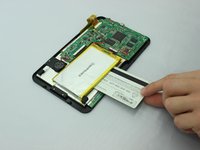
Wedge a plastic card beneath the battery unit.
-
Wiggle the card side to side and up and down gently until the glue sealing the battery to the device is broken.
-
-
-
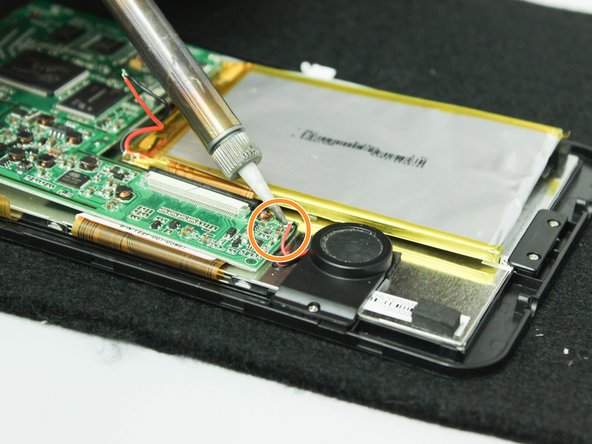
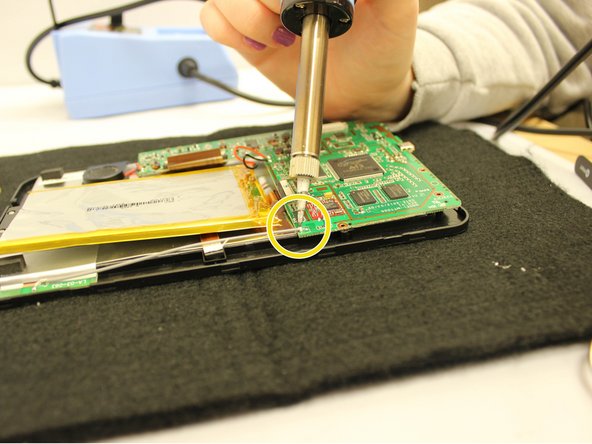
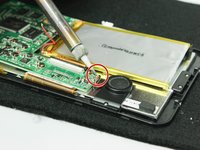
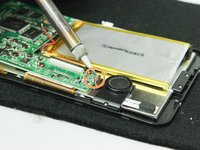
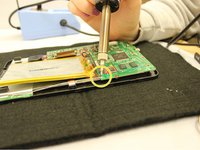
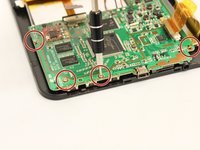
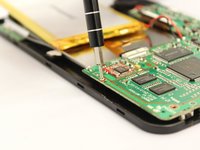
Desolder the following components from the motherboard.
-
Desolder from the motherboard the red wire that connects to the speaker unit.
-
Desolder from the motherboard the black wire that connects to the speaker unit.
-
Desolder from the motherboard the gray wire that runs along the edge of the device.
-
-
在这个步骤中使用的工具:Tweezers$4.99
-
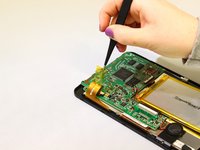
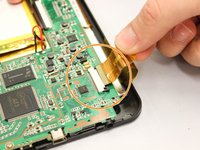
Use tweezers to unstick the medium width yellow ribbon cable from the motherboard.
-
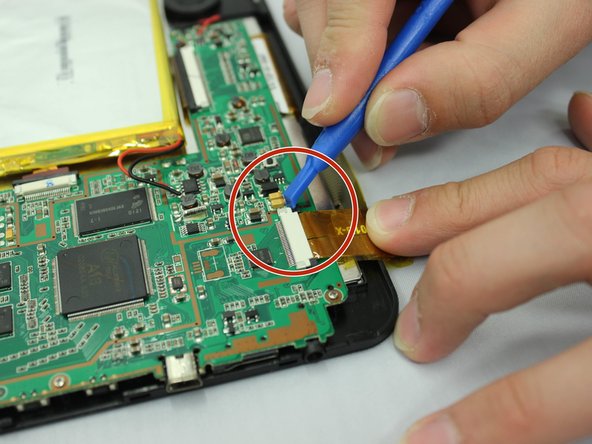
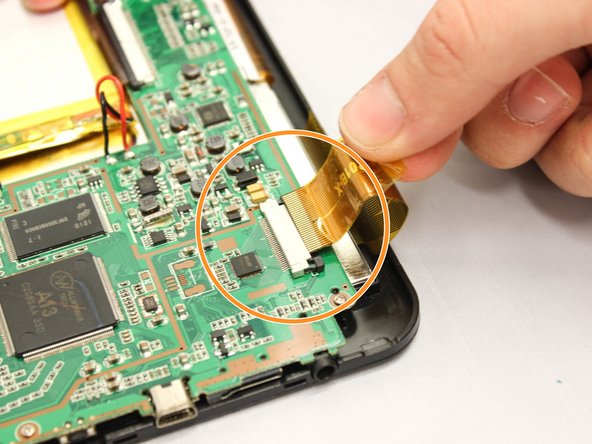
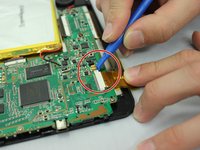
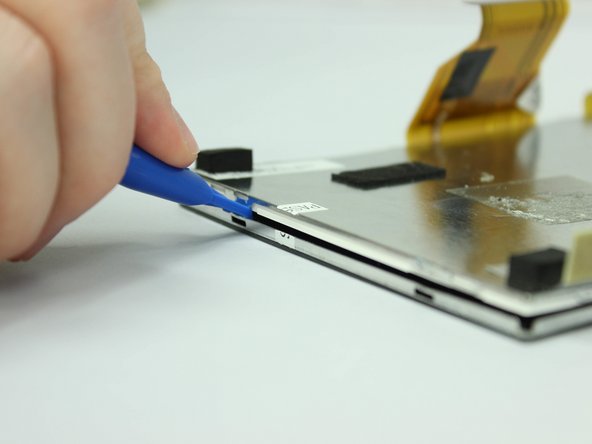
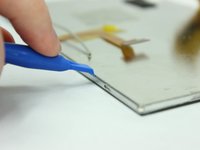
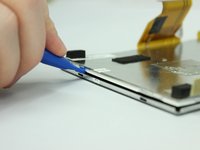
Use a small opening tool to slide the two small black holding clips off of the white connector to which the medium width yellow ribbon cable is attached.
-
Use your fingers to gently pull the medium width yellow ribbon cable out of the white connector.
-
Repeat the last two actions to disconnect the narrower yellow ribbon cable and the wider yellow ribbon cable from the motherboard.
-
The motherboard and battery will now be detached from any ribbon cables connecting to the device.
-
-
-








To reassemble your device, follow these instructions in reverse order.
另外一个人完成了本指南。

团队

Eastern Washington University, Team 2-2, Plummer Fall 2015 Eastern Washington University, Team 2-2, Plummer Fall 2015 的会员
EWU-PLUMMER-F15S2G2
4 名成员
创作了60篇指南
