跳转到主内容

Polaroid Now+ (Gen 3) Rear Shell Replacement

你所需要的

  1. Polaroid Now+ (Gen 3) Rear Shell Replacement, Safety precautions: 步骤 1 中的图像 1,2 Polaroid Now+ (Gen 3) Rear Shell Replacement, Safety precautions: 步骤 1 中的图像 2,2
    • If you have any film left, take some photos! Then remove the cartridge. Disassembly will expose any leftover film.

    • Before you begin:

    • Unplug and fully power down your camera.

    • Put on the lens cap to avoid scratching your lens during disassembly.

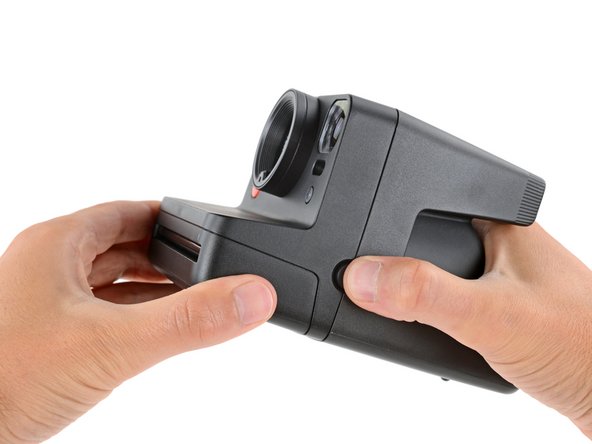
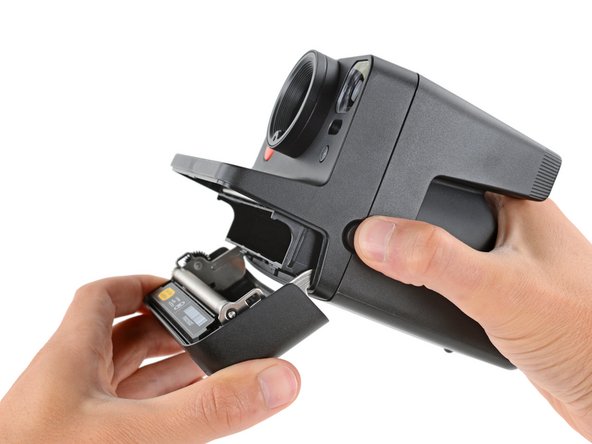
  2. Polaroid Now+ (Gen 3) Rear Shell Replacement, Open the film door: 步骤 2 中的图像 1,3 Polaroid Now+ (Gen 3) Rear Shell Replacement, Open the film door: 步骤 2 中的图像 2,3 Polaroid Now+ (Gen 3) Rear Shell Replacement, Open the film door: 步骤 2 中的图像 3,3
    • Throughout this guide, directional words (front, back, left, right) are from the perspective of using the camera—or when the lens faces away from you.

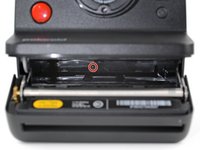
    • Hold down the latch on the left side of the camera and open the film door.

  3. Polaroid Now+ (Gen 3) Rear Shell Replacement, Remove the rear shell screw: 步骤 3 中的图像 1,3 Polaroid Now+ (Gen 3) Rear Shell Replacement, Remove the rear shell screw: 步骤 3 中的图像 2,3 Polaroid Now+ (Gen 3) Rear Shell Replacement, Remove the rear shell screw: 步骤 3 中的图像 3,3
    在这个步骤中使用的工具:
    Magnetic Project Mat
    $19.95
    • Throughout this repair, keep track of each screw and make sure it goes back exactly where it came from.

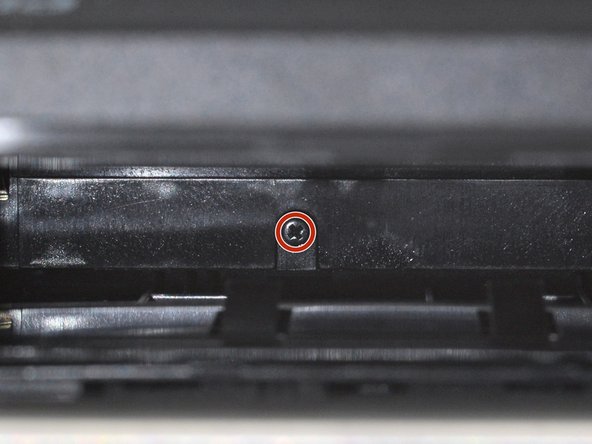
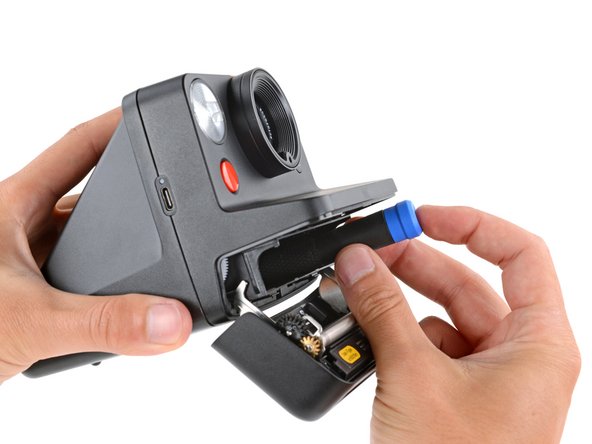
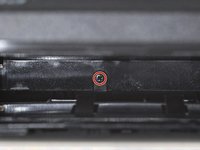
    • Use a Phillips screwdriver to remove the 5.9 mm‑long screw securing the rear shell.

    • The screw is hidden inside the camera on the back edge—you may need to use a flashlight to see it, as well as a skinny, long‑shank screwdriver to reach it.

    • Be careful when removing your screwdriver, as the screw can easily fall inside the camera. If it does, hold the camera above your work surface and gently shake it so the screw falls out.

  4. Polaroid Now+ (Gen 3) Rear Shell Replacement, Release the rear shell clips: 步骤 4 中的图像 1,3 Polaroid Now+ (Gen 3) Rear Shell Replacement, Release the rear shell clips: 步骤 4 中的图像 2,3 Polaroid Now+ (Gen 3) Rear Shell Replacement, Release the rear shell clips: 步骤 4 中的图像 3,3
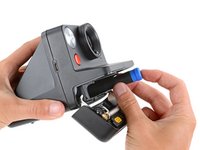
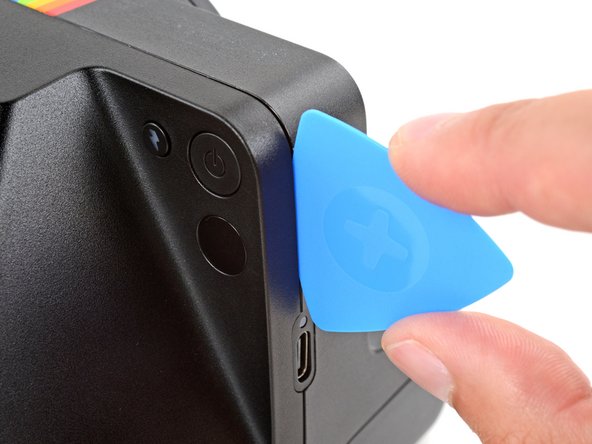
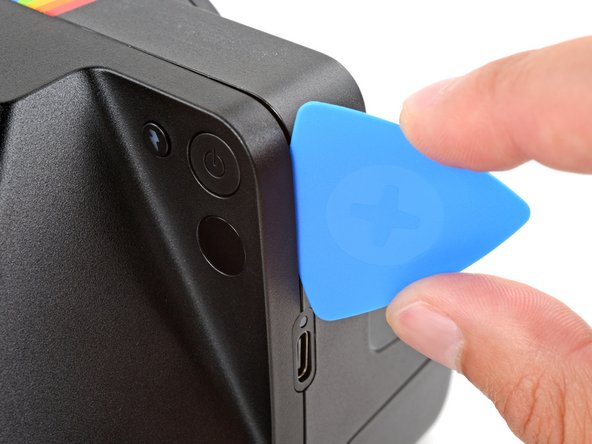
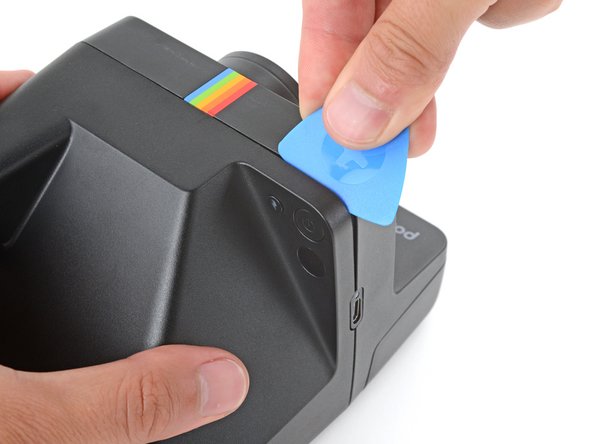
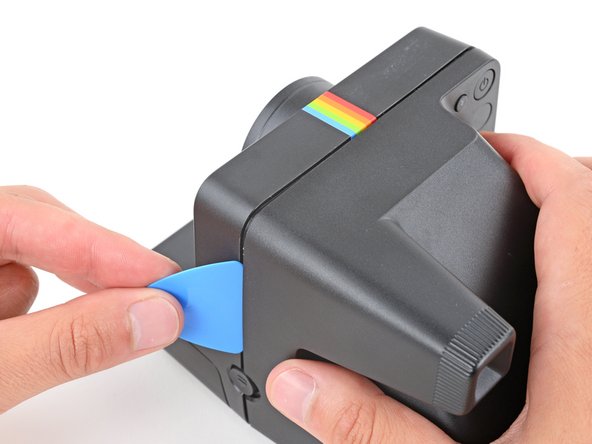
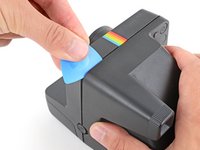
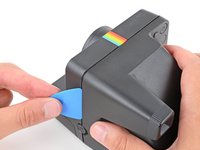
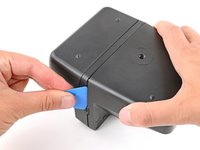
    • Insert the flat edge of an opening pick in the seam between the front and rear shells, just above the USB‑C port on the right edge.

    • Use your pick to pry the rear shell away from the front shell.

    • Keep the inserted edge of the pick pointed toward the rear shell when separating it. This helps release the tight plastic clips holding them together.

  5. Polaroid Now+ (Gen 3) Rear Shell Replacement: 步骤 5 中的图像 1,3 Polaroid Now+ (Gen 3) Rear Shell Replacement: 步骤 5 中的图像 2,3 Polaroid Now+ (Gen 3) Rear Shell Replacement: 步骤 5 中的图像 3,3
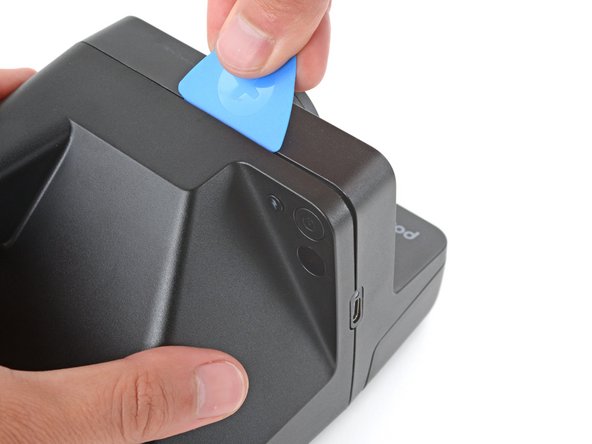
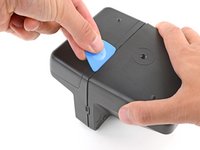
    • You should feel and hear distinct "clicks" as the clips release. If you don't, try again—it may take multiple attempts.

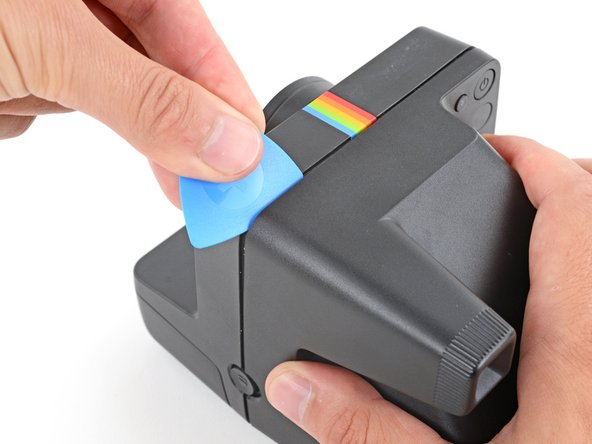
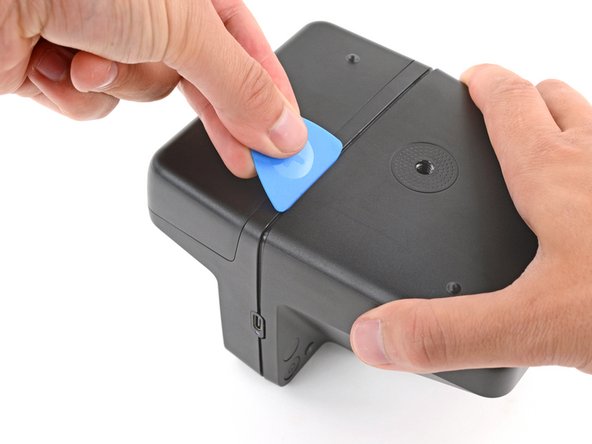
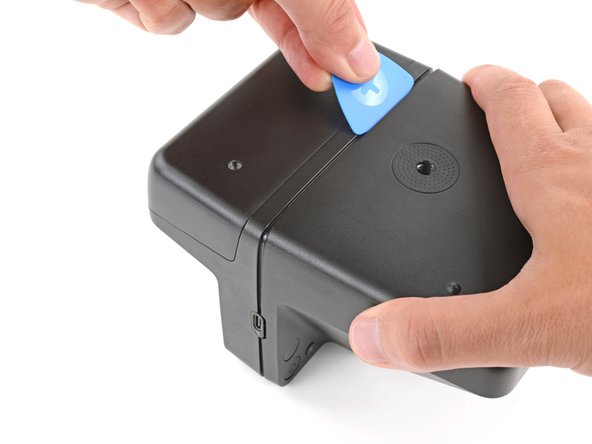
    • Slide your pick around the top right corner and along the top edge to release the clips.

  6. Polaroid Now+ (Gen 3) Rear Shell Replacement: 步骤 6 中的图像 1,3 Polaroid Now+ (Gen 3) Rear Shell Replacement: 步骤 6 中的图像 2,3 Polaroid Now+ (Gen 3) Rear Shell Replacement: 步骤 6 中的图像 3,3
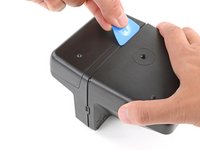
    • Continue sliding your pick along the top edge, around the top left corner, and down the left edge to release the clips. Stop when you get to the film door latch.

  7. Polaroid Now+ (Gen 3) Rear Shell Replacement: 步骤 7 中的图像 1,1
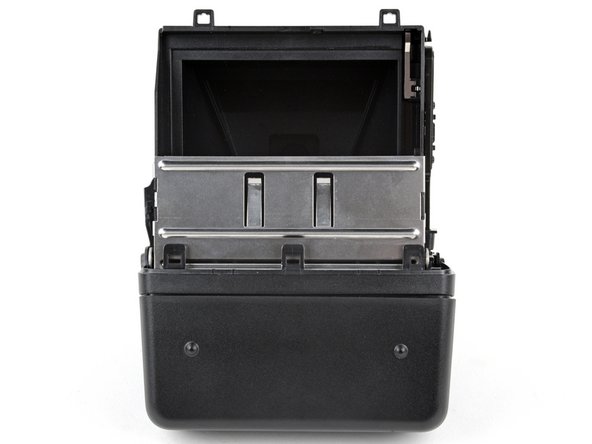
    • Gently flip the camera over, making sure none of the clips re‑engage.

  8. Polaroid Now+ (Gen 3) Rear Shell Replacement: 步骤 8 中的图像 1,3 Polaroid Now+ (Gen 3) Rear Shell Replacement: 步骤 8 中的图像 2,3 Polaroid Now+ (Gen 3) Rear Shell Replacement: 步骤 8 中的图像 3,3
    • Remember to keep the inserted edge of the pick pointed towards the rear shell.

    • Insert your opening pick in the seam near the USB‑C port and slide it around the corner and along the bottom edge to release the remaining clips.

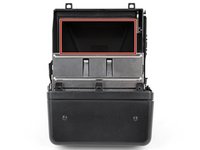
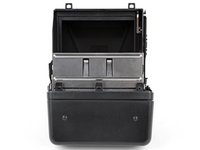
  9. Polaroid Now+ (Gen 3) Rear Shell Replacement, Camera mirror warning: 步骤 9 中的图像 1,2 Polaroid Now+ (Gen 3) Rear Shell Replacement, Camera mirror warning: 步骤 9 中的图像 2,2
    • Removing the rear shell in the next step exposes the camera mirror. Be careful not to smudge it or get any debris on it. If you accidentally do, use a lint‑free cloth to gently wipe the mirror clean.

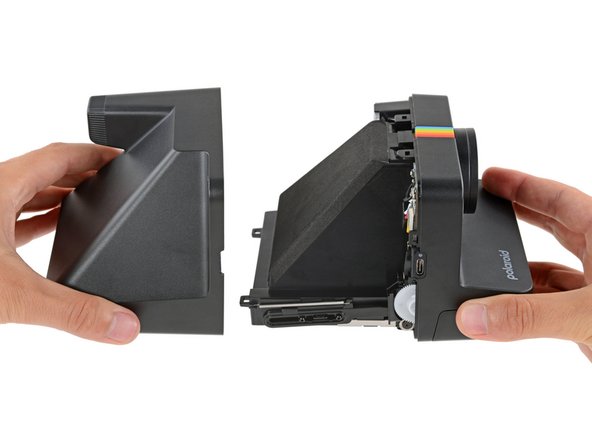
  10. Polaroid Now+ (Gen 3) Rear Shell Replacement, Remove the rear shell: 步骤 10 中的图像 1,2 Polaroid Now+ (Gen 3) Rear Shell Replacement, Remove the rear shell: 步骤 10 中的图像 2,2
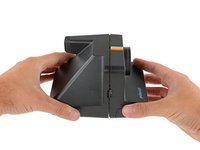
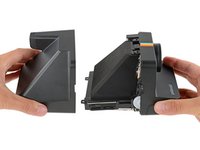
    • Gently pull the rear shell off the main body of the camera.

    • The shell should slide off easily. If it doesn't, check to see if any clips re‑engaged and use your opening pick to release them.

    • During reassembly:

    • Press the shell firmly onto the main body so all the clips engage.

    • You should feel and hear distinct "clicks" as the clips engage.

    • Check around the shell seam and make sure there are no gaps. If there are, firmly press the shells together to engage the clip near the gap.

  11. Polaroid Now+ (Gen 3) Rear Shell Replacement, Capacitor warning: 步骤 11 中的图像 1,2 Polaroid Now+ (Gen 3) Rear Shell Replacement, Capacitor warning: 步骤 11 中的图像 2,2
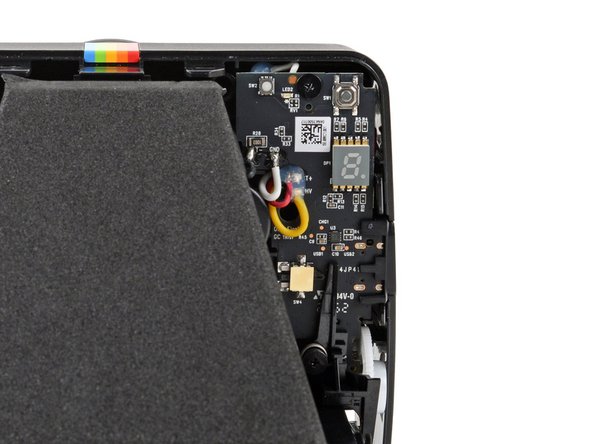
    • The capacitor in your camera holds an electrical charge and can deliver a potentially dangerous electric shock if you touch the boards incorrectly.

    • To minimize risk, avoid touching the boards, wires, and other exposed components with your fingers or metal tools. Consider wearing rubber gloves if working near the board.

结论

To reassemble your device, follow these instructions in reverse order.

Repair didn’t go as planned? Try some basic troubleshooting, or ask our Answers community for help.

Spencer Day

于09/14/22注册

154,898 声望

创作了1,033篇指南

团队

iFixit iFixit 的会员

Staff

123 名成员

创作了23,758篇指南

0指南评论

添加评论

浏览统计数据:

过去 24 小时: 1

过去 7 天: 6

过去 30 天: 15

总计 152