简介
This guide is a prerequisite for the guide: https://www.ifixit.com/Guide/How+to+setu.... It is not intended to be used as a standalone guide as it is used when integrating steps where I need standardized instructions. It will make
-
-
Affinity Photo (Free without AI functions, was paid): My preferred choice due to RGB/8/16/32, CMYK, LAB/16, and TIFF RGB/32 color mode support and better high-end printer support. This also has features found only in CC/Legacy CS or full features, but automatic only in PSE. Since Canva took over the base version is now free but AI features require a paid subscription to Canva.
-
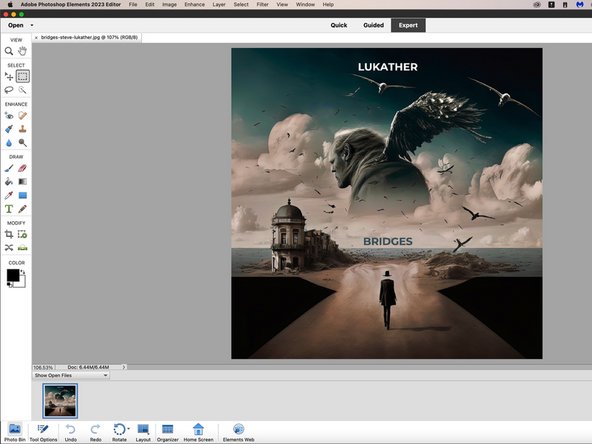
Photoshop Elements (Paid): For most people, this is sufficient but with limitations NOT FOUND in CC/Legacy CS: Advanced functions are automatic only and only supports RGB/8/16* (*downgrades to RGB/8). HDR RGB/32 support is limited to JPG files. While it "works", there are restrictions not found in other programs or CC.
-
DXO PhotoLab (Paid): This is similar to Lightroom before Adobe discontinued non-Saas Lightroom. This is a one-time purchase (3-seat license). I used the trial for this guide.
-
Luminar Neo (Paid): This application is primarily AI driven. It can be purchased one-time or as a subscription. Subscriptions include all extensions (not included with one-time purchase).
-
Free (Mac): There are fewer free Mac programs. However, Darktable (Gatekeeper bypass required) and GIMP run on Macs. There are also free apps in the App Store (NOTE: Most App Store apps push subscriptions!)
-
Free (Windows): For Windows users, there are significantly more free apps available outside of App Stores. For example paint.net is Windows only, while GIMP and Darktable are available for Windows and Mac.
-
-



To reassemble your device, follow these instructions in reverse order.


团队

