跳转到主内容
加入维修社区 - 创建账户

Macintosh PowerBook 165c Keyboard Replacement

你所需要的

  1. Macintosh PowerBook 165c Keyboard Replacement, Battery: 步骤 1 中的图像 1,1
    • Orient the computer so the battery is facing you.

    • Slide the gray plastic battery cover to the right.

    询问修复机器人
  2. Macintosh PowerBook 165c Keyboard Replacement: 步骤 2 中的图像 1,1
    • Pull the battery toward yourself until it is fully detached.

    询问修复机器人
  3. Macintosh PowerBook 165c Keyboard Replacement, Input/Output Door: 步骤 3 中的图像 1,1
    • Orient the computer right side up with the rear facing you.

    • Open the Input/Output (I/O) door.

    询问修复机器人
  4. Macintosh PowerBook 165c Keyboard Replacement: 步骤 4 中的图像 1,1
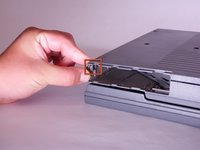
    • Carefully bend the door into an arch until one of the pins releases from its slot.

    • Once one of the pins is free, remove the I/O door from the computer.

    询问修复机器人
  5. Macintosh PowerBook 165c Keyboard Replacement, Lower Case: 步骤 5 中的图像 1,1
    • Orient the computer with the bottom facing up and rear facing you. You should be able to read the Macintosh label in this position.

    询问修复机器人
  6. Macintosh PowerBook 165c Keyboard Replacement: 步骤 6 中的图像 1,1
    • Use a T8 torx screwdriver to remove the 6.8mm long screw above and to the right of the modem jack.

    • Twist counter clockwise to remove the screw.

    询问修复机器人
  7. Macintosh PowerBook 165c Keyboard Replacement: 步骤 7 中的图像 1,1
    • Use a T10 torx screwdriver to remove the four, 18mm long screws from the lower case.

    询问修复机器人
  8. Macintosh PowerBook 165c Keyboard Replacement: 步骤 8 中的图像 1,2 Macintosh PowerBook 165c Keyboard Replacement: 步骤 8 中的图像 2,2
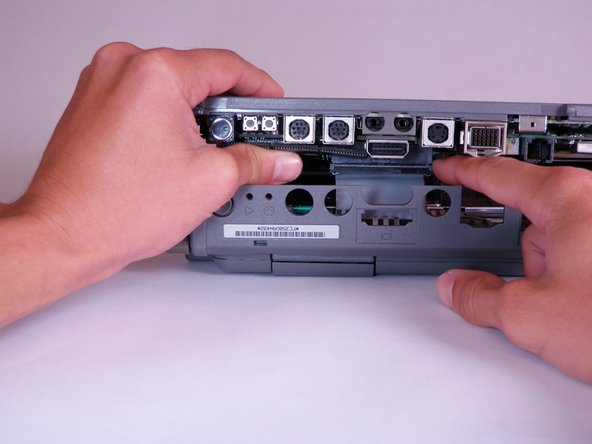
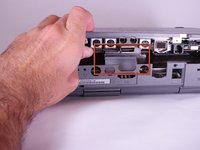
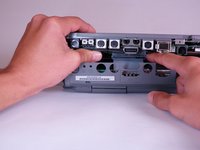
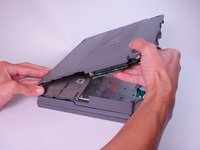
    • Place your hands on the lower case, just above the I/O panel, and slowly lift the lower case a few inches above the main body of the computer.

    • Release the large, gray interconnect ribbon cable just behind the I/O panel.

    • Caution: Lower case cannot be fully removed until two plastic clips in the front corners are released. See the following step for details.

    询问修复机器人
  9. Macintosh PowerBook 165c Keyboard Replacement: 步骤 9 中的图像 1,2 Macintosh PowerBook 165c Keyboard Replacement: 步骤 9 中的图像 2,2
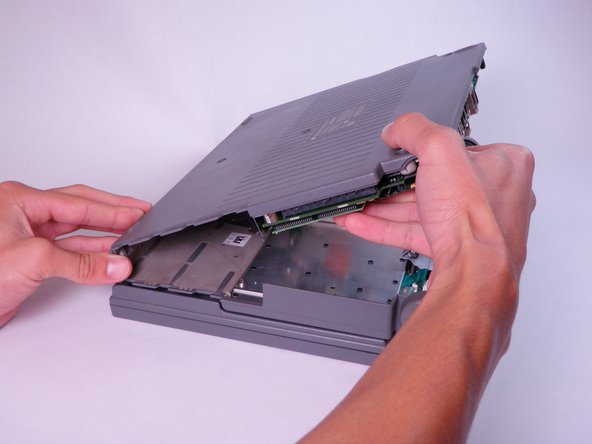
    • Place your thumb on the upper case, inside the empty battery slot, and your index finger near your thumb on the left side of the lower case.

    • Pinch your thumb and index finger towards each other to release the clip. Without releasing pressure on the pinch grip, use your index finger to push the lower case upwards.

    • Lift the lower case to remove it.

    询问修复机器人
  10. Macintosh PowerBook 165c Keyboard Replacement, Trackball: 步骤 10 中的图像 1,2 Macintosh PowerBook 165c Keyboard Replacement, Trackball: 步骤 10 中的图像 2,2
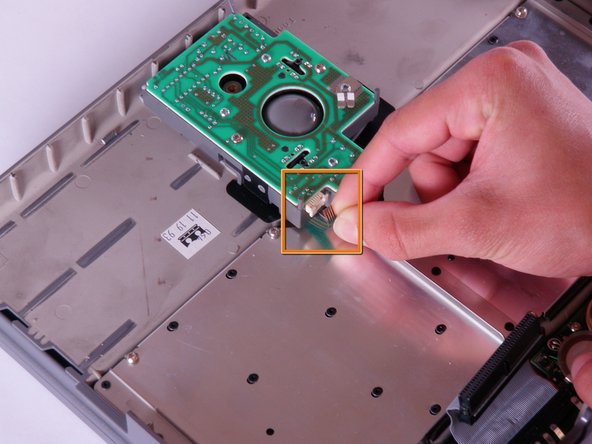
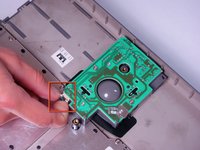
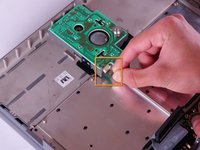
    • Locate the trackball assembly. It is in the upper case and can be identified by a green circuit board.

    • Open the white tab fastener by pulling out on each side. and remove the green and silver ribbon cable.

    • Remove the green and silver ribbon cable by gently pulling it away from the opened tab fastener.

    询问修复机器人
  11. Macintosh PowerBook 165c Keyboard Replacement: 步骤 11 中的图像 1,1
    • Use a T8 torx screwdriver to remove the six, 6.8mm long screws from the top of the green circuit board.

    询问修复机器人
  12. Macintosh PowerBook 165c Keyboard Replacement: 步骤 12 中的图像 1,1
    • Remove all four components of the trackball assembly by lifting upward.

    • The four components of the trackball assembly should include: the green circuit board, a metal support, the track ball, and the casing.

    询问修复机器人
  13. Macintosh PowerBook 165c Keyboard Replacement, Keyboard: 步骤 13 中的图像 1,2 Macintosh PowerBook 165c Keyboard Replacement, Keyboard: 步骤 13 中的图像 2,2
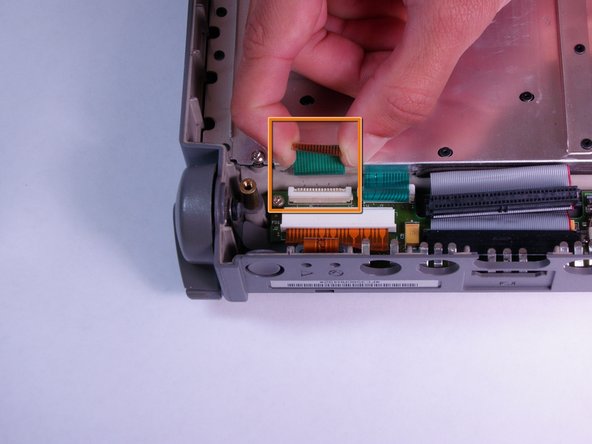
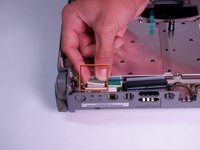
    • Open the left most white tab fastener in the lower left corner by pulling up on each side.

    • Remove the ribbon cable by gently pulling it away from the opened tab fastener.

    询问修复机器人
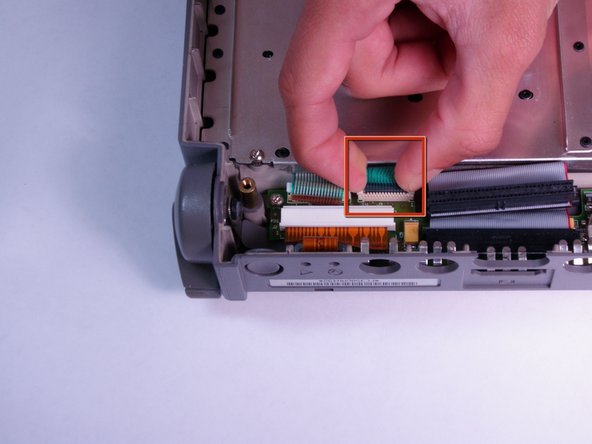
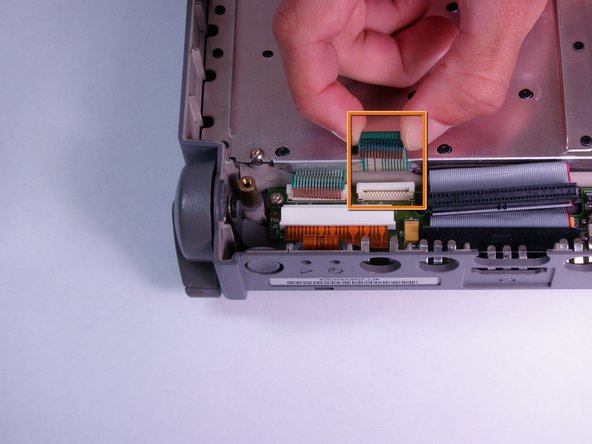
  14. Macintosh PowerBook 165c Keyboard Replacement: 步骤 14 中的图像 1,2 Macintosh PowerBook 165c Keyboard Replacement: 步骤 14 中的图像 2,2
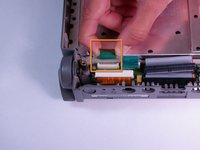
    • Open the right of the two small, white tab fasteners by pulling up on both sides.

    • Remove the green and silver ribbon cable from the tab fastener.

    询问修复机器人
  15. Macintosh PowerBook 165c Keyboard Replacement: 步骤 15 中的图像 1,1
    • Use a T8 torx screwdriver to remove the seven, 6.8mm long screws from the metallic panel.

    询问修复机器人
  16. Macintosh PowerBook 165c Keyboard Replacement: 步骤 16 中的图像 1,1
    • Remove the keyboard by lifting it vertically away from the main body of the computer.

    询问修复机器人
结论

To reassemble your device, follow these instructions in reverse order.

Adam

于10/12/11注册

1 声望

创作了4篇指南

团队

Cal Poly, Team 6-3, Regan Fall 2011 Cal Poly, Team 6-3, Regan Fall 2011 的会员

CPSU-REGAN-F11S6G3

4 名成员

创作了12篇指南

0指南评论

添加评论

浏览统计数据:

过去 24 小时: 3

过去 7 天: 10

过去 30 天: 52

总计 1,177