简介
If you can't see the letter on your key or the keys are getting stuck with every click on your Logitech MK345, you can reference this guide to learn how to remove your key properly. Keeping the keyboard clean is essential to its use, especially if you use it everyday. In order to figure out if this is the right guide for you check out the Troubleshooting Page to discover the exact issue.
你所需要的


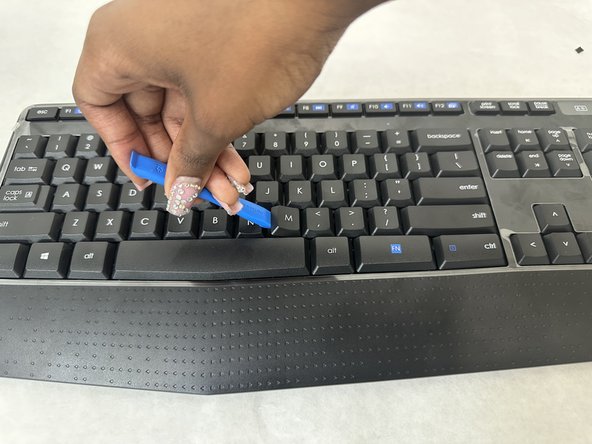
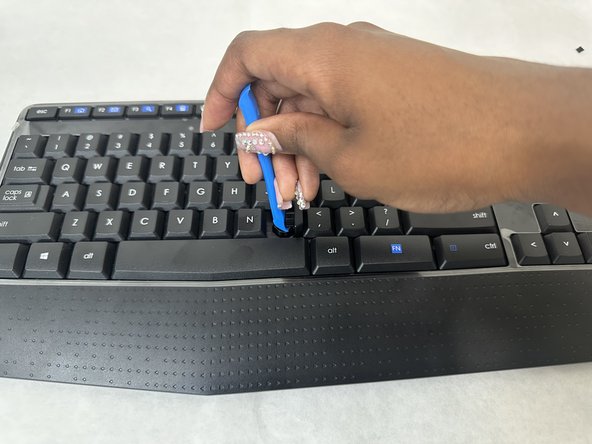
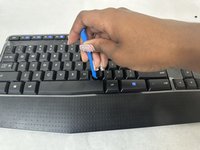
To reassemble your device, follow these instructions in reverse order.
2等其他人完成本指南。


团队

University of North Texas, Team 4-1, Harold Fall 2024 University of North Texas, Team 4-1, Harold Fall 2024 的会员
UNT-HAROLD-F24S4G1
3 名成员
创作了5篇指南
