跳转到主内容
加入维修社区 - 创建账户

Logitech K Series Keyboard Feet Replacement

你所需要的

  1. Logitech K Series Keyboard Feet Replacement, Prepare your keyboard for disassembly: 步骤 1 中的图像 1,2 Logitech K Series Keyboard Feet Replacement, Prepare your keyboard for disassembly: 步骤 1 中的图像 2,2
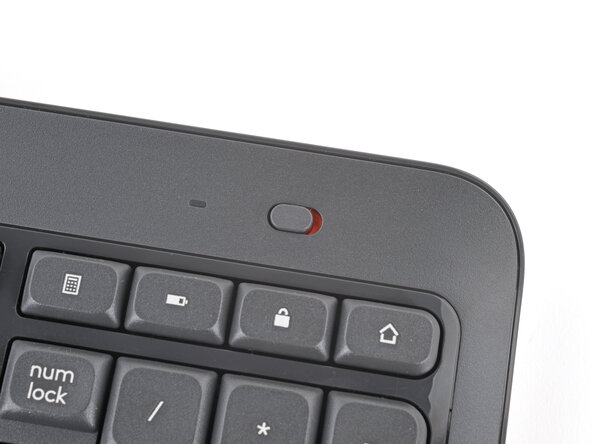
    • Slide the power switch on the top right corner to the OFF position.

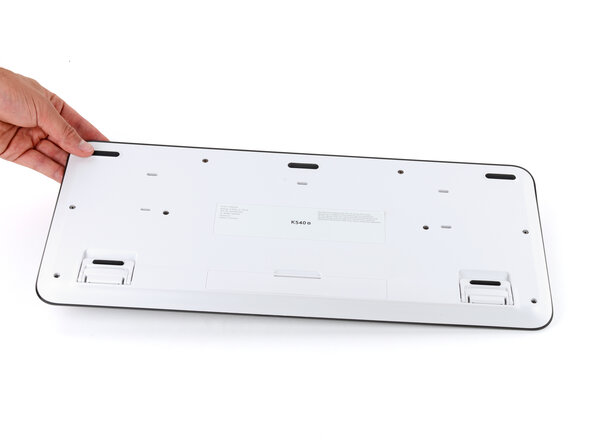
    • Flip your keyboard over and lay it down so the edge with the two tilt legs is closest to you.

    • If your work surface might scratch the keyboard, place a soft towel under it.

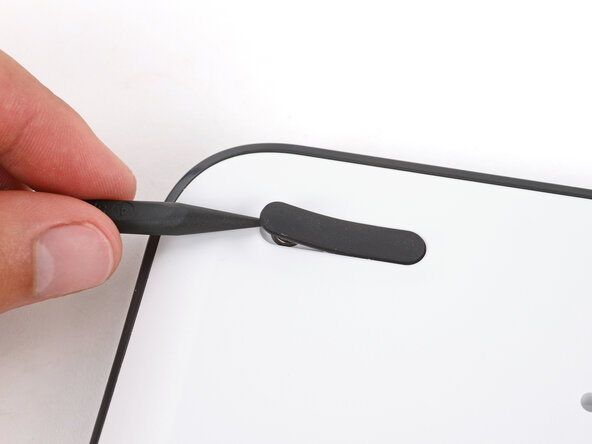
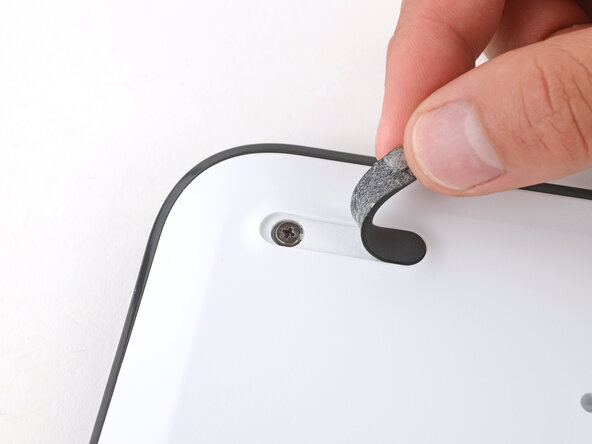
  2. Logitech K Series Keyboard Feet Replacement, Remove the three feet: 步骤 2 中的图像 1,3 Logitech K Series Keyboard Feet Replacement, Remove the three feet: 步骤 2 中的图像 2,3 Logitech K Series Keyboard Feet Replacement, Remove the three feet: 步骤 2 中的图像 3,3
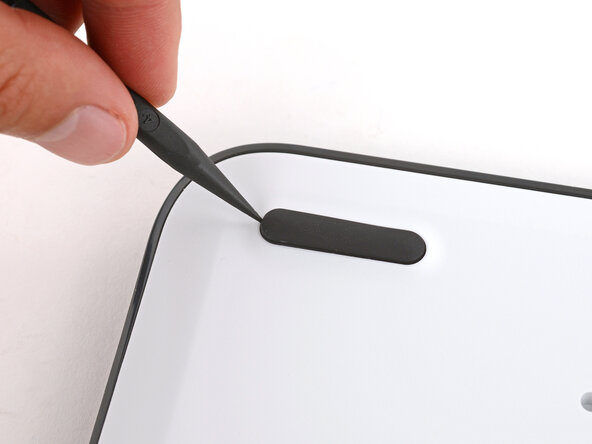
    • Light adhesive secures the three rubber feet along the edge of the keyboard. If you're having trouble removing them, use an iOpener or hair dryer to lightly heat them.

    • Insert the point of a spudger under an end of the foot.

    • Push the spudger underneath the foot and lift until you can grip it with your fingers.

    • Peel the foot up and remove it.

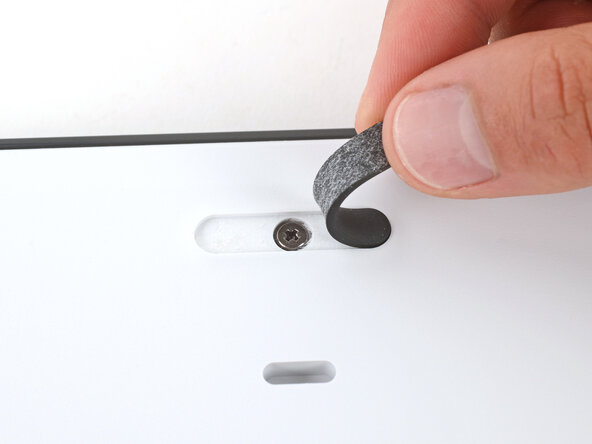
  3. Logitech K Series Keyboard Feet Replacement: 步骤 3 中的图像 1,2 Logitech K Series Keyboard Feet Replacement: 步骤 3 中的图像 2,2
    • Repeat the previous step to remove the two remaining feet.

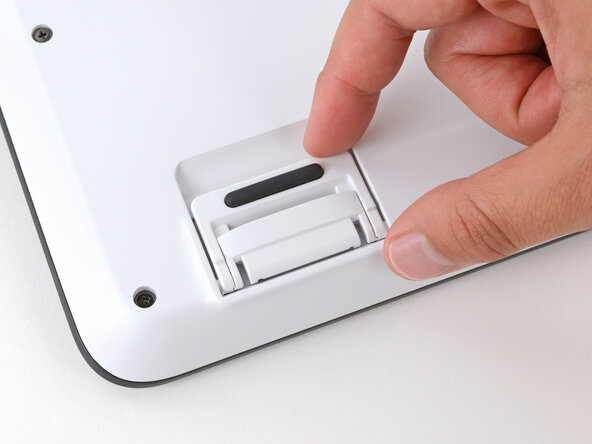
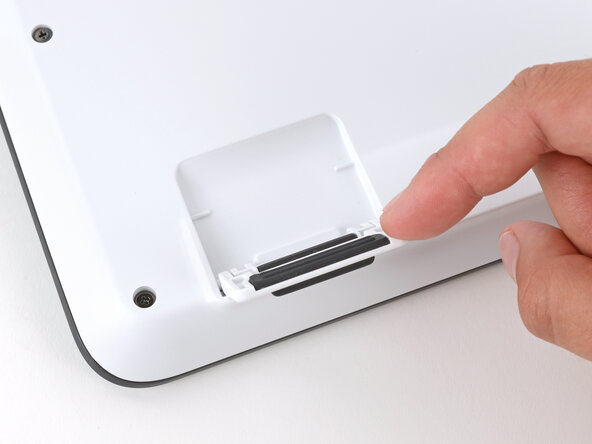
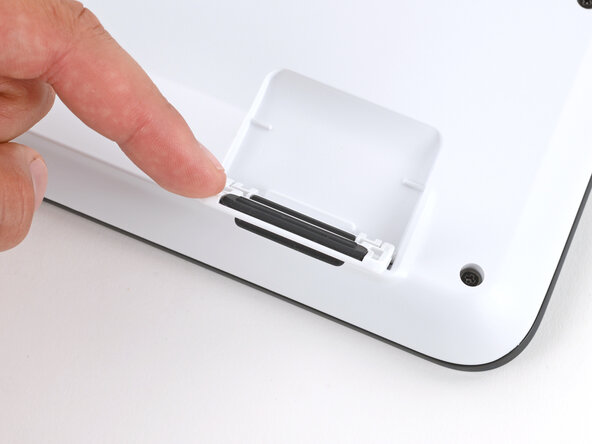
  4. Logitech K Series Keyboard Feet Replacement, Flip up the tilt legs: 步骤 4 中的图像 1,3 Logitech K Series Keyboard Feet Replacement, Flip up the tilt legs: 步骤 4 中的图像 2,3 Logitech K Series Keyboard Feet Replacement, Flip up the tilt legs: 步骤 4 中的图像 3,3
    • Use your fingers to flip up both tilt legs.

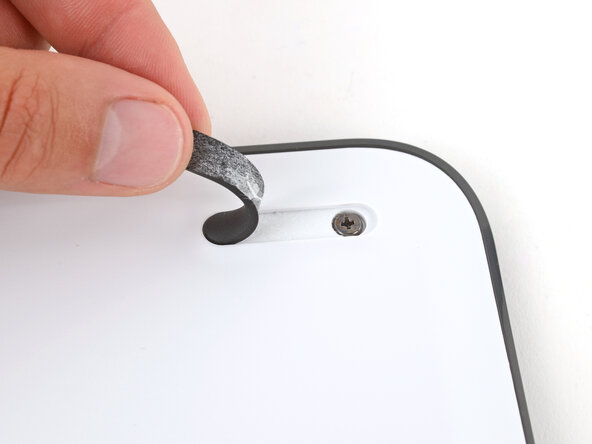
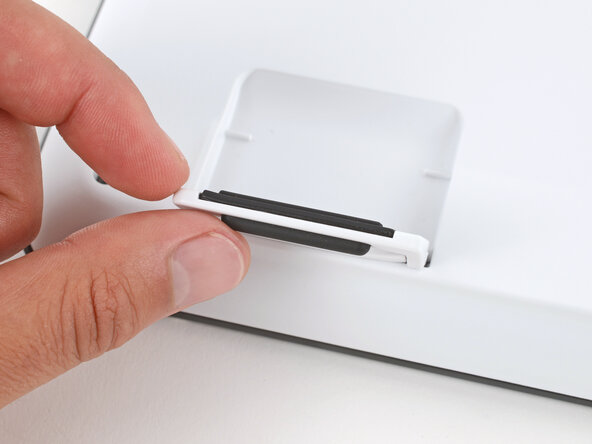
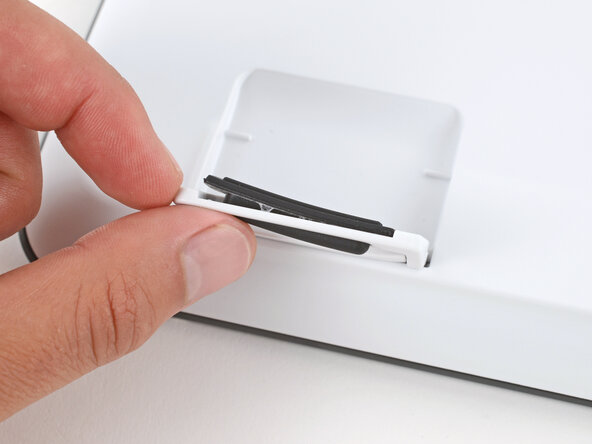
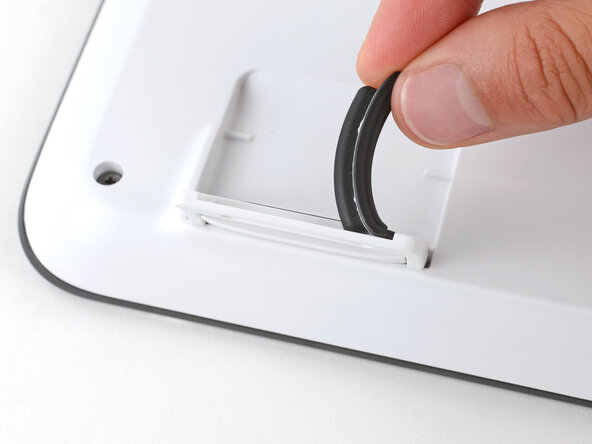
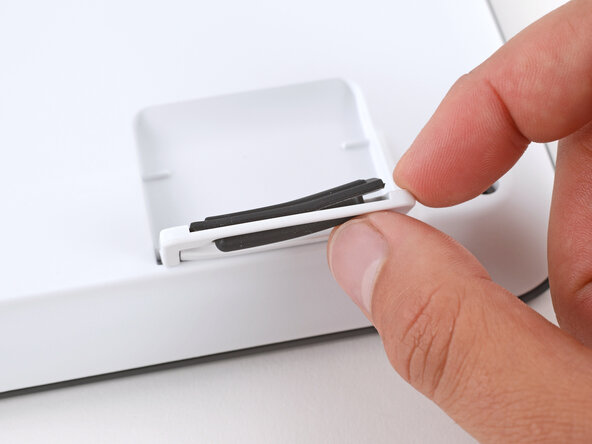
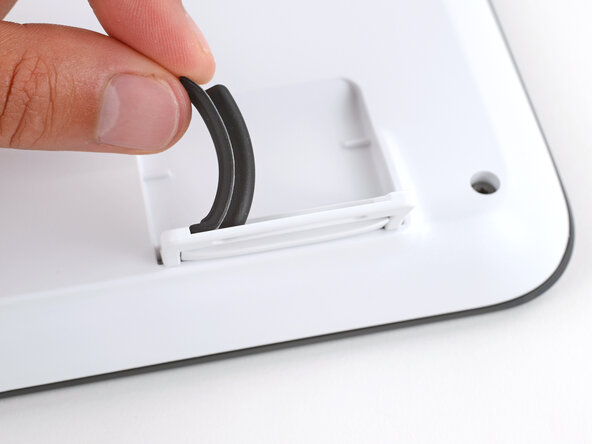
  5. Logitech K Series Keyboard Feet Replacement, Remove the feet: 步骤 5 中的图像 1,3 Logitech K Series Keyboard Feet Replacement, Remove the feet: 步骤 5 中的图像 2,3 Logitech K Series Keyboard Feet Replacement, Remove the feet: 步骤 5 中的图像 3,3
    • Light adhesive secures the rubber feet on the tilt legs. If you're having trouble removing them, use an iOpener or hair dryer to lightly heat them.

    • Use your finger to push the bottom of the foot up, separating its adhesive.

    • Peel up and remove the foot.

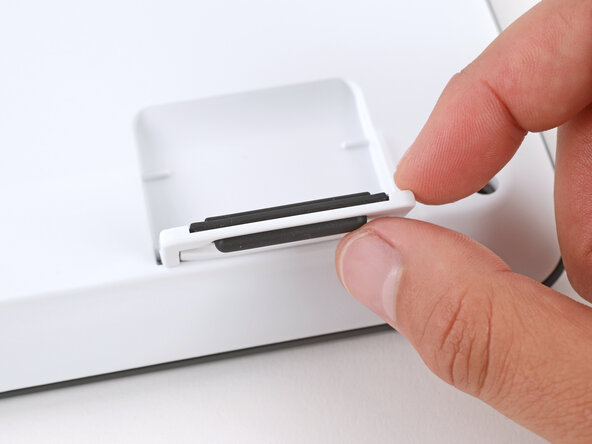
  6. Logitech K Series Keyboard Feet Replacement: 步骤 6 中的图像 1,3 Logitech K Series Keyboard Feet Replacement: 步骤 6 中的图像 2,3 Logitech K Series Keyboard Feet Replacement: 步骤 6 中的图像 3,3
    • Repeat the previous step to remove the other tilt leg foot.

结论

To reassemble your device, follow these instructions in reverse order.

Repair didn’t go as planned? Try some basic troubleshooting, or ask our Answers community for help.

Spencer Day

于09/14/22注册

171,708 声望

创作了1,085篇指南

0指南评论

添加评论

浏览统计数据:

过去 24 小时: 1

过去 7 天: 16

过去 30 天: 39

总计 197