简介
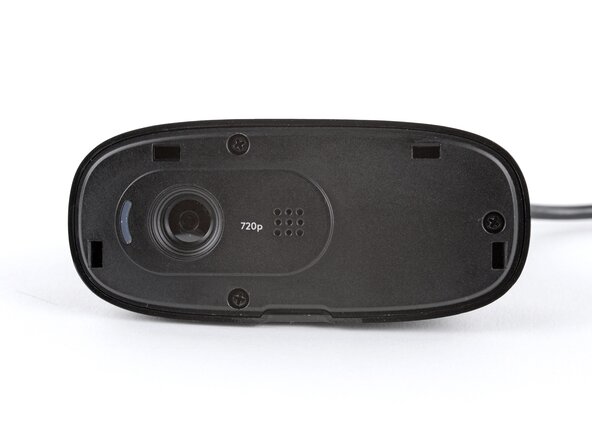
Follow this guide to open your Logitech C270 webcam.
Open your webcam to clean its internals, troubleshoot mechanical problems, or replace a part.
你所需要的
-
-
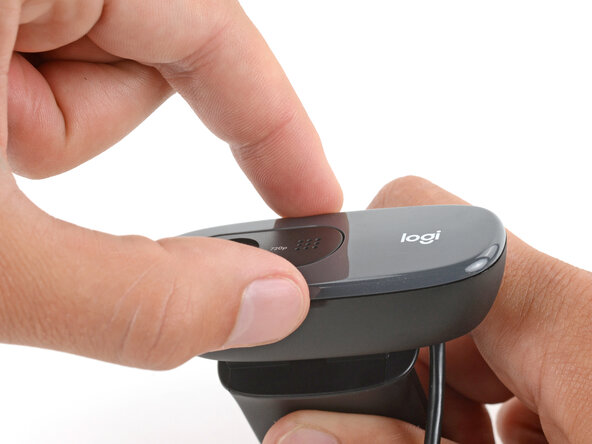
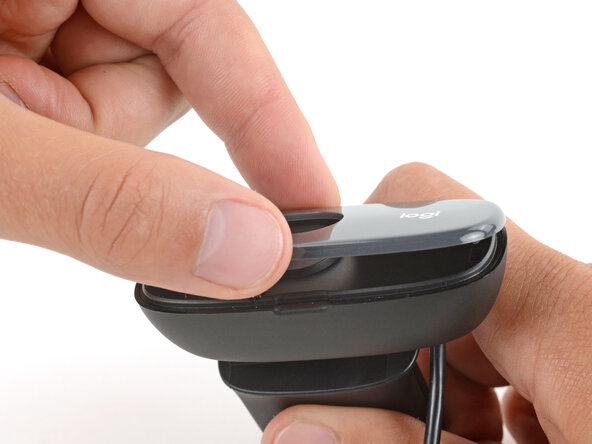
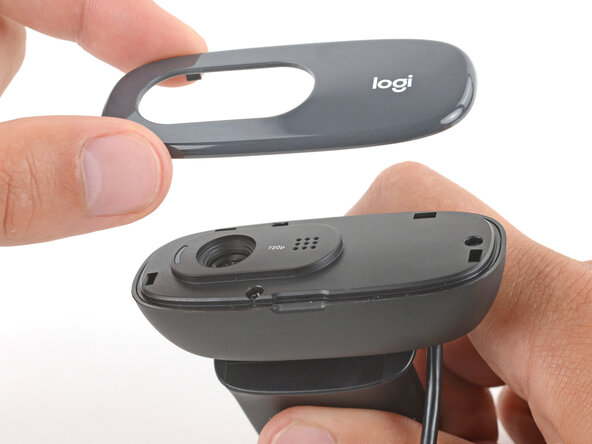
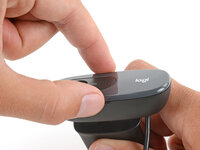
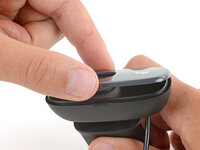
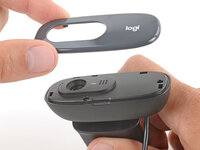
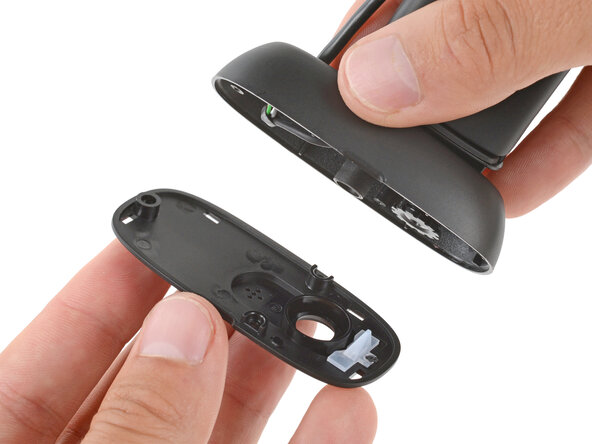
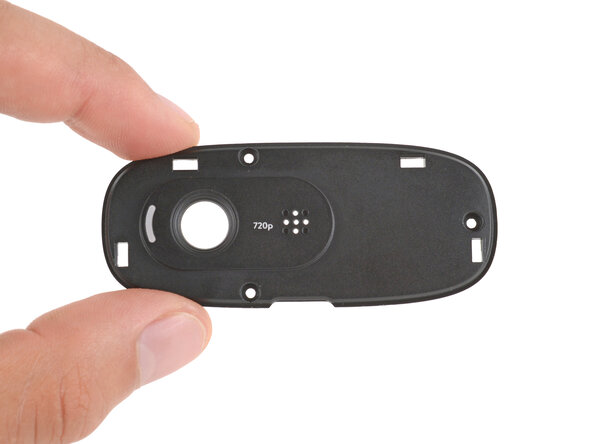
Use your finger to pry up and remove the front cover by the notch on the bottom edge.
-
-
-
-
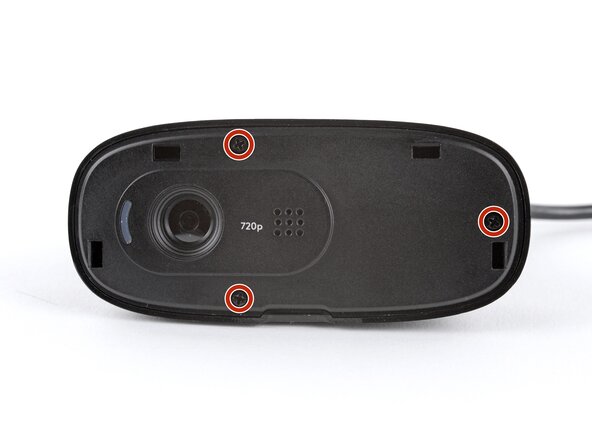
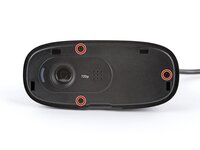
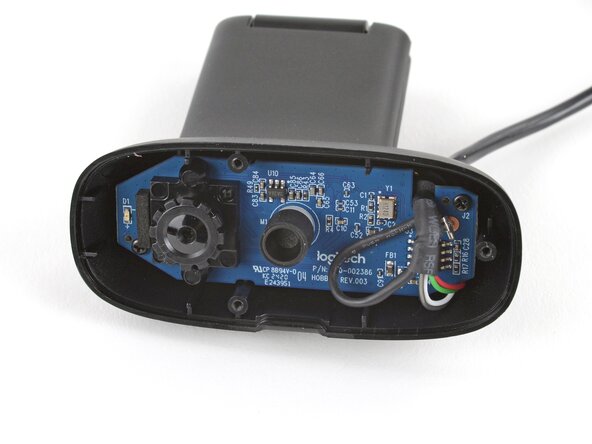
Use a Phillips screwdriver to remove the three 5.1 mm‑long screws securing the inner housing.
-
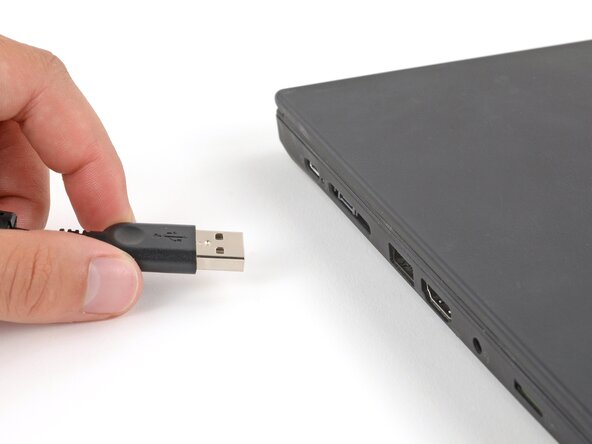
To reassemble your device, follow these instructions in reverse order.
Repair didn’t go as planned? Try some basic troubleshooting, or ask our Answers Community for troubleshooting help.
Reuse or Recycle—Never put discarded electronic parts in household waste. Visit Logitech Recycling to find your nearest recycling points, including the option to mail back old devices to Logitech for free if there’s no convenient solution in your area. You can also take your e-waste to any R2 or e-Stewards certified recycler. And don’t let good working parts or repaired devices die a slow death in your sock drawer—pass them along to someone who can use them.
Share your experience—Leave a comment here or send your feedback directly to Logitech at repair@logitech.com to help shape future repair guides and product design.


