跳转到主内容
加入维修社区 - 创建账户

Head Strap Removal

仅作为前提条件
本指南仅提供前提条件!本指南是另一个程序的一部分,不能单独使用。

你所需要的

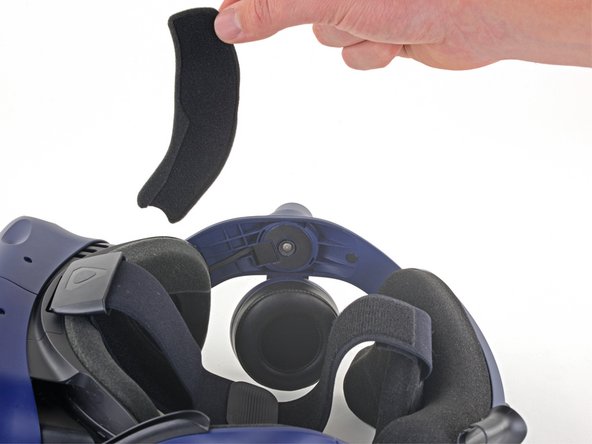
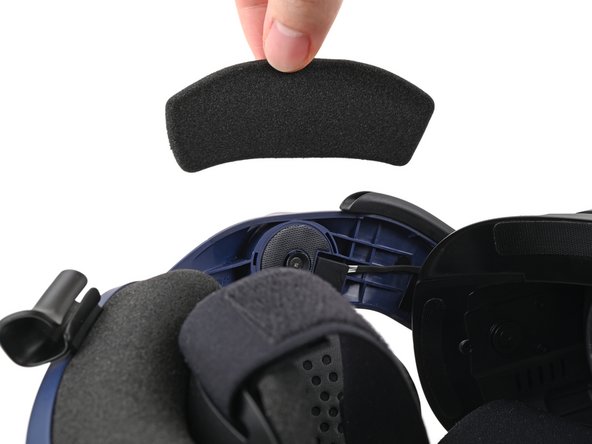
  1. Head Strap Removal, Remove the front side foam pads: 步骤 1 中的图像 1,3 Head Strap Removal, Remove the front side foam pads: 步骤 1 中的图像 2,3 Head Strap Removal, Remove the front side foam pads: 步骤 1 中的图像 3,3
    • Peel off both front side foam pads to uncover the speaker wires.

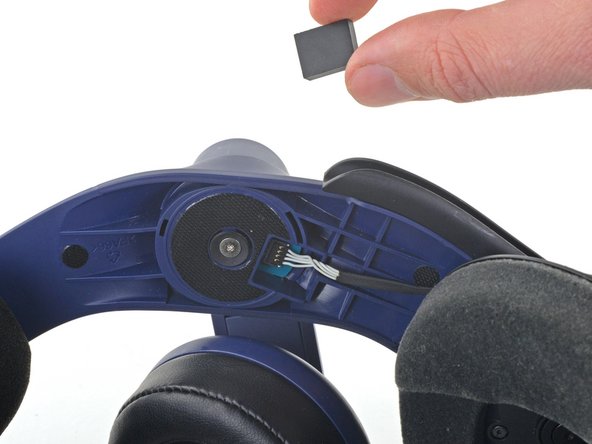
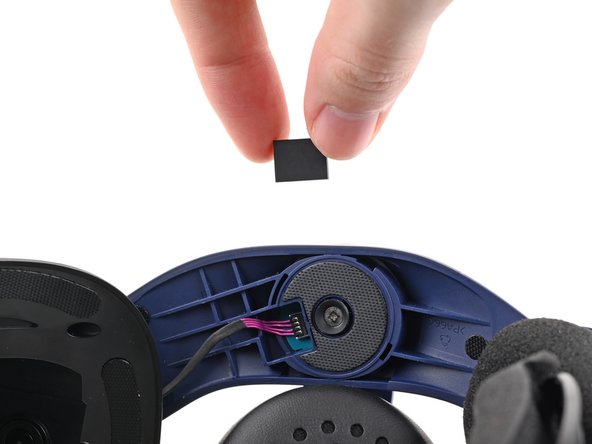
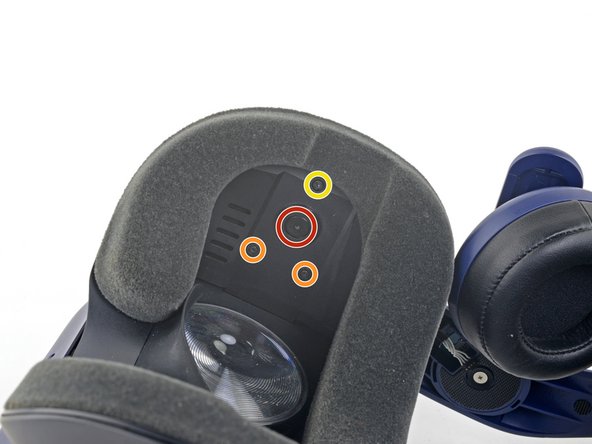
  2. Head Strap Removal, Remove the two rubber spacers: 步骤 2 中的图像 1,3 Head Strap Removal, Remove the two rubber spacers: 步骤 2 中的图像 2,3 Head Strap Removal, Remove the two rubber spacers: 步骤 2 中的图像 3,3
    • Use the point of your spudger to pry out the two rubber spacers next to the headphone screws.

    • Be careful not to accidentally pry any of the speaker wires under the rubber spacer.

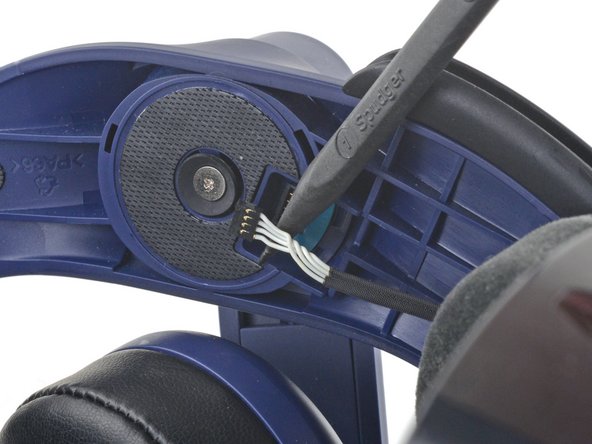
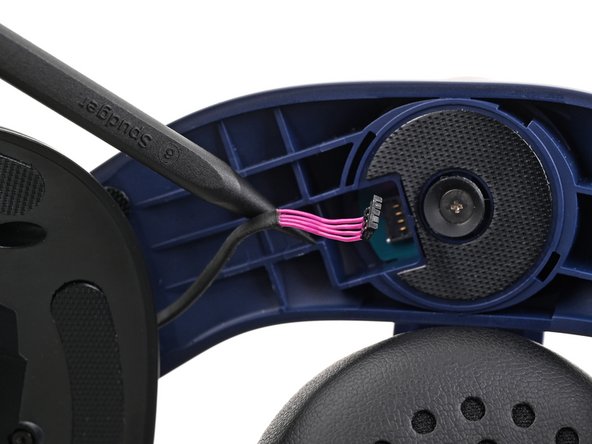
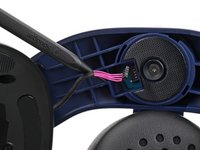
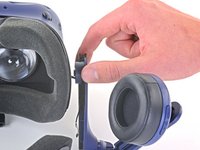
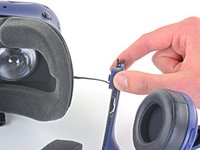
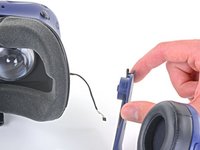
  3. Head Strap Removal, Disconnect the speaker wires: 步骤 3 中的图像 1,3 Head Strap Removal, Disconnect the speaker wires: 步骤 3 中的图像 2,3 Head Strap Removal, Disconnect the speaker wires: 步骤 3 中的图像 3,3
    • Use the point of your spudger to pry up and disconnect both the left and right headphone speaker wires.

  4. Head Strap Removal, Remove the head strap: 步骤 4 中的图像 1,2 Head Strap Removal, Remove the head strap: 步骤 4 中的图像 2,2
    • Use a T6 Torx screwdriver to remove the two 12.1 mm screws (one on each side) securing the head strap to the headset.

    • Use a T5 Torx screwdriver to remove the following screws securing the head strap to the headset:

    • Four 3.9 mm screws (two on each side)

    • Two 4.1 mm screws (one on each side)

  5. Head Strap Removal: 步骤 5 中的图像 1,1
    • Remove the two plastic spacers underneath the previously removed Torx T6 screw.

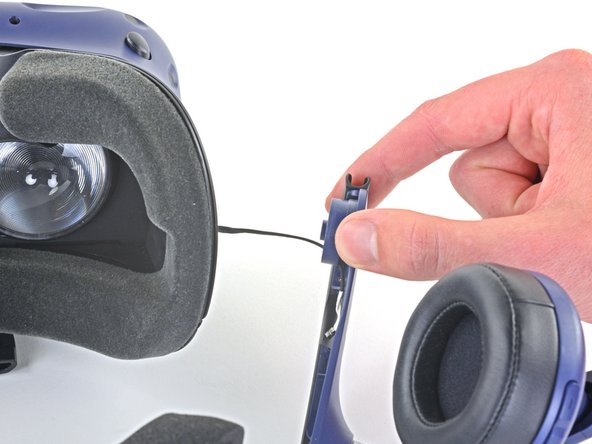
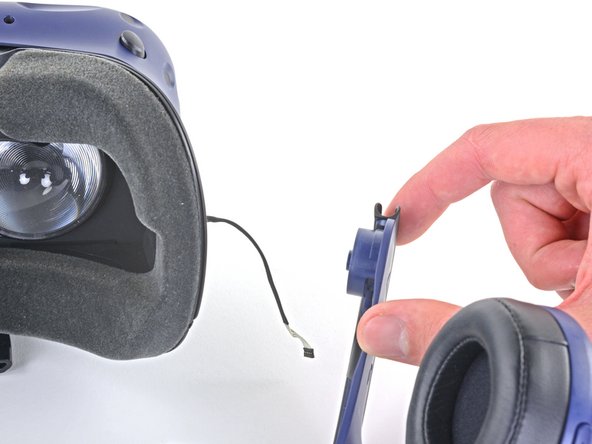
  6. Head Strap Removal: 步骤 6 中的图像 1,3 Head Strap Removal: 步骤 6 中的图像 2,3 Head Strap Removal: 步骤 6 中的图像 3,3
    • Thread the headphone speaker wires out through both ends of the head strap.

结论

To reassemble your device, follow these instructions in reverse order.

Sam Omiotek

于02/25/19注册

95,654 声望

创作了290篇指南

0指南评论

添加评论

浏览统计数据:

过去 24 小时: 0

过去 7 天: 2

过去 30 天: 4

总计 54