简介
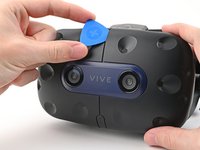
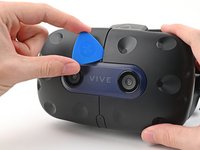
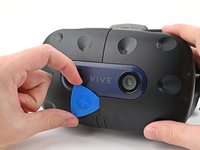
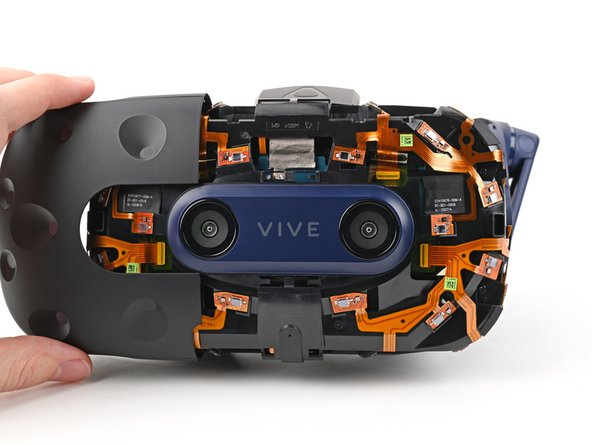
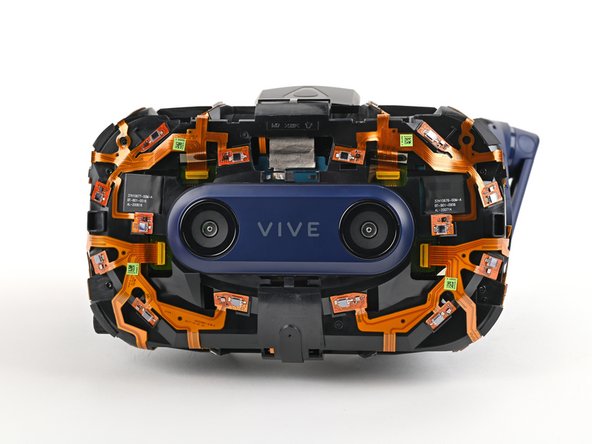
Use this guide to replace the outer shell on your HTC Vive Pro 2 headset.
Some photos in this guide are from a different model and may contain slight visual discrepancies, but they won't affect the procedure.
Power off and unplug your headset before you begin your repair.
你所需要的
-
-
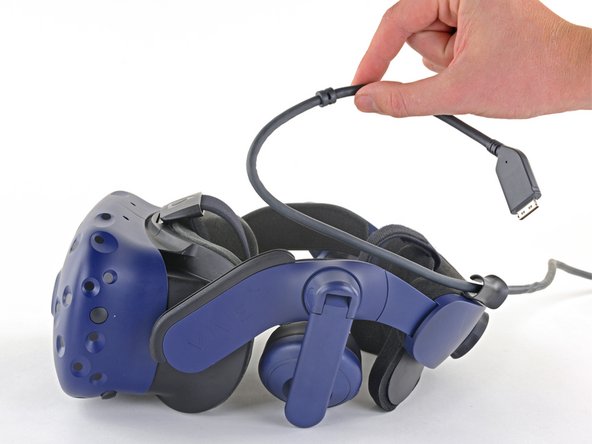
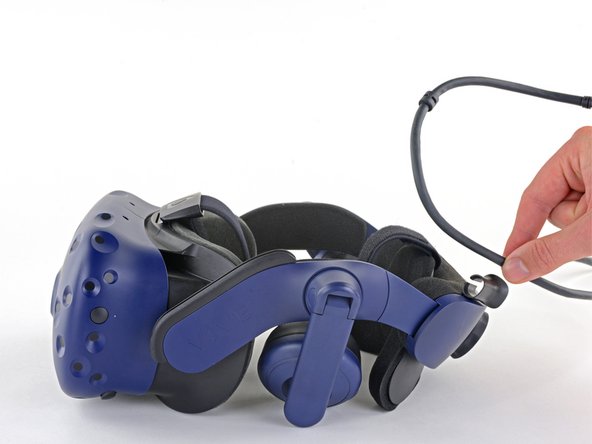
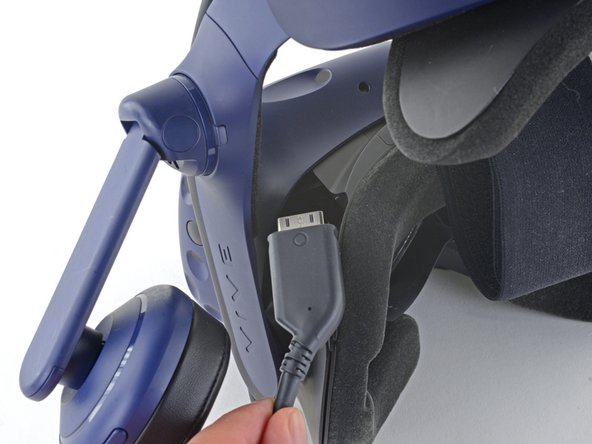
Remove the All-In-One Cable from the cable guides along the left side of the head strap.
-
-
-
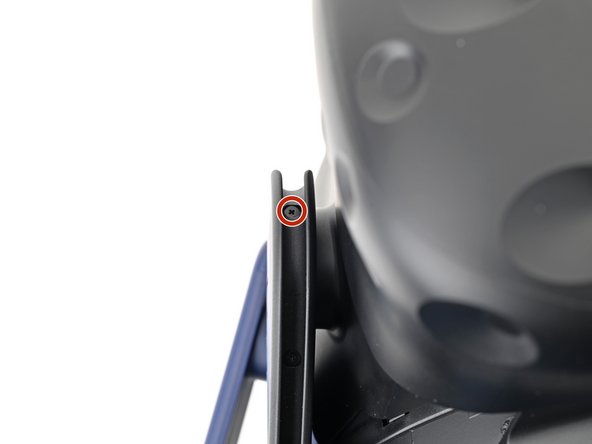
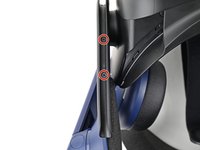
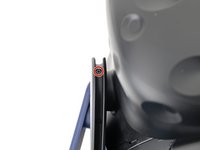
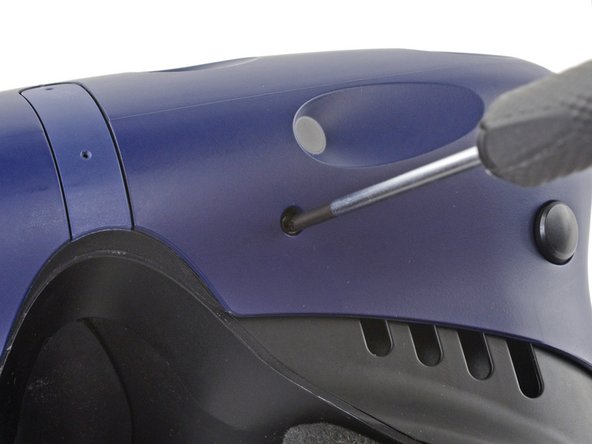
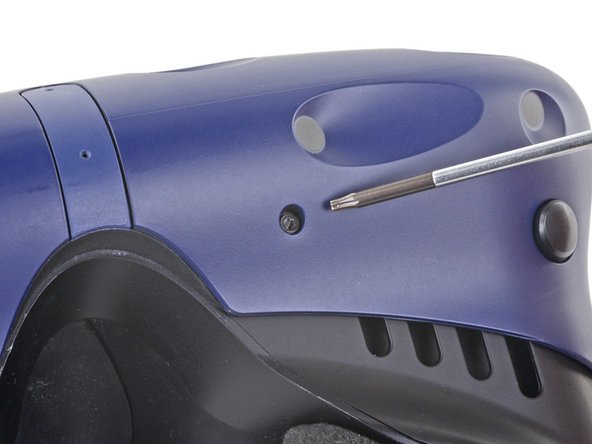
Use a Phillips screwdriver to remove the three 2.4 mm‑long screws securing the All-in-One cable bracket.
-
-
-
-
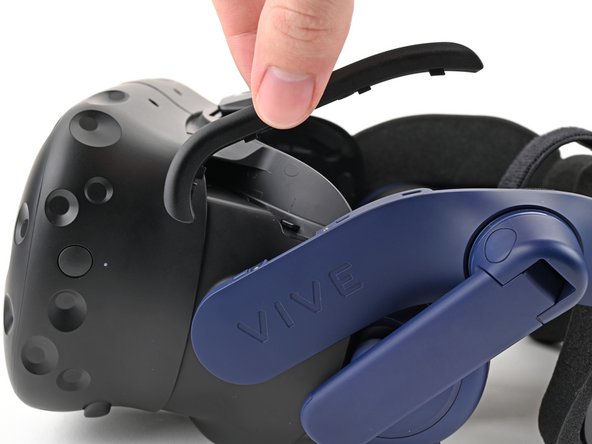
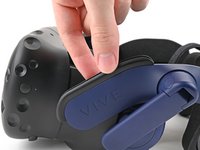
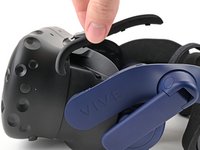
Lift the All-in-One cable bracket straight off the headset and remove it.
-












结论
To reassemble your device, follow the above steps in reverse order.
Repair didn’t go as planned? Try some basic troubleshooting, or ask our Answers community for help.



