简介
The official guide has been updated and can be found here. This guide is archived for historical purposes.
This guide will instruct the user on the steps to correctly and carefully remove the HP EliteBook x360 830 G6 SSD. The removal or upgrade of this drive can improve the performance of an older computer. SSDs operate more quietly and more efficiently than hard drives.
Problems that you’re encountering that would permit you to follow this guide include;
- Slow operating system.
- Replacing HDD, due to damage or wear.
Before beginning this repair be sure to power off the device and unplug from the charger.
你所需要的
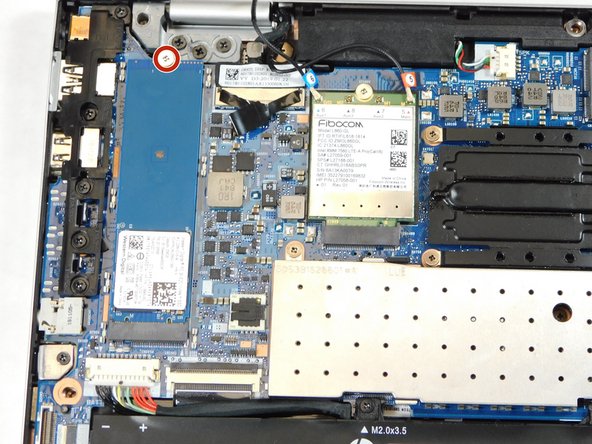
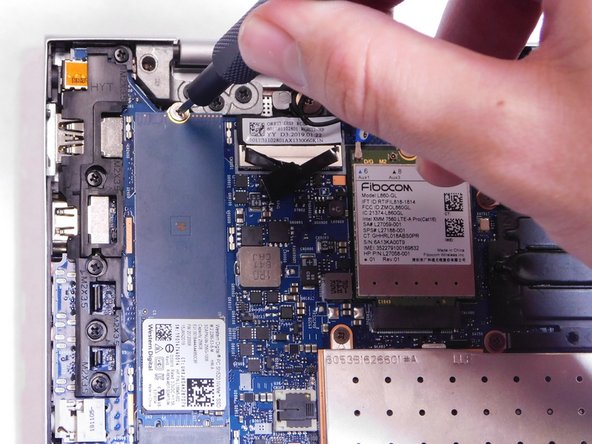


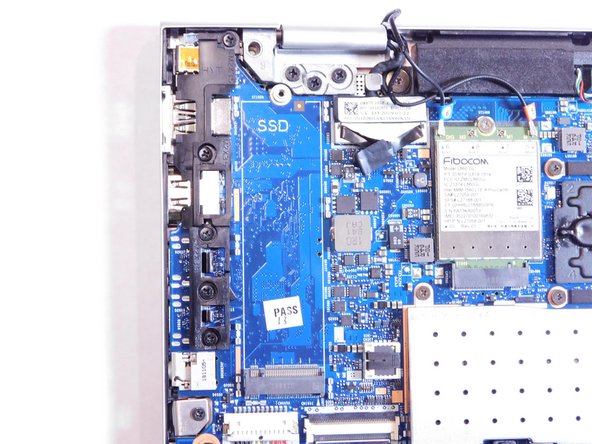


To reassemble your device, follow these instructions in reverse order.


团队

Gateway, Team 1-2, Saknee Fall 2021 Gateway, Team 1-2, Saknee Fall 2021 的会员
GCC-SAKNEE-F21S1G2
4 名成员
创作了6篇指南
