简介
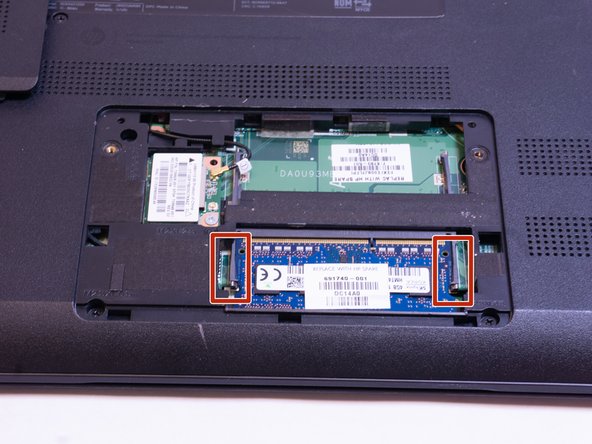
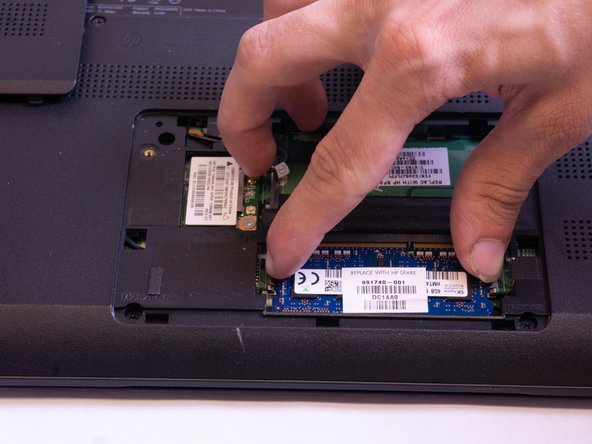
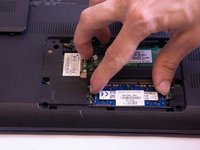
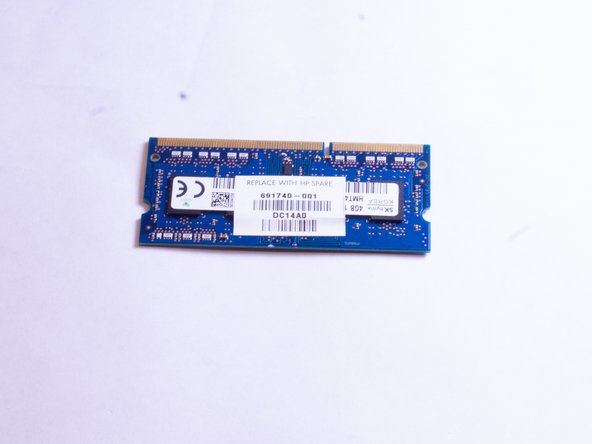
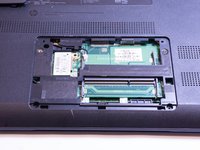
This guide shows how to replace or upgrade the RAM in your HP-f004dx laptop computer. Some reasons you may need to replace include optional upgrading as well as a faulty RAM module.
Please consult the RAM section of our troubleshooting guide here if you are unsure if your RAM module is faulty or not.
你所需要的



结论
To reassemble your device, follow these instructions in reverse order.



团队

Appalachian State University, Team S1-G1, Menagarishvili Fall 2018 Appalachian State University, Team S1-G1, Menagarishvili Fall 2018 的会员
APSU-MENAGARISHVILI-F18S1G1
5 名成员
创作了5篇指南
1指南评论
Cuánto es el maximo de ram permitido para este modelo? Estoy pensando en ampliarlo a 8 o 16
