简介
Is your device losing your data, struggling to boot past the home screen, or loading programs very slow. If that is the case, you may have a damaged SSD. This device's storage device is known as an SSD or Solid state drive. These type of storage devices are a bit newer than their older HDD or hard drive counter parts however that usually means they are simple to work with.
The SSD or solid state drive stores all your data on your device. Ensure you have properly exported any data you find important to you as once you replace this component all the information on the original one will be inaccessible.
When ready to begin follow the steps below.
你所需要的

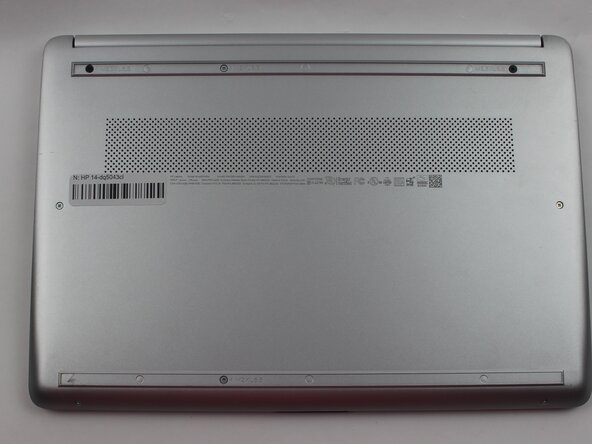


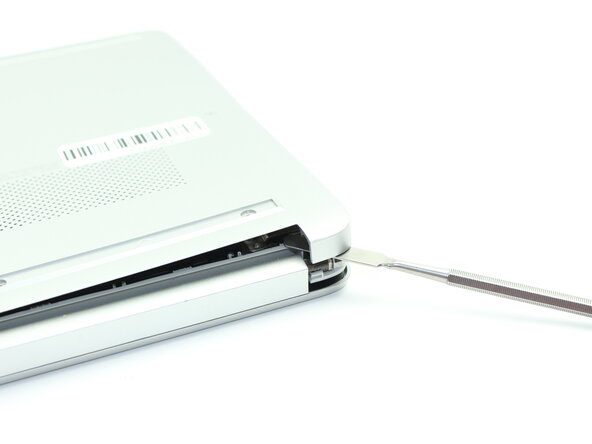
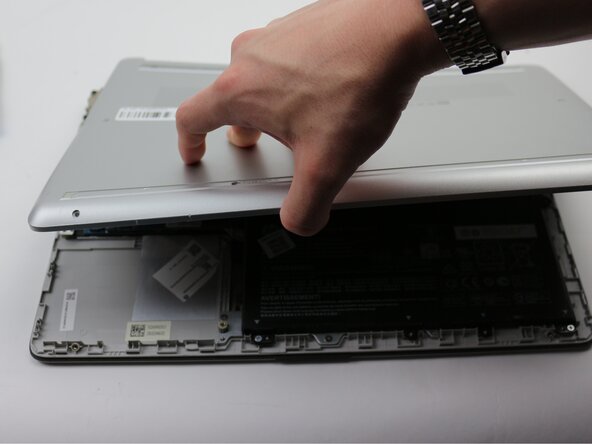
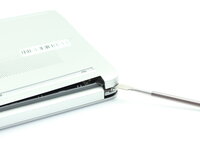
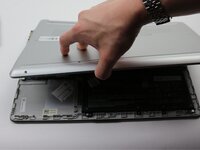

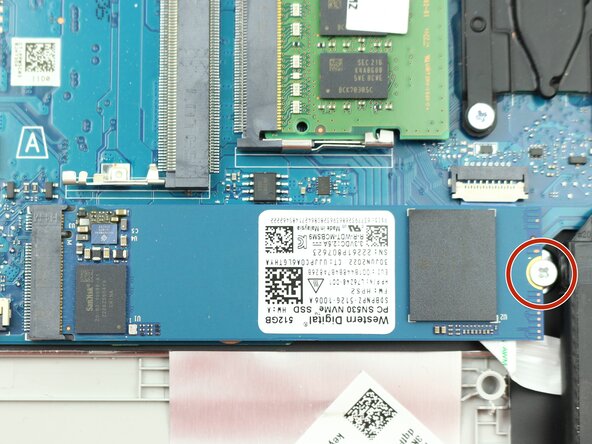
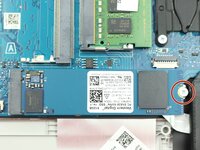

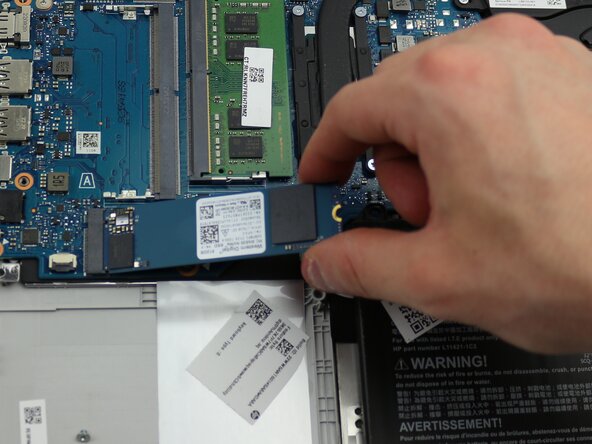
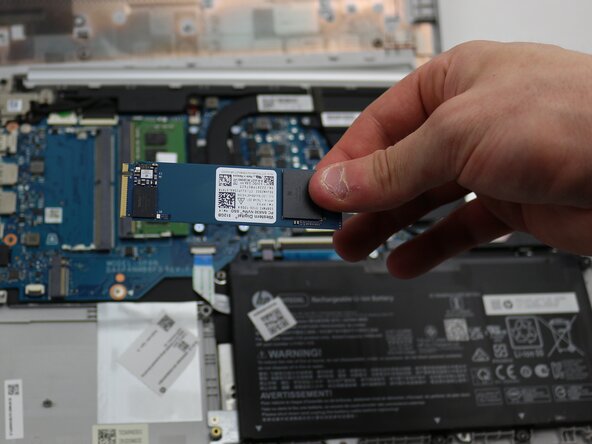
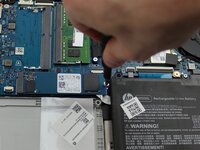
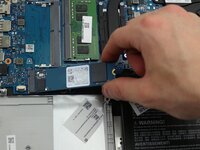
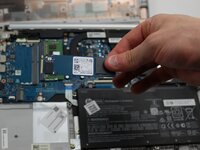
To reassemble your device, follow the above steps in reverse order.
Take your e-waste to an R2 or e-Stewards certified recycler.
Repair didn’t go as planned? Try some basic troubleshooting or ask our Answers community for help.



团队

Sam Houston State, Team 17-2, Thornton Spring 2025 Sam Houston State, Team 17-2, Thornton Spring 2025 的会员
SHSU-THORNTON-S25S17G2
3 名成员
创作了5篇指南
