跳转到主内容

Epson PowerLite 77c Fan Replacement

你所需要的

  1. Epson PowerLite 77c Fan Replacement, Lamp: 步骤 1 中的图像 1,1
    • Use a Phillips #0 screwdriver to remove the one 5.0 mm screw from the lamp cover on the back of the device.

  2. Epson PowerLite 77c Fan Replacement: 步骤 2 中的图像 1,1
    • Slide the cover toward you, then lift it to remove it.

  3. Epson PowerLite 77c Fan Replacement: 步骤 3 中的图像 1,2 Epson PowerLite 77c Fan Replacement: 步骤 3 中的图像 2,2
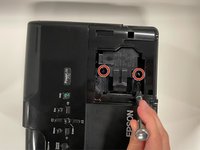
    • Loosen the two 5.0 mm captive screws with a Phillips #0 screwdriver.

    • Captive screws cannot be fully removed. Simply loosen the captive screws until the lamp housing releases, but do not attempt to remove them.

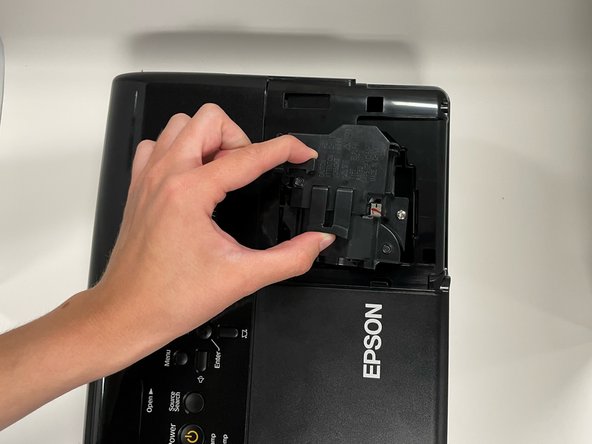
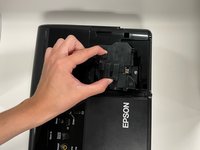
    • Pinch the two release triggers to unlatch the lamp housing, and lift upward to remove it.

  4. Epson PowerLite 77c Fan Replacement, Fan: 步骤 4 中的图像 1,1
    • Use a Phillips #0 screwdriver to remove the seven 5.0 mm screws on the base panel.

    • Pick up the projector with both hands, sandwiching the top and bottom of the projector together, and place it right-side-up, with the ports facing you.

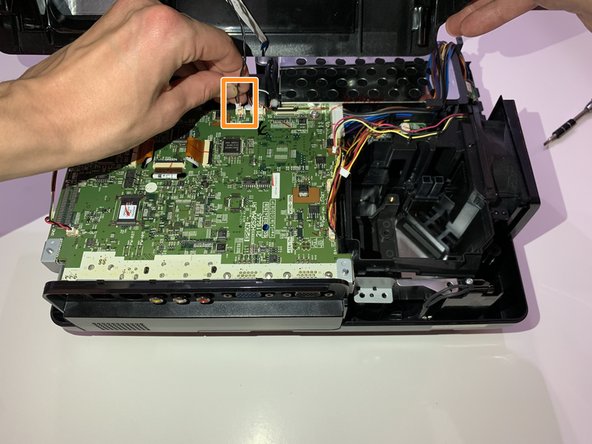
    • Lift the top panel up.

    • Two connectors are holding the top panel to the motherboard; be careful not to damage them as you lift the top panel.

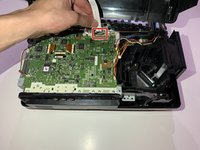
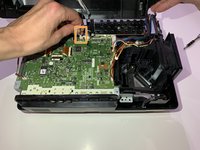
  5. Epson PowerLite 77c Fan Replacement: 步骤 5 中的图像 1,2 Epson PowerLite 77c Fan Replacement: 步骤 5 中的图像 2,2
    • Flip the locking bar of the ZIF connector vertically, then delicately remove the ribbon cable.

    • Grip the cable connector as close as possible to the plug, then pull it straight up until it releases from the motherboard.

    • Remove the top panel.

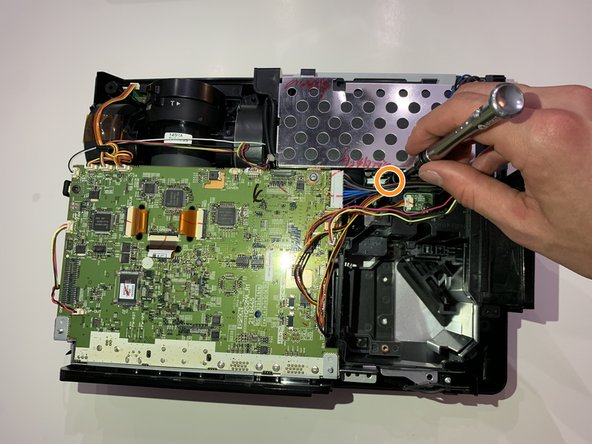
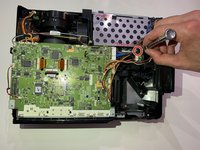
  6. Epson PowerLite 77c Fan Replacement: 步骤 6 中的图像 1,1
    • Use a Phillips #0 screwdriver to remove the two 5.0 mm screws.

  7. Epson PowerLite 77c Fan Replacement: 步骤 7 中的图像 1,2 Epson PowerLite 77c Fan Replacement: 步骤 7 中的图像 2,2
    • Remove the one 5.0 mm screw on the right side of the gap with a Phillips #0 screwdriver.

    • Remove the one 5.0 mm screw on the left side of the gap with a Phillips #0 screwdriver.

  8. Epson PowerLite 77c Fan Replacement: 步骤 8 中的图像 1,1
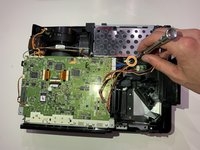
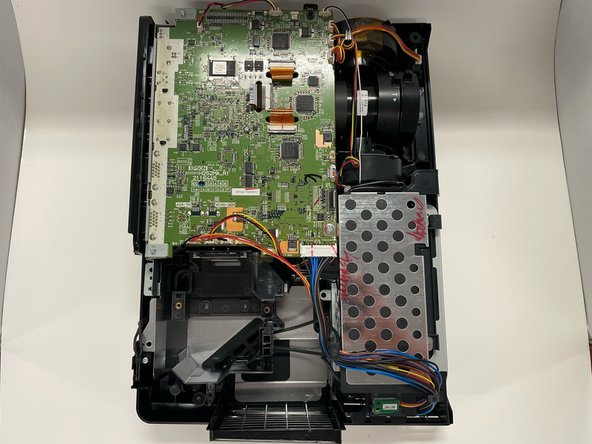
    • On the right side of the motherboard, grip the plug labeled "PWR-FAN" and pull straight up to detach the fan from the motherboard.

  9. Epson PowerLite 77c Fan Replacement: 步骤 9 中的图像 1,2 Epson PowerLite 77c Fan Replacement: 步骤 9 中的图像 2,2
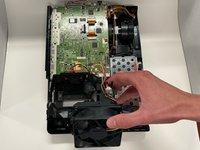
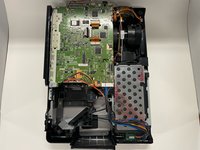
    • Grip the fan and lift it up and out.

结论

To reassemble your device, follow these instructions in reverse order.

另外一个人完成了本指南。

0指南评论

添加评论

浏览统计数据:

过去 24 小时: 0

过去 7 天: 1

过去 30 天: 8

总计 262