简介
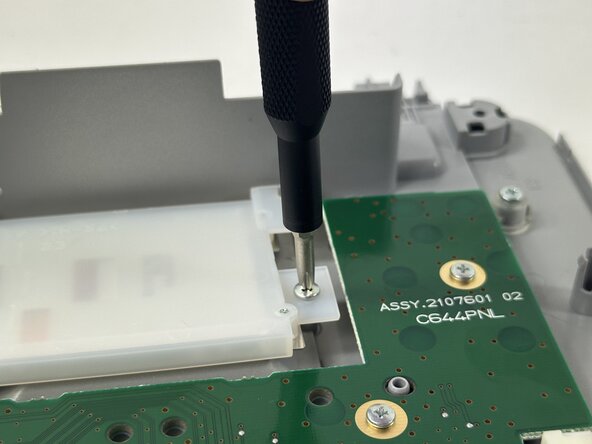
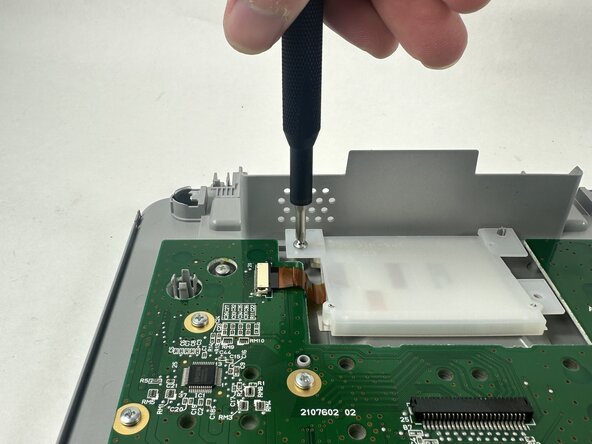
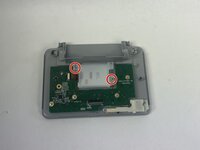
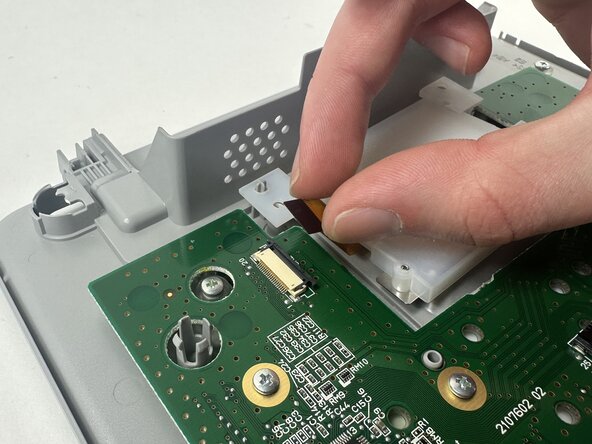
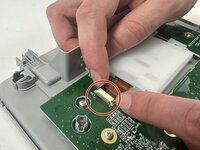
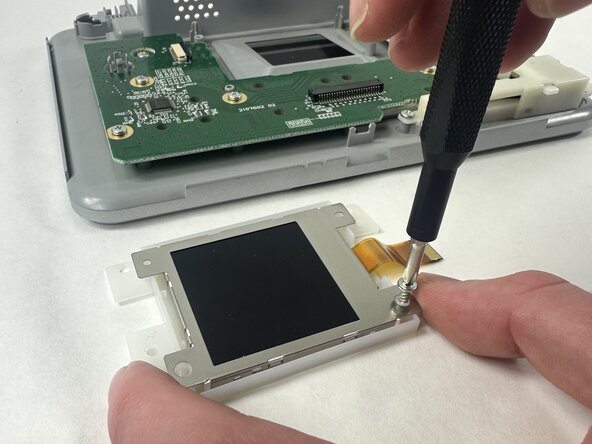
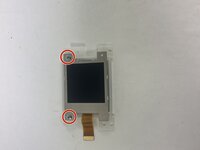
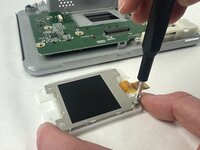
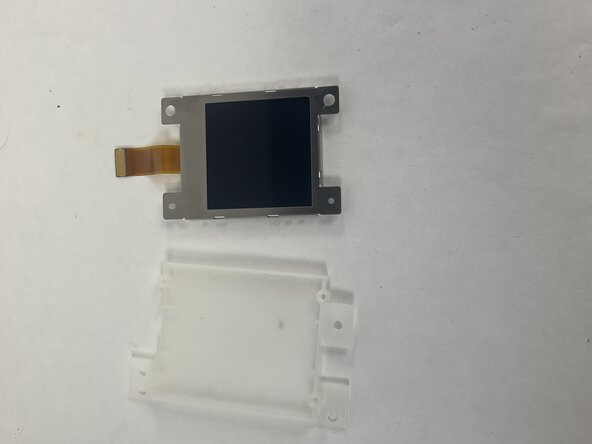
The user interface is given on the 53mm LCD screen. As such, it is a crucial component in being able to operate the printer. If you are experiencing visual errors, or the screen is not turning on, this guide will outline how to replace the screen to try and remedy that problem.
你所需要的
-
-
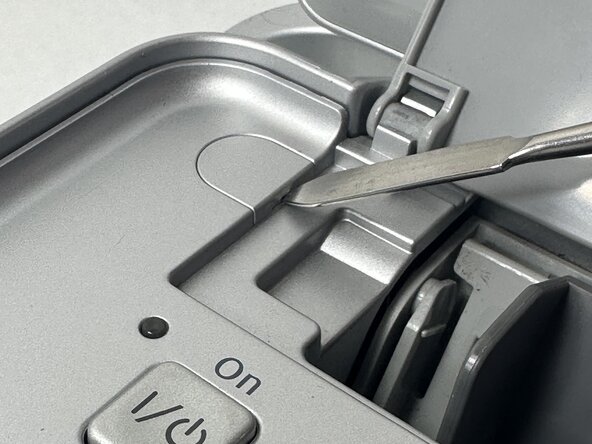
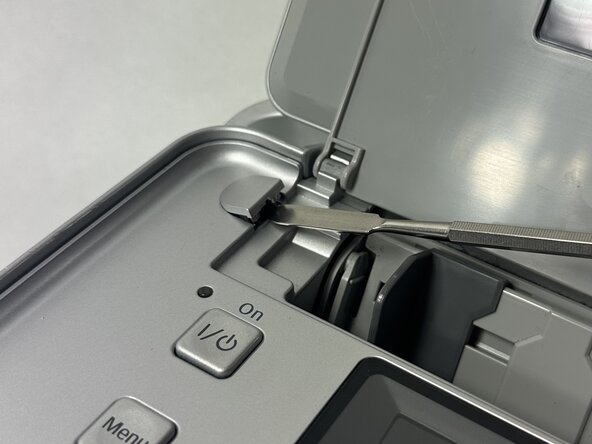
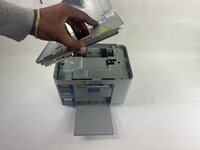
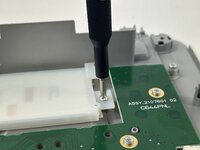
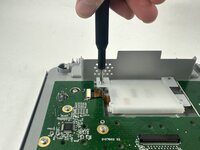
Power off device and use a metal spudger to remove each of the two caps over the screws that hold the top plate to the device.
-
-



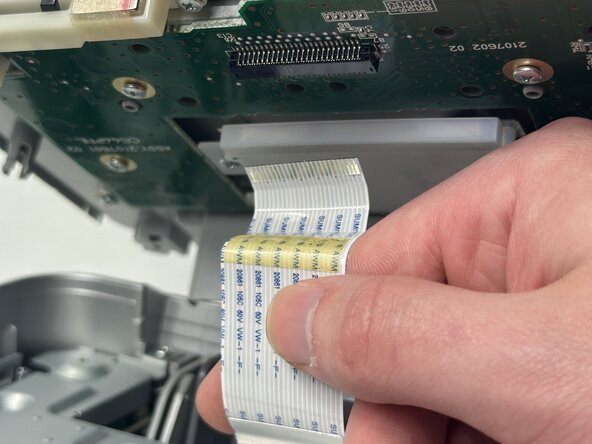
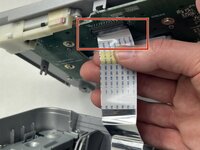
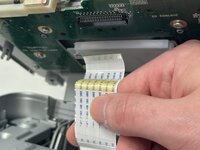
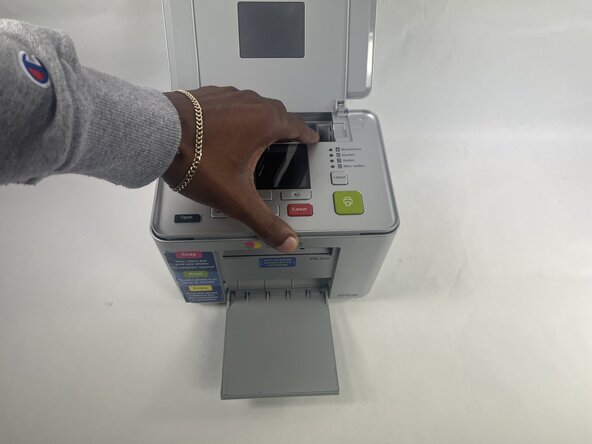
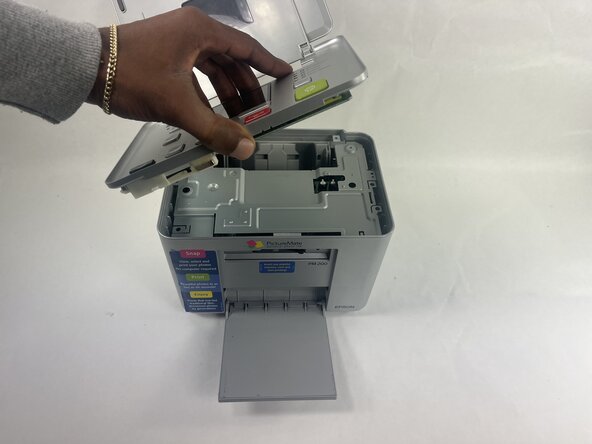



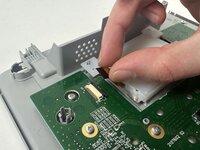

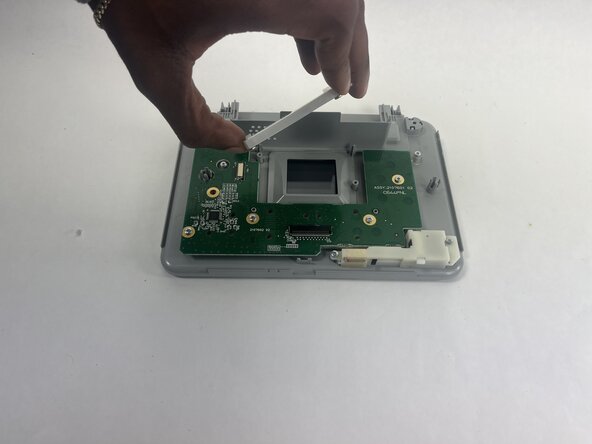


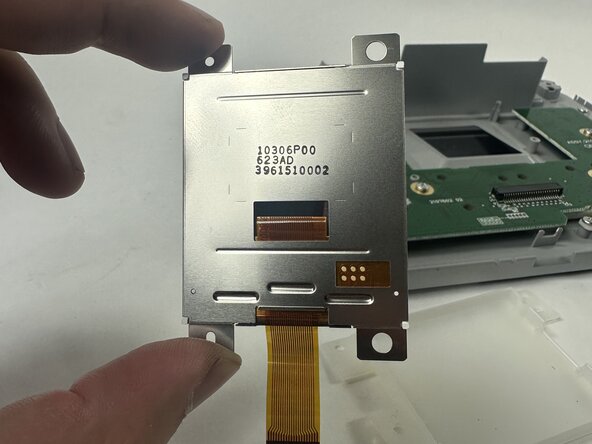
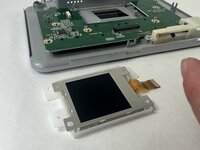
To reassemble your device, follow the above steps in reverse order.
Take your e-waste to an R2 or e-Stewards certified recycler.
Repair didn’t go as planned? Try some basic troubleshooting or ask our Answers community for help.


团队

UMass Dartmouth, Team 2-4, Botvin Spring 2025 UMass Dartmouth, Team 2-4, Botvin Spring 2025 的会员
UMASSD-BOTVIN-S25S2G4
4 名成员
创作了7篇指南
