简介
This guide is going to show you an easy way to replace the turning band in you Crosley CR42. So you can enjoy your LP sooner rather than later.
你所需要的
-
-
-
Check troubleshooting wiki to make sure you aren't doing way more work than you have to!
-
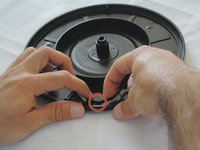
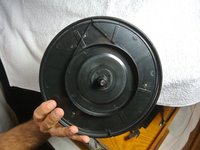
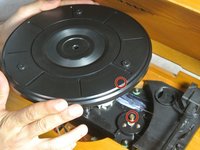
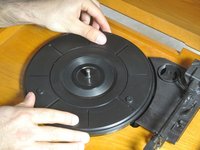
If you believe the band may be broken or out of place, start by unplugging the record player.
 询问修复机器人
-
-
-






团队

Cal Poly, Team 1-38, Maness Winter 2014 Cal Poly, Team 1-38, Maness Winter 2014 的会员
CPSU-MANESS-W14S1G38
4 名成员
创作了15篇指南
