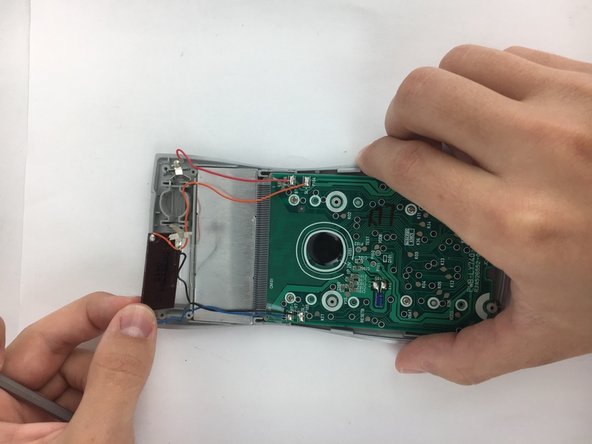
跳转到主内容
加入维修社区 - 创建账户

Casio FX-115MS Individual Keys Replacement

你所需要的

  1. Casio FX-115MS Individual Keys Replacement, Back Plate: 步骤 1 中的图像 1,1
    • Remove the 6 screws, which are 5mm long, using a PH1 screwdriver.

    询问修复机器人
    添加评论

  2. Casio FX-115MS Individual Keys Replacement: 步骤 2 中的图像 1,3 Casio FX-115MS Individual Keys Replacement: 步骤 2 中的图像 2,3 Casio FX-115MS Individual Keys Replacement: 步骤 2 中的图像 3,3
    • Use plastic spudger to separate backplate from the front-plate. Place the flat end of the spudger in the seam between the front and back, near one end of the calculator. Then slide the spudger towards the calculator's center. The two sides will pop free from each other as you go through it with the spudger.

    询问修复机器人
    添加评论

  3. Casio FX-115MS Individual Keys Replacement, Battery: 步骤 3 中的图像 1,2 Casio FX-115MS Individual Keys Replacement, Battery: 步骤 3 中的图像 2,2
    • Using the pointed end of the nylon spudger, carefully pry an edge of the battery, and lift the battery from its socket.

    添加评论

  4. Casio FX-115MS Individual Keys Replacement, Motherboard and Screen: 步骤 4 中的图像 1,2 Casio FX-115MS Individual Keys Replacement, Motherboard and Screen: 步骤 4 中的图像 2,2
    • Using the plastic spudger, carefully pry the battery terminals from the front plate. If the plastic spudger is too weak for prying out the terminals, use the small metal spudger.By Carefully bending and/or prying the little teeth on the terminals upwards you can easily remove them.

    询问修复机器人
    添加评论

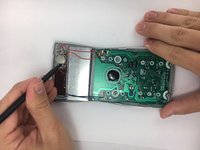
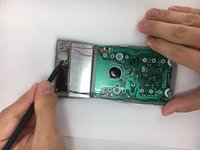
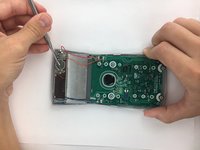
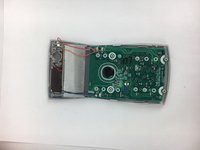
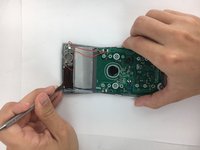
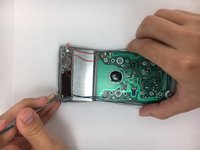
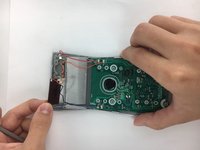
  5. Casio FX-115MS Individual Keys Replacement: 步骤 5 中的图像 1,3 Casio FX-115MS Individual Keys Replacement: 步骤 5 中的图像 2,3 Casio FX-115MS Individual Keys Replacement: 步骤 5 中的图像 3,3
    • Using the small metal spudger. Carefully pry around the edge of the solar panel until it becomes loose. Then simply pull it from its socket using your hands.

    询问修复机器人
    添加评论

  6. Casio FX-115MS Individual Keys Replacement: 步骤 6 中的图像 1,2 Casio FX-115MS Individual Keys Replacement: 步骤 6 中的图像 2,2
    • Using a PH0 phillips screwdriver, unscrew the four, 4mm, pan head screws from the motherboard.

    询问修复机器人
    添加评论

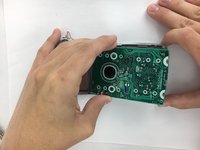
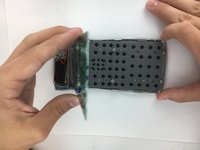
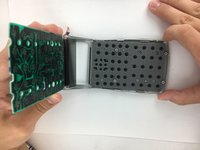
  7. Casio FX-115MS Individual Keys Replacement: 步骤 7 中的图像 1,3 Casio FX-115MS Individual Keys Replacement: 步骤 7 中的图像 2,3 Casio FX-115MS Individual Keys Replacement: 步骤 7 中的图像 3,3
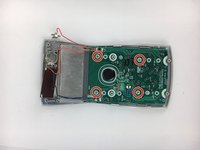
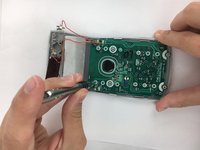
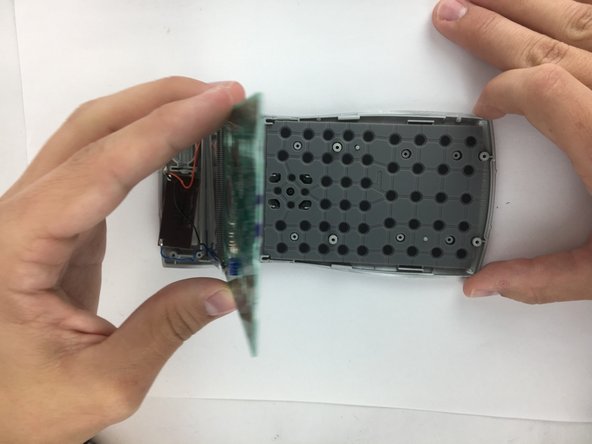
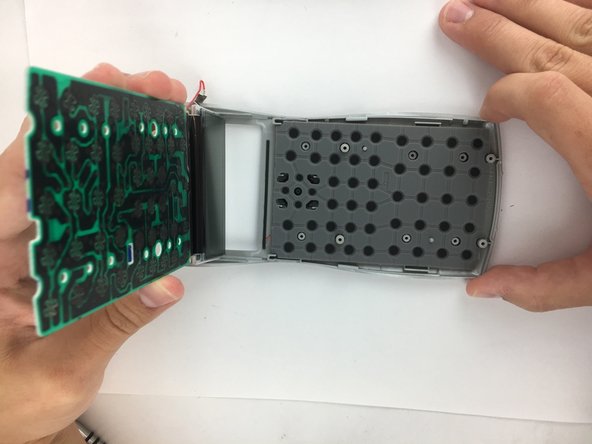
    • Carefully lift the motherboard, screen, solar panel, and battery terminal combination from the front plate. Start from the motherboard and lift at an angle toward the solar panel.

    询问修复机器人

    添加评论

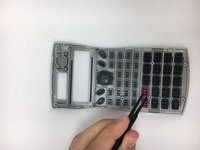
  8. Casio FX-115MS Individual Keys Replacement, Keyboard Mat: 步骤 8 中的图像 1,3 Casio FX-115MS Individual Keys Replacement, Keyboard Mat: 步骤 8 中的图像 2,3 Casio FX-115MS Individual Keys Replacement, Keyboard Mat: 步骤 8 中的图像 3,3
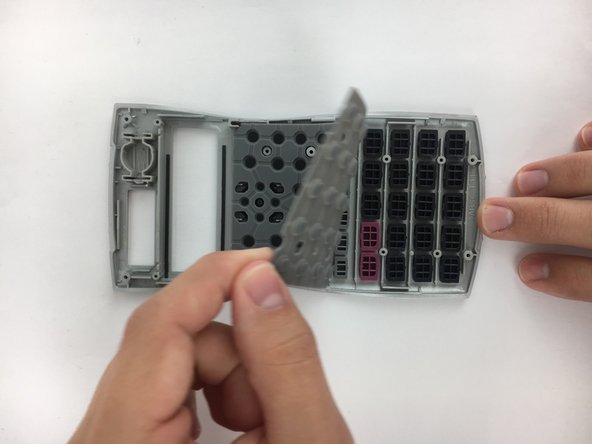
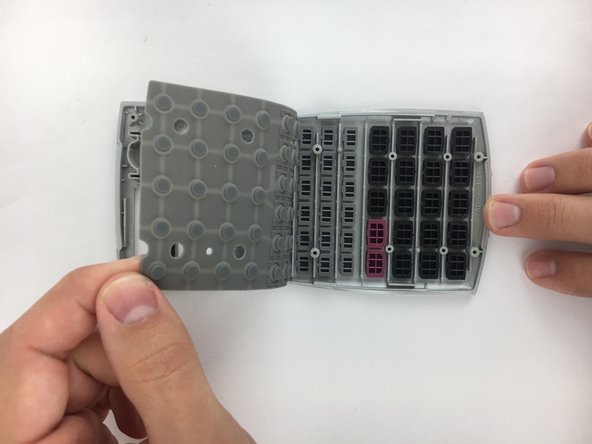
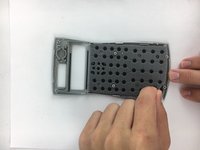
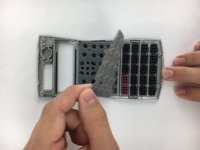
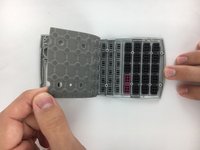
    • Starting from one corner of the keyboard mat, slowly peel the mat from the front plate and individual keys.

    询问修复机器人
    添加评论

  9. Casio FX-115MS Individual Keys Replacement, Individual Keys: 步骤 9 中的图像 1,3 Casio FX-115MS Individual Keys Replacement, Individual Keys: 步骤 9 中的图像 2,3 Casio FX-115MS Individual Keys Replacement, Individual Keys: 步骤 9 中的图像 3,3
    在这个步骤中使用的工具:
    Tweezers
    $4.99
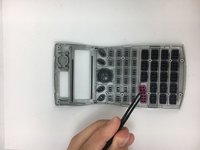
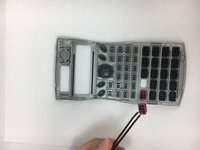
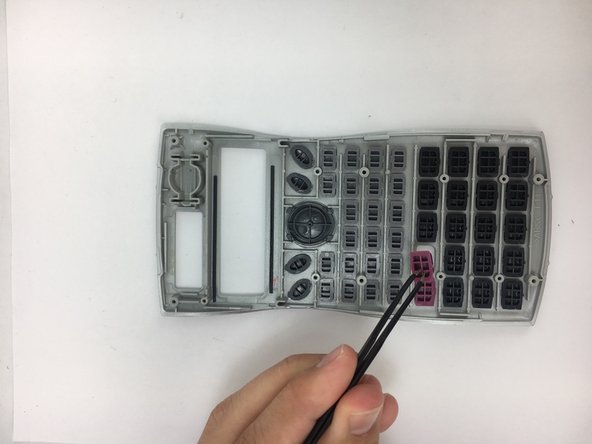
    • Select which key you need to remove, then using the Angled ESD Tweezers pick up the key, and pull it free from the face plate.

    添加评论

结论

To reassemble your device, follow these instructions in reverse order.

取消:我没有完成这个指南。

另外一个人完成了本指南。

团队

USF Tampa, Team 2-2, Nance Fall 2016 USF Tampa, Team 2-2, Nance Fall 2016 的会员

USFT-NANCE-F16S2G2

4 名成员

创作了15篇指南

0指南评论

添加评论

浏览统计数据:

过去 24 小时: 3

过去 7 天: 13

过去 30 天: 64

总计 2,348