跳转到主内容
加入维修社区 - 创建账户
Battery Disconnect

仅作为前提条件
本指南仅提供前提条件!本指南是另一个程序的一部分,不能单独使用。

你所需要的

  1. Battery Disconnect, Safety precautions: 步骤 1 中的图像 1,2 Battery Disconnect, Safety precautions: 步骤 1 中的图像 2,2
    • Let your Pixel's battery drain below 25% before starting this repair. A charged lithium‑ion battery may catch fire if damaged.

    • Unplug all cables and completely power down your phone.

  2. Battery Disconnect, Adhesive information: 步骤 2 中的图像 1,3 Battery Disconnect, Adhesive information: 步骤 2 中的图像 2,3 Battery Disconnect, Adhesive information: 步骤 2 中的图像 3,3
    • Adhesive secures the perimeter of the rear cover to the frame.

    • When separating the adhesive, don't insert your tool more than 3 mm under the rear cover to avoid damaging the internal components.

    • Measure 3 mm from the tip and mark your opening pick with a permanent marker. Alternatively, you can tape a coin to a pick 3 mm from the tip.

  3. Battery Disconnect, Apply a suction handle: 步骤 3 中的图像 1,2 Battery Disconnect, Apply a suction handle: 步骤 3 中的图像 2,2
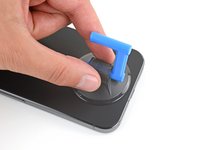
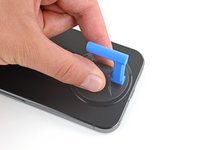
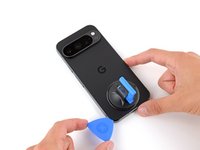
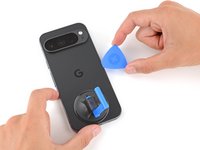
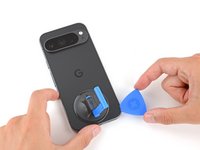
    • Attach a suction handle to the bottom edge of the rear cover, as close to the edge as possible.

  4. Battery Disconnect, Insert an opening pick: 步骤 4 中的图像 1,3 Battery Disconnect, Insert an opening pick: 步骤 4 中的图像 2,3 Battery Disconnect, Insert an opening pick: 步骤 4 中的图像 3,3
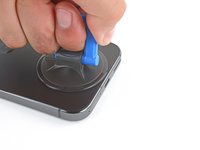
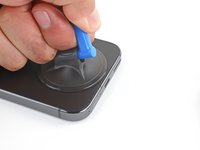
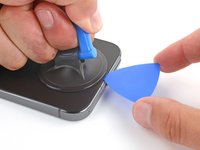
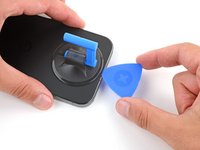
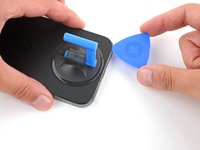
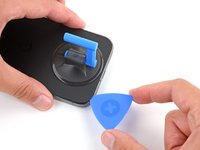
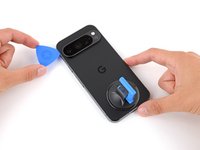
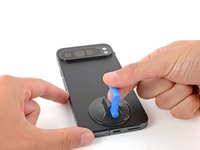
    • Pull up on the suction handle with strong, steady force to create a small gap under the rear cover.

    • Insert the tip of an opening pick in the gap.

  5. Battery Disconnect, Separate the rear cover adhesive: 步骤 5 中的图像 1,3 Battery Disconnect, Separate the rear cover adhesive: 步骤 5 中的图像 2,3 Battery Disconnect, Separate the rear cover adhesive: 步骤 5 中的图像 3,3
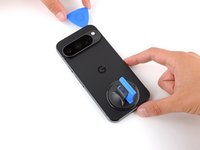
    • Slide your opening pick along the bottom edge to separate the adhesive securing it.

    • Remember: don't insert the opening pick deeper than 3 mm.

  6. Battery Disconnect: 步骤 6 中的图像 1,3 Battery Disconnect: 步骤 6 中的图像 2,3 Battery Disconnect: 步骤 6 中的图像 3,3
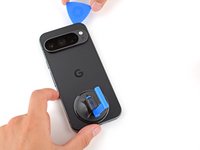
    • Slide your opening pick up the left edge and along the top edge to separate the adhesive.

  7. Battery Disconnect: 步骤 7 中的图像 1,3 Battery Disconnect: 步骤 7 中的图像 2,3 Battery Disconnect: 步骤 7 中的图像 3,3
    • Slide your pick down the right edge to separate the remaining adhesive.

  8. Battery Disconnect, Prop up the rear cover: 步骤 8 中的图像 1,3 Battery Disconnect, Prop up the rear cover: 步骤 8 中的图像 2,3 Battery Disconnect, Prop up the rear cover: 步骤 8 中的图像 3,3
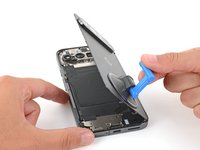
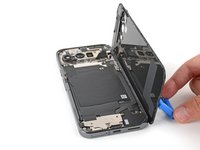
    • Don't try to fully remove the rear cover yet, as a ribbon cable on the right edge connects it to the phone.

    • Use the suction handle to lift the left edge of the rear cover and swing it over the right edge, like opening the cover of a book.

    • If you're having trouble, check the perimeter for any remaining adhesive and use your opening pick to separate it.

    • Prop up the rear cover with the suction handle so you can access the ribbon cable near the top right corner.

  9. Battery Disconnect, Remove the cable cover: 步骤 9 中的图像 1,2 Battery Disconnect, Remove the cable cover: 步骤 9 中的图像 2,2
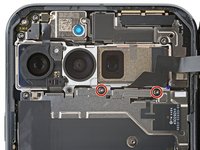
    • Use a Torx Plus 3IP screwdriver to remove the two 5.2 mm‑long screws securing the cable cover.

  10. Battery Disconnect: 步骤 10 中的图像 1,2 Battery Disconnect: 步骤 10 中的图像 2,2
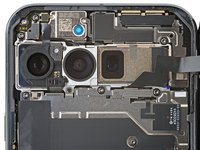
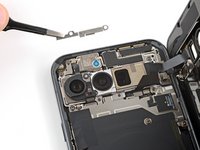
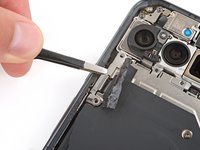
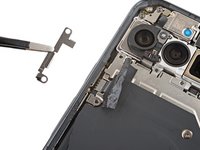
    • Use tweezers or your fingers to remove the cable cover.

  11. Battery Disconnect, Disconnect the rear cover: 步骤 11 中的图像 1,3 Battery Disconnect, Disconnect the rear cover: 步骤 11 中的图像 2,3 Battery Disconnect, Disconnect the rear cover: 步骤 11 中的图像 3,3
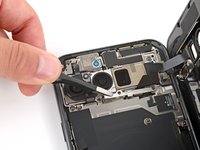
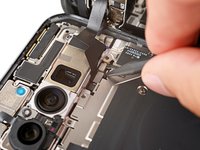
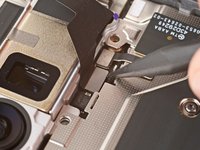
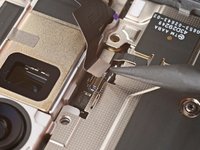
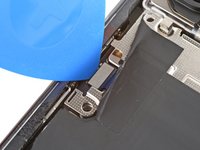
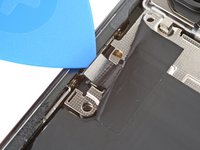
    • Use the point of a spudger to pry up and disconnect the rear cover press connector.

  12. Battery Disconnect, Remove the rear cover: 步骤 12 中的图像 1,1
    • Remove the rear cover.

    • During reassembly, follow this guide to apply new adhesive and install your back cover.

  13. Battery Disconnect, Peel up the cable cover tape: 步骤 13 中的图像 1,3 Battery Disconnect, Peel up the cable cover tape: 步骤 13 中的图像 2,3 Battery Disconnect, Peel up the cable cover tape: 步骤 13 中的图像 3,3
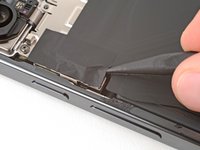
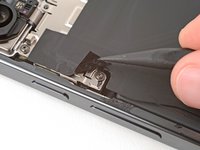
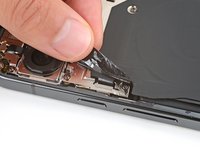
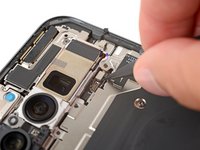
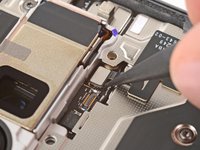
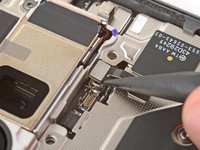
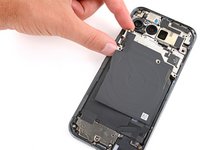
    • Use the tip of a spudger and your fingers to peel up the piece of tape near the left edge of your phone, enough that you can access the bracket and screws underneath.

    • You can completely remove the tape if you want, but be sure to keep it for reassembly.

  14. Battery Disconnect, Remove the cable cover: 步骤 14 中的图像 1,2 Battery Disconnect, Remove the cable cover: 步骤 14 中的图像 2,2
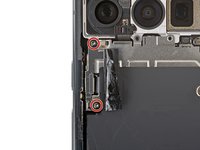
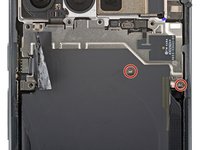
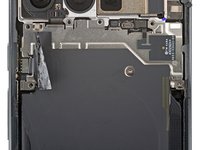
    • Use a Torx Plus 3IP screwdriver to remove the two 5.2 mm‑long screws securing the wireless charging cable cover.

  15. Battery Disconnect: 步骤 15 中的图像 1,2 Battery Disconnect: 步骤 15 中的图像 2,2
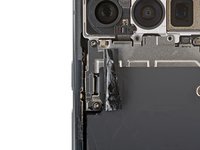
    • Use tweezers or your fingers to remove the cover.

  16. Battery Disconnect, Disconnect the wireless charging assembly: 步骤 16 中的图像 1,2 Battery Disconnect, Disconnect the wireless charging assembly: 步骤 16 中的图像 2,2
    • Use the tip of an opening pick to pry up and disconnect the wireless charging press‑connector.

  17. Battery Disconnect: 步骤 17 中的图像 1,3 Battery Disconnect: 步骤 17 中的图像 2,3 Battery Disconnect: 步骤 17 中的图像 3,3
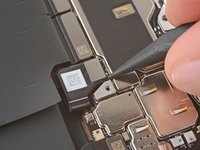
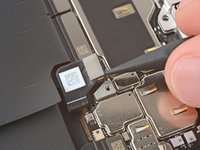
    • Use the point of a spudger to pry up and disconnect the ultra‑wideband press connector.

  18. Battery Disconnect, Remove the wireless charging assembly screws: 步骤 18 中的图像 1,2 Battery Disconnect, Remove the wireless charging assembly screws: 步骤 18 中的图像 2,2
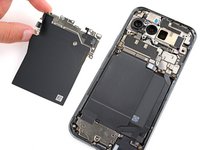
    • Use a Torx Plus 3IP screwdriver to remove the two 2.2 mm‑long screw securing the wireless charging assembly.

  19. Battery Disconnect, Remove the wireless charging assembly: 步骤 19 中的图像 1,2 Battery Disconnect, Remove the wireless charging assembly: 步骤 19 中的图像 2,2
    • Remove the wireless charging assembly.

  20. Battery Disconnect, Disconnect the battery: 步骤 20 中的图像 1,3 Battery Disconnect, Disconnect the battery: 步骤 20 中的图像 2,3 Battery Disconnect, Disconnect the battery: 步骤 20 中的图像 3,3
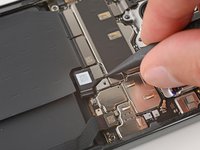
    • Use a spudger to pry up and disconnect the battery press connector.

终点

Spencer Day

于09/14/22注册

158,552 声望

创作了1,043篇指南

团队

iFixit iFixit 的会员

Staff

123 名成员

创作了23,899篇指南

0指南评论

添加评论

浏览统计数据:

过去 24 小时: 1

过去 7 天: 4

过去 30 天: 8

总计 55