跳转到主内容
加入维修社区 - 创建账户

Android tablet Nobis NB09 Speaker Replacement

你所需要的

  1. Android tablet Nobis NB09 Speaker Replacement, Back Cover: 步骤 1 中的图像 1,1
    • Remove the two 00 Phillips screws located in the right hand side of the tablet.

    询问修复机器人
  2. Android tablet Nobis NB09 Speaker Replacement: 步骤 2 中的图像 1,3 Android tablet Nobis NB09 Speaker Replacement: 步骤 2 中的图像 2,3 Android tablet Nobis NB09 Speaker Replacement: 步骤 2 中的图像 3,3
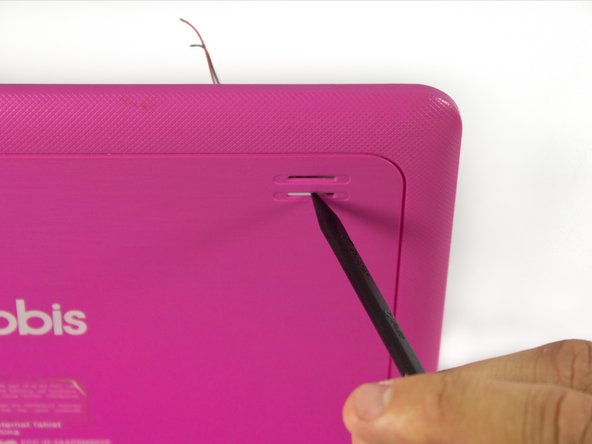
    • Use plastic opening tools to loosen and pry off the back plate (pink piece).

    • When removing the cover, be careful not to pull too hard as there are wires connected to the motherboard attached to the back cover.

    询问修复机器人
  3. Android tablet Nobis NB09 Speaker Replacement, Speaker: 步骤 3 中的图像 1,2 Android tablet Nobis NB09 Speaker Replacement, Speaker: 步骤 3 中的图像 2,2
    • It is recommended that a grounding bracelet be used in order to avoid damage to the device's circuits through ESD (Electro-Static Discharge).

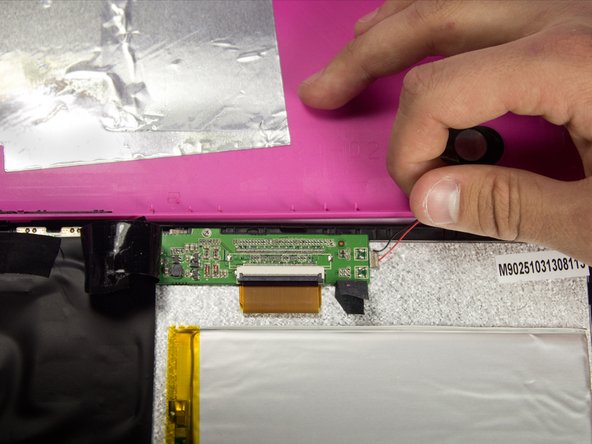
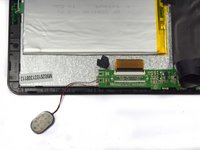
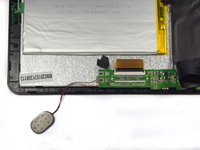
    • The speaker is located on the top left hand side of the tablet.

    • Remove the electrical tape covering the connections to expose the wires.

    询问修复机器人
  4. Android tablet Nobis NB09 Speaker Replacement: 步骤 4 中的图像 1,1
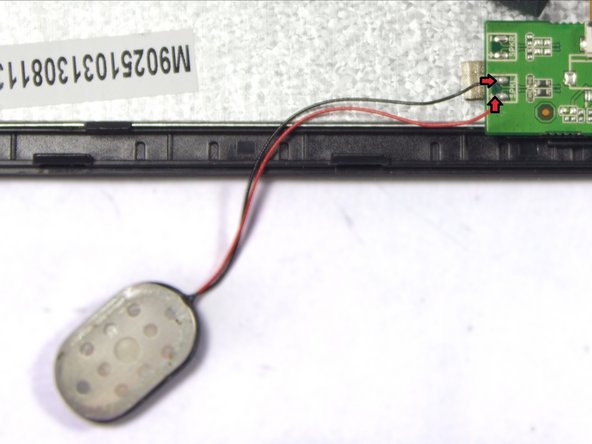
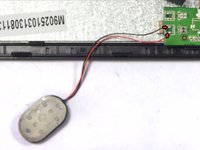
    • Disconnect the faulty speaker by desoldering the two wire connections.

    • Make sure to not damage the motherboard.

    询问修复机器人
  5. Android tablet Nobis NB09 Speaker Replacement: 步骤 5 中的图像 1,1
    • Remove the tape holding the speaker in its socket.

    询问修复机器人
  6. Android tablet Nobis NB09 Speaker Replacement: 步骤 6 中的图像 1,2 Android tablet Nobis NB09 Speaker Replacement: 步骤 6 中的图像 2,2
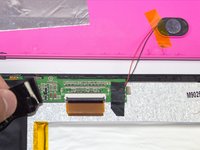
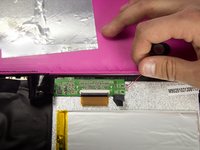
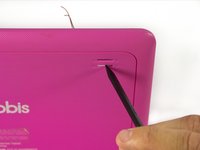
    • Remove the speaker from its socket. Placing the speaker to the side of your device will give you more freedom.

    • Gently pushing the speaker from the back side of the cover with a pointy edge of spudger tool will make this step easier.

    询问修复机器人
  7. Android tablet Nobis NB09 Speaker Replacement: 步骤 7 中的图像 1,2 Android tablet Nobis NB09 Speaker Replacement: 步骤 7 中的图像 2,2
    • Use a soldering iron to extract excess solder using a desoldering braid.

    • Solder the speakers wires back to the motherboard.

    • Review the iFixit soldering guide for help with soldering.

    • Connect red wire to the positive terminal marked "+", and the black wire to the negative terminal marked "-".

    询问修复机器人
结论

To reassemble your device, follow these instructions in reverse order. Do not forget to put electrical tape back in place.

2等其他人完成本指南。

团队

UMass Dartmouth, Team 7-1, Cichon Spring 2015 UMass Dartmouth, Team 7-1, Cichon Spring 2015 的会员

UMASSD-CICHON-S15S7G1

4 名成员

创作了12篇指南

0指南评论

添加评论

浏览统计数据:

过去 24 小时: 1

过去 7 天: 9

过去 30 天: 36

总计 743