跳转到主内容

Amazon Echo Look Speaker Replacement

你所需要的

  1. Amazon Echo Look Speaker Replacement, Front Panel: 步骤 1 中的图像 1,1
    • Ensure the device is completely powered off and disconnected from any power source by removing the charger adapter point from the back of the device.

  2. Amazon Echo Look Speaker Replacement: 步骤 2 中的图像 1,3 Amazon Echo Look Speaker Replacement: 步骤 2 中的图像 2,3 Amazon Echo Look Speaker Replacement: 步骤 2 中的图像 3,3
    • If the device stand is attached, remove it by twisting the device's base toward yourself until detached.

  3. Amazon Echo Look Speaker Replacement: 步骤 3 中的图像 1,1
    • Heat the front panel with an iOpener.

    • It may help to secure the iOpener to the device.

    • Heat the device for 5-10 minutes to loosen the glue.

    • CAUTION: The iOpener and the device may be hot.

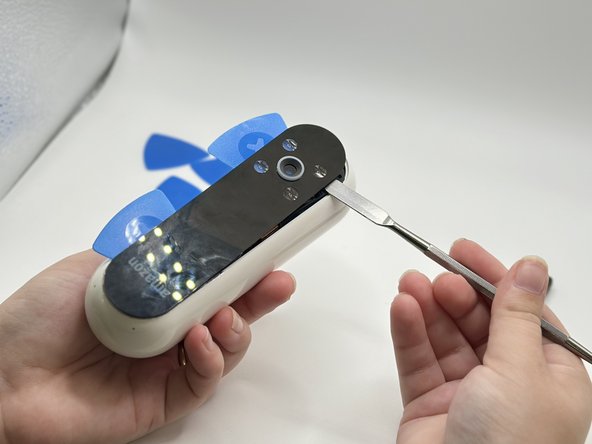
  4. Amazon Echo Look Speaker Replacement: 步骤 4 中的图像 1,3 Amazon Echo Look Speaker Replacement: 步骤 4 中的图像 2,3 Amazon Echo Look Speaker Replacement: 步骤 4 中的图像 3,3
    • Lever the Jimmy between the screen and the device until an opening is formed.

    • Insert opening picks to hold the opening as needed.

    • Use a spudger to circle the border of the front panel and disconnect any lingering glue.

    • Step 3 may need to be repeated as Step 4 is time-sensitive.

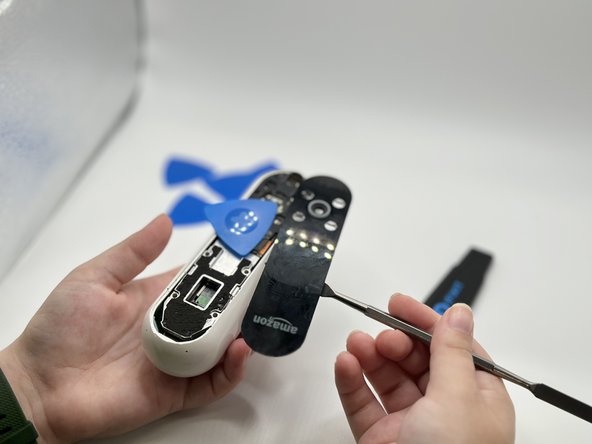
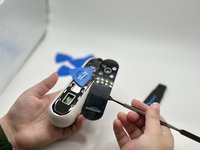
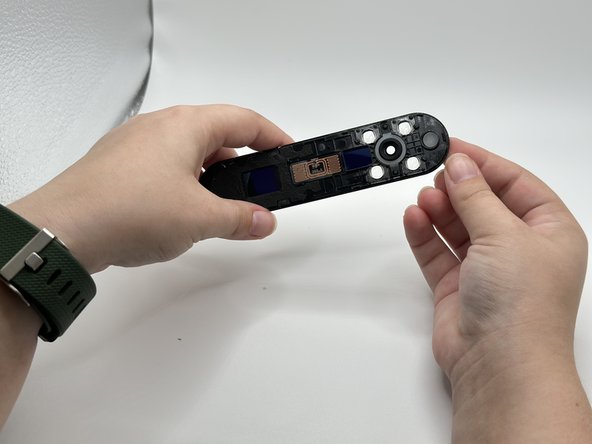
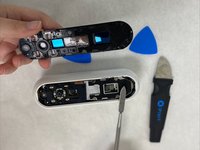
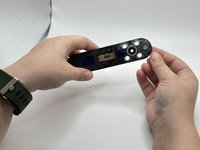
  5. Amazon Echo Look Speaker Replacement: 步骤 5 中的图像 1,2 Amazon Echo Look Speaker Replacement: 步骤 5 中的图像 2,2
    • Remove the front panel by levering the spudger at the top of the device.

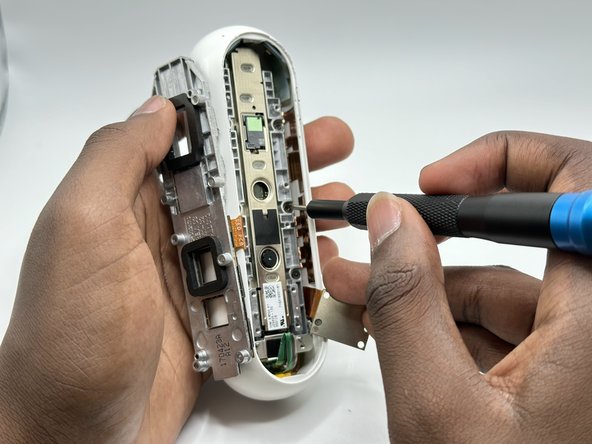
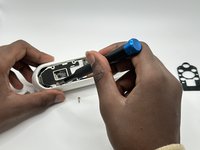
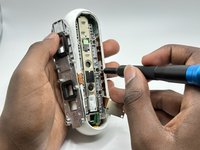
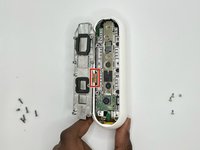
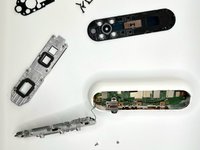
  6. Amazon Echo Look Speaker Replacement, Midframe: 步骤 6 中的图像 1,2 Amazon Echo Look Speaker Replacement, Midframe: 步骤 6 中的图像 2,2
    • Remove the screws from the midframe with a Torx T5 screwdriver.

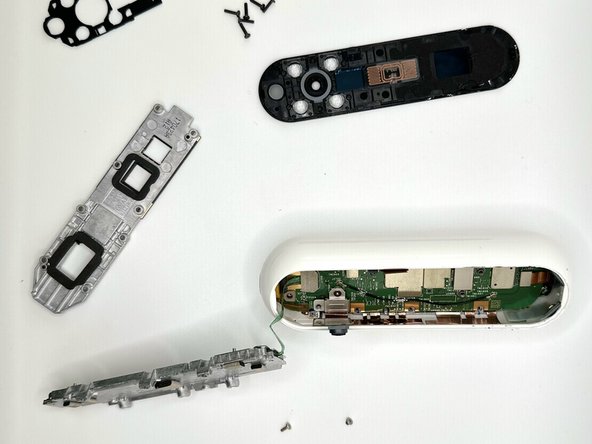
    • Lift up the midframe

    • Remove the eight screws attached to the gray metal piece using a Torx T5 screwdriver.

  7. Amazon Echo Look Speaker Replacement: 步骤 7 中的图像 1,2 Amazon Echo Look Speaker Replacement: 步骤 7 中的图像 2,2
    • Use a spudger to gently lift up the ribbon until it detaches.

  8. Amazon Echo Look Speaker Replacement, Wi-Fi Module: 步骤 8 中的图像 1,1
    • Use a spudger to pry the Wi-Fi module away from the motherboard.

  9. Amazon Echo Look Speaker Replacement, Motherboard: 步骤 9 中的图像 1,3 Amazon Echo Look Speaker Replacement, Motherboard: 步骤 9 中的图像 2,3 Amazon Echo Look Speaker Replacement, Motherboard: 步骤 9 中的图像 3,3
    • Remove five screws from the motherboard with a T4 Torx screwdriver.

    • Remove all attached parts.

    • Tilting the device, angle the motherboard for removal.

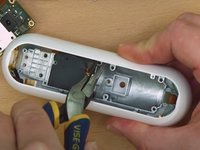
  10. Amazon Echo Look Speaker Replacement, Speaker: 步骤 10 中的图像 1,1
    • Remove screws with a T4 Torx screwdriver.

    • Using pliers, remove the copper-plated sections.

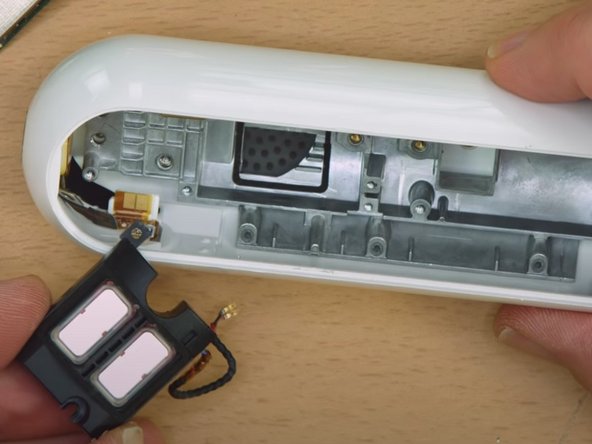
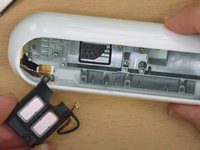
  11. Amazon Echo Look Speaker Replacement: 步骤 11 中的图像 1,2 Amazon Echo Look Speaker Replacement: 步骤 11 中的图像 2,2
    • Remove the speaker with pliers.

结论

To reassemble your device, follow these instructions in reverse order.

0指南评论

添加评论

浏览统计数据:

过去 24 小时: 1

过去 7 天: 2

过去 30 天: 7

总计 119