简介
本文为 Mac mini (2024) 更换 SSD / 闪存模块的指南。
本文中使用的是基础款的 M4 Mac mini。基于 M4 Pro 的 Mac mini 的 SSD 更长且位置不同,但拆解流程相同。
虽然该款 Mac mini 的 SSD 外观上与普通 M.2 SSD 并无区别,但 其中并不包括存储控制器,因为 Apple 将控制器集成在了 Apple Silicon 的 SoC 中,这也意味着普通的 M.2 SSD并不兼容。
本文假定您将使用同款 SSD 进行替换。
你所需要的


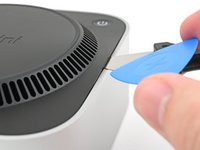
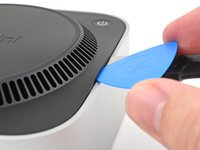
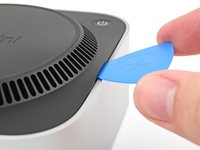


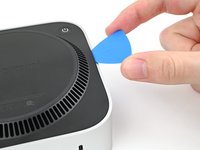
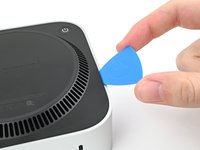
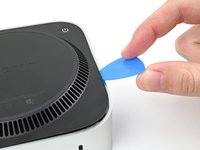


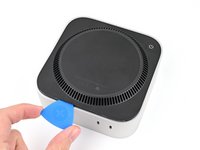
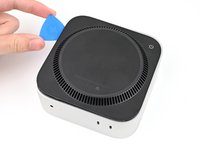
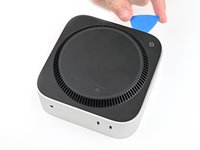


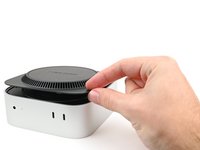
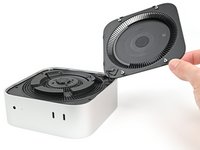


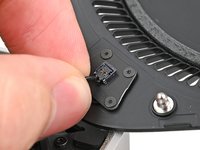




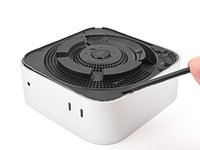
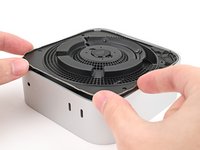


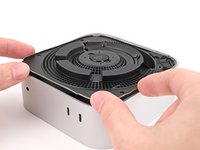
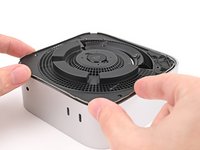


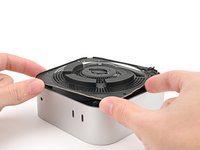
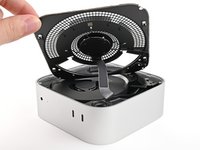
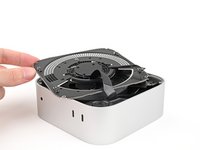


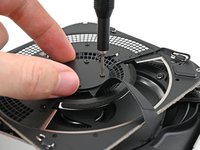
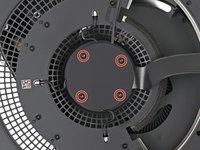
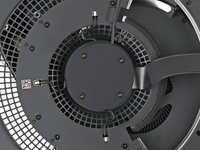


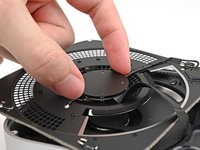
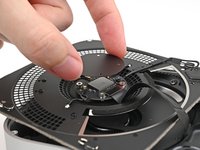


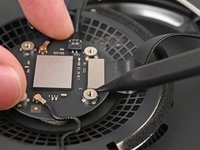
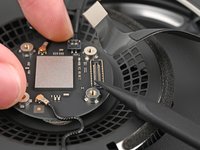


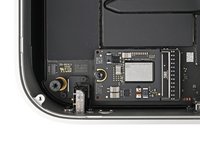


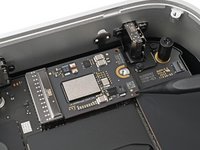


要重新组装你的设备,请按照以上指南相反的步骤。
将你的电子废弃物交给 R2 or e-Stewards 认证回收点的专业人员处理。
维修进程与计划不符?参考一些通用的排错步骤,或来Mac mini (2024) 的问答社区寻求帮助。
43等其他人完成本指南。



23指南评论
"Apple's unique SSDs aren't sold by Apple and aren't currently available by a third party." is no longer correct. https://expandmacmini.com has tested options to upgrade SSD to 2TB.
Fixed! Thank you!
Thanks, as always, for such a wonderful job in explanation and photos as to how this disassembly and upgrade of the M4 Mac Mini. I and many others thank you for this work that you do so well. I have just purchased an M4 Mini with only 256 GB internal drive, although, I did opt for an upgrade of the RAM to 32 GB; but, as everyone knows, and extra $500 as a charge from Apple for this much extra RAM makes for quite an expensive addition to the cost. But, now that I have an option to upgrade the internal drive to 2 TB, my Mini will be really powerful, with lots of room to spare!
After the installation, (or prior to?) how does one install the OS? Thank you
