
 1
1 Replaced LCD Has Vertical Lines - "HELP!"
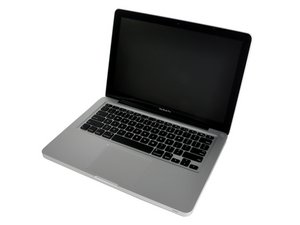
I dropped my MBP a few months ago and I've just bought (for the second time) a new LCD for it. When I installed the new Lcd panel I got colorful vertical lines on a white background across the whole screen. I tried reseting the PRAM to no avail but some change in the vertical line's position on the screen with a 1 and half inch white gap between the lines on one part of the screen.
I know the logic board is okay, because I have it plugged into a desktop monitor and everything is fine. Do I need to send the panel I ordered back and get a new one? Or is this now a problem with my cable?
(also there is no going to a genius bar because the warranty is out on this laptop)

 77
77  360
360 
1条评论
I tried doing the safe-boot but I couldn't tell if it booted into safe mode. I believe it did because the external monitor turned on with the external screen reset as "next to" the macbook's screen where as when I reset they mirror each other because I sat there reaching into the void with the mouse pointer to pull windows over till I got the system preferences pane into view. So it DOES work with an external.
What should my next plan of action be?
由 David 完成的