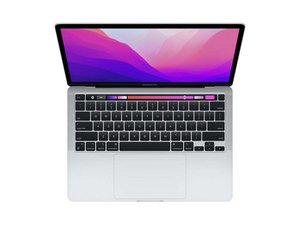

My Mac turns on but it shows a black screen
I turn on my Macbook Pro 13 inch M2 chip but it shows a black screen, I can still hear the start up sound and the keyboard lights up but nothing on the screen

声誉积分: 495.8千
 35
35
 338
338
 974
974
Do you have an external monitor which you can connect? See if it shows an image. You can also shine a flashlight into the display at a sharp angle to see if there is a faint image of the desktop and its icons. Let us know what you discover.
这个答案有帮助吗?
Thanks for your response, but I don't have any external monitor, and I literally can't see anything on the screen even when I shine a strong light on it. Everything was working just fine and I woke up one morning and opened my Mac and at first it works fine but suddenly went off
@jamalaboukir - do you have an HDMI TV? If you do all you need is the needed cable to connect to it.
Sadly without isolating out which area you need to fix it's a flip of the coin! You see either the video feed has failed or the backlight has failed given what we know here so far. Connecting an external display will help isolate the issue, as your note of not seeing the faint image of your desktop is aiming us to a failed display but we need to verify that.
Maybe you'll need to find someone local to help you.
过去 24 小时: 0
过去 7 天: 3
过去 30 天: 9
总计 107
