
 28
28  17
17  8
8 There is no flashing red light on the underside
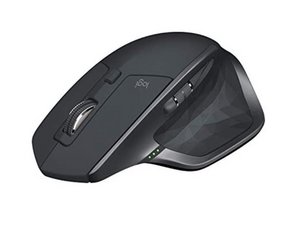
A friend has given me 2 of these mice and both have no flashing red light on the underside, is there any simple fix or is this a parts replacement? The battery is charged and there are lights for the 1-2-3 selection. I have no available unit to connect it to, we just want the red light to come back on. (Located at the near center underside).


1条评论
Yeah agree, I took it apart and everything looked fine, no lose or disconnected cables.... he said he dropped it but it still worked for some time but now it's dead as a mouse lol
由 livfe 完成的