
 1
1 Why can't I manage to install a new macOS (high Sierra)
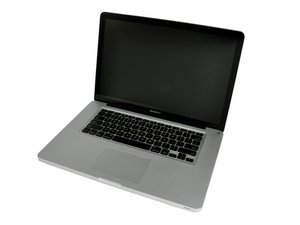
This mac would not boot every time I switched it on, it would show a file icon with a question mark, whenever I try install High Sierra or any macOS thought to be compatible with this Macbook pro 15 mid 2010, it just switches off and restarts while in the last process which is installing the macOS . What is wrong? Is it a hardware issue or a software issue?
I reached a point where I was able to install the high sierra and it would work fine but the issue continued, it became normal for it t last approx. 10s before it switches off again. So because of frustration I started the process again but now I'm back to square 1.

 339
339  974
974 
When installing and wiping the drive in disc utility be sure to check the 'show all devices' and select the TOP layer of the drive that is to be wiped, this will clear all data partitions correctly and help with a smoother install (this is often overlooked).
由 livfe 完成的