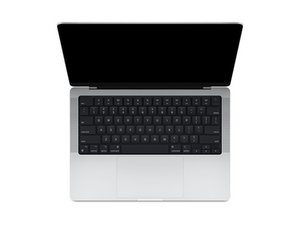

Won't charge or turn on after replacing screen
Today I replaced the screen of my A2442 using parts and tools from the self service repair program. After I had assembled the computer it initially would not charge or turn on. After 5-10 minutes it turned itself on when I connected the charger and I was able to complete the lid sensor and screen calibration. After that it booted as normal and I was able to use the computer for a while until it died again and now won't charge or turn on.
I've tried starting it with the charger connected while having the battery and trackpad disconnected but that did nothing. It also won't charge or turn on after reconnecting everything.
What's the next step for troubleshooting? I've got my multimeter ready but I don't really know where to measure.

 35
35  339
339  974
974 