
 10
10  3
3 MacBook doesn't recognize a blank ssd
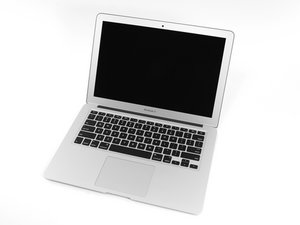
I have a a1466 someone gave me but they wished to keep their ssd.
I've installed a 256 gb m.2 drive but the disk utility doesn't recognize it.
All my other machines are windows.
Is there a tool or software ultity way to insert the proper formatting onto the driver to clean install macos big sur
It seems like if the drive isn't the original the computer makes it very intentionally difficult to setup.
I'm not sure how to properly set up a new install onto a blank ssd is there something I'm missing?

 3
3 
1条评论
We could probably use a bit more detail here. What sort of m.2 drive are you using? Are you connecting it with an adapter? How are you attempting to reinstall the operating system?
由 Alisha C 完成的