
 1
1 Re-Installing OS and Spinning Wheel Is Frozen
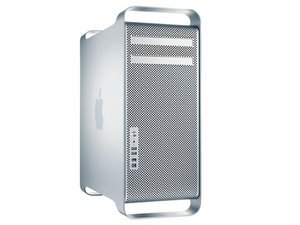
I was given a 2008 Mac Pro today. I put a hard drive in it, made a MacOS USB Drive and tried to install the OS. Upon booting from the USB, I’m greeted with the normal Apple screen. The spinning wheel shows up, spins a few times , stops and doesn’t proceed any further. I have tried zapping NVRAM, re-downloading and remaking Installation USB, tried different USB drives, swapped RAM modules and still the same. I am attempting to install OS Mavericks since I know it supports Early 08 and up.

 338
338  974
974 

What is the drive you put in? Make & Model
由 DanJ 完成的
It is a WD Blue 500GB
由 goetzsage2 完成的
Is this the drive: WD Blue
由 DanJ 完成的
It's an older WD Blue
由 goetzsage2 完成的
@goetzsage2 - Can you give me the model number of the drive.
由 DanJ 完成的
显示更多的2条评论