跳转到主内容
加入维修社区 - 创建账户

宏碁 Aspire 系列笔记本电脑的维修指南和支持,适合家庭和企业使用。

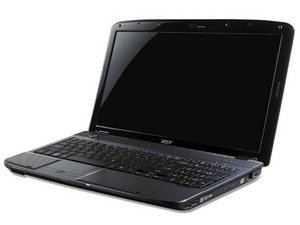
Laptop's LCD works, but not when its plugged into an external monitor?

The laptop’s LCD screen is working but, when an external monitor is plugged into it, it’s only showing on the external monitor. When trying to change the settings to extend the screen, it’s still only showing on the monitor and will revert to “Show Only on 2” in the display settings.

It started, but I managed to find a workaround where I turned the laptop on and then plugged the monitor in, and that was working fine for about a week or so but is no longer working.

What do I do to fix this?

回答此问题 我也有这个问题

这是一个好问题吗?

得分 0

1条评论:

so does it still swap to the external monitor still work when plugged in?

完成的

添加一条评论

1个答案

Select dual display in your display device option. Then try plug in another moniter.

Did you connect to the external monitor with a VGA cable? VGA sometimes overrides the main monitor.

If your computer has just a VGA output you'll need a VGA-to-HDMI converter. Try to connect with a HDMI cvable and see if the issue persists.

这个答案有帮助吗?

得分 0

2条评论:

No, I've connected with a HDMI, sorry, I should have mentioned that.

完成的

@spiritofwrath This seems like a display driver issue, hence I'd recommend you to download and install the most recent display drivers from the manufacturer's website.

If updating drivers not works. Try to uninstall and reinstall display drivers in compatibility mode and check if it helps.

完成的

添加一条评论

添加你的答案

SpiritOfWrath 将永远感激不已
浏览统计数据:

过去 24 小时: 0

过去 7 天: 3

过去 30 天: 6

总计 85