
 1
1 SSD from Bookyard keeps crashing
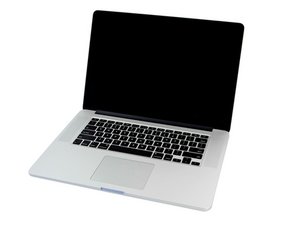
I have an old MacBook where I lost the original SSD when I used a third party one. I now ordered a (presumably refurbished) SSD from the Bookyard advertised as compatible for the same make but 500GB instead of 256. Upon installing it, the machine worked fine for about 5 minutes before shutting down without warning and also without any report upon rebooting successfully. This was repeated a few times, until I gave up. The shutdown happened sometimes less than a minute after booting, sometimes a few minutes later, maybe up to 5 or 6.
I assume that the Bookyard sent me a faulty SSD and I will contact them about it in the morning in the hope that they will replace it.
Is there something in general that I need to know about replacing SSDs for the MacBook? Is it a straightforward process or am I likely to have to say goodbye to my old machine? Does Mac replace hard disks for older models and what do they charge for it?

 339
339  974
974 
I would check your system using the build-in diagnostics. Restart your system and press the D key to enter.
You should also check your battery given your systems age, install this gem of an app! CoconutBattery take a snapshot of the apps main window and post it here for us to see 在已经存在的问题里加入图片
由 DanJ 完成的