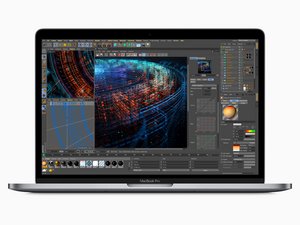

How to open bottom plate?
Does anyone know how on earth i can get the rear clips on the backplate of a 2018 15" MacBook Pro to release? I was following this guide (2018年带 Touch Bar 的15寸 MacBook Pro 底壳更换) and I could do everything until it said to "Pull firmly to slide the lower case towards the front of the MacBook", I've tried doing so repeatedly and the clips just wont release. I don't want to pull any harder as I'm afraid of damaging something inside.

 35
35  338
338  974
974 


Make sure that you run the plastic pick around the front and the side of the laptop to release all the hinges on the side and then try to slide it forward. I think something is still catching on yours on either side.
由 honakrisi 完成的