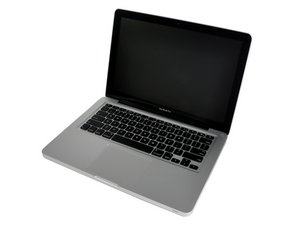

 1
1 camera cable broken!
hey guys. yesterday i decided to replace my MBs thermal paste after almost 8 years of use .
in the process i broke the camera cable by pulling it hard ! now i don’t care about camera on this laptop . but after applying thermal paste and assembling the whole thing together the fans start to go high speed immediately after pressing the power button!
the macbook can’t boot into macos and it’ll stuck on apple logo. but i have a windows partition installed and it boots normally. but again the fans are on high speed no matter what.
i tested the machine with apple hardware service and i got TS0P error which is for palm rest sensor ! i checked the rest palm sensor and it was fine but i think the camera is making the fans go up cuz i read somewhere that “TS0P shares I2C_ALS_SDA & I2C_ALS_SCL data line with other sensors” .
now my qusetion is : can i somehow disable the camera or palm sensor ? i don’t care about cameras or sensors on this laptop ! this isn’t my main machine. i really don’t want to spend money on this 8 year old laptop and change screens or cables in screen! thanks ''''

1条评论
Lets see if we can fix the cable to get you going. Post some clear pics of the logic board area as well as the cable/connector parts you currently have so we can see the damage. 在已经存在的问题里加入图片
由 DanJ 完成的